5
Connecting Printer and Computer
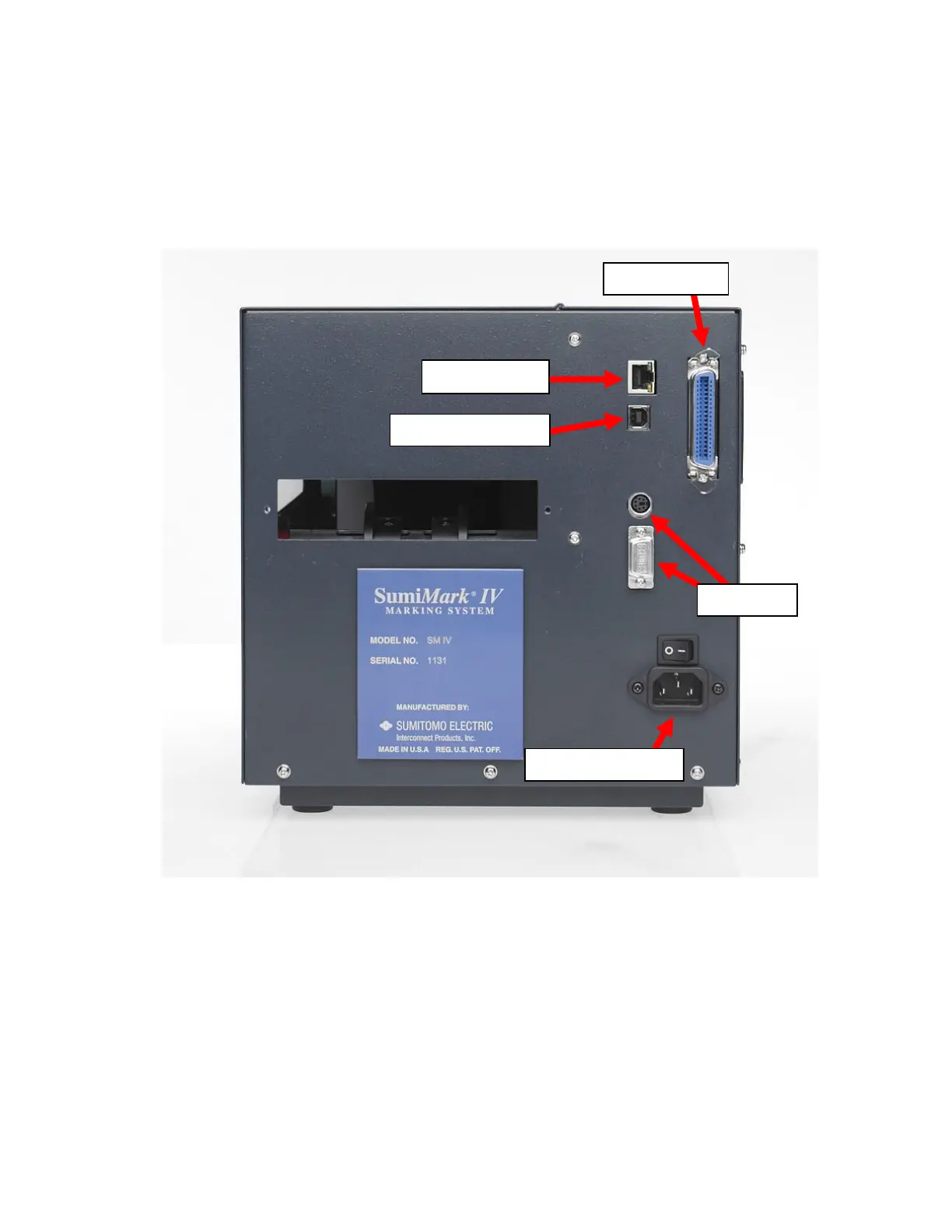
To connect your SumiMark
®
printer to your computer, you must connect the printer via
USB, ethernet, or parallel to your computer. A USB cable is provided with the printer for
your convenience. Refer to
Figure 1
below for the labeled ports.
Important: Use the cables that came with the printer, as they have been tested
to ensure proper printing.
Figure 1



 To Next Page