27
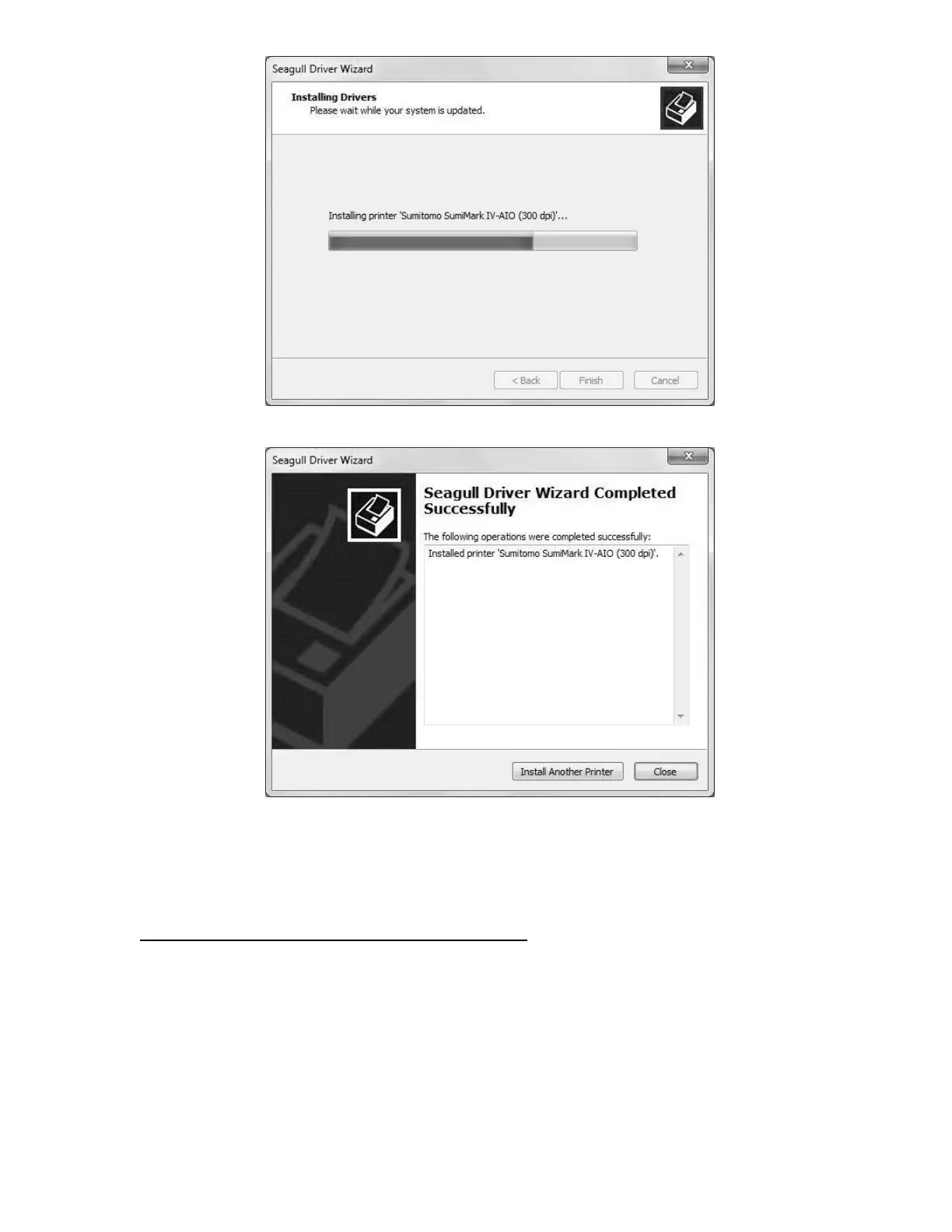
One last progress bar
Ready to mark some tubing!
If you were able to select the USB Virtual printer port earlier in the installation process then
congratulations—after you click “Finish,” your printer driver is installed and is ready to be
assigned in Sumilabel.
Assign the SumiMark IV printer in Sumilabel:
- Sumilabel Explorer screen
-On the Explorer screen click on OPTIONS
-Select PRINTER OPTIONS
-Highlight the SumiMark IV 300dpi printer in the System Installed Printers box / Click
ADD / Printer will appear in Application Printers box below
-Check the default box next to the printer
-Click OK



 To Next Page