26
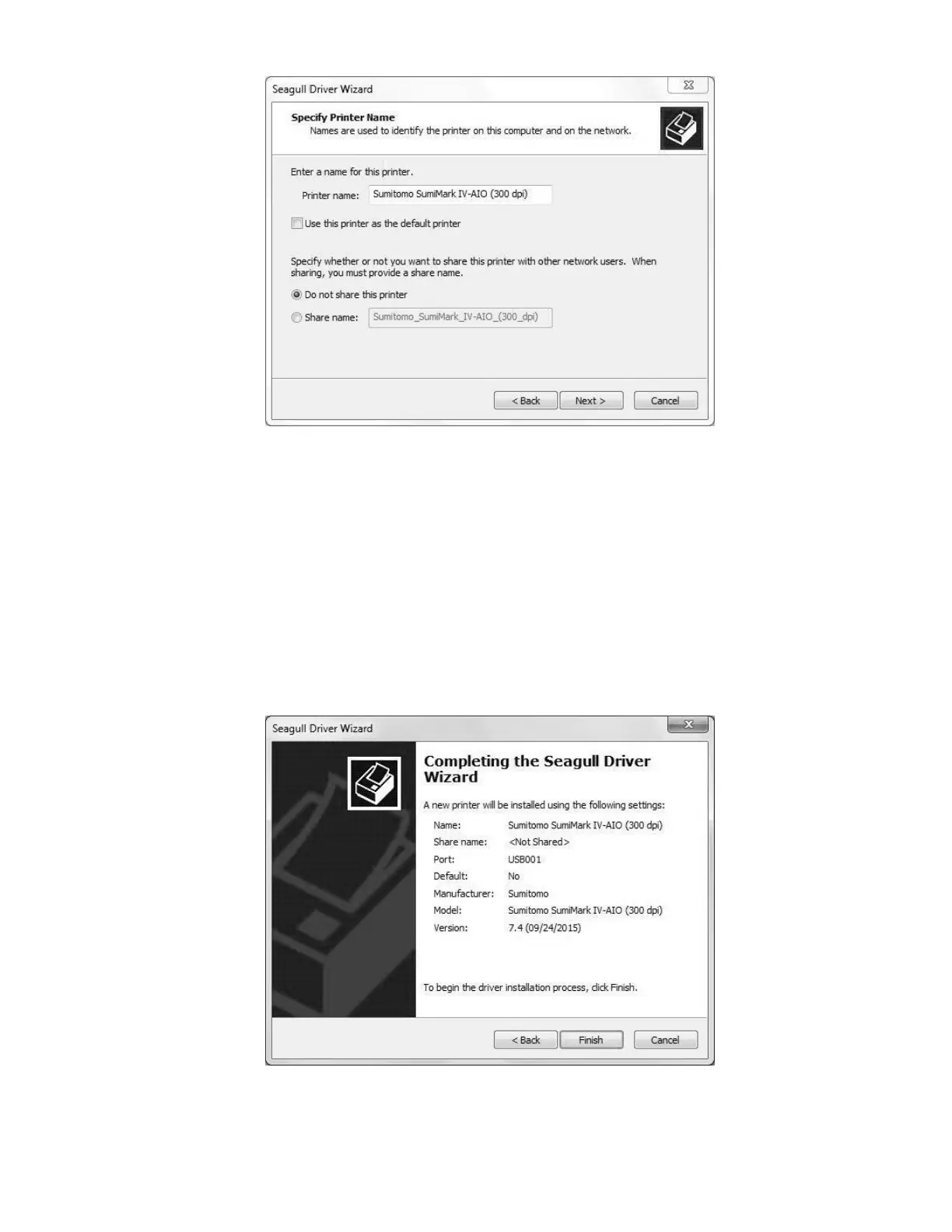
A printer, by any other name ...
Here, you can specify a name for the printer when it shows up in SumiLabel and other
software. For example, if you are running two SumiMark
®
printers via your company’s LAN,
you might name one SumiMark A and the other SumiMark B. If you’re only running one
printer, you might leave it as is.
NOTE: It is not advised to check “Use this printer as the default browser,” as Word
documents or other files may be accidentally printed on the SumiMark
®
.
Regardless of your settings for printer sharing, you will need to repeat the process for
installing our speciality driver along with SumiLabel on each machine that will be sending
jobs to the printer, so we advise that you leave this set to “Do not share this printer.”
At wizard’s end



 To Next Page