18
Just the basics
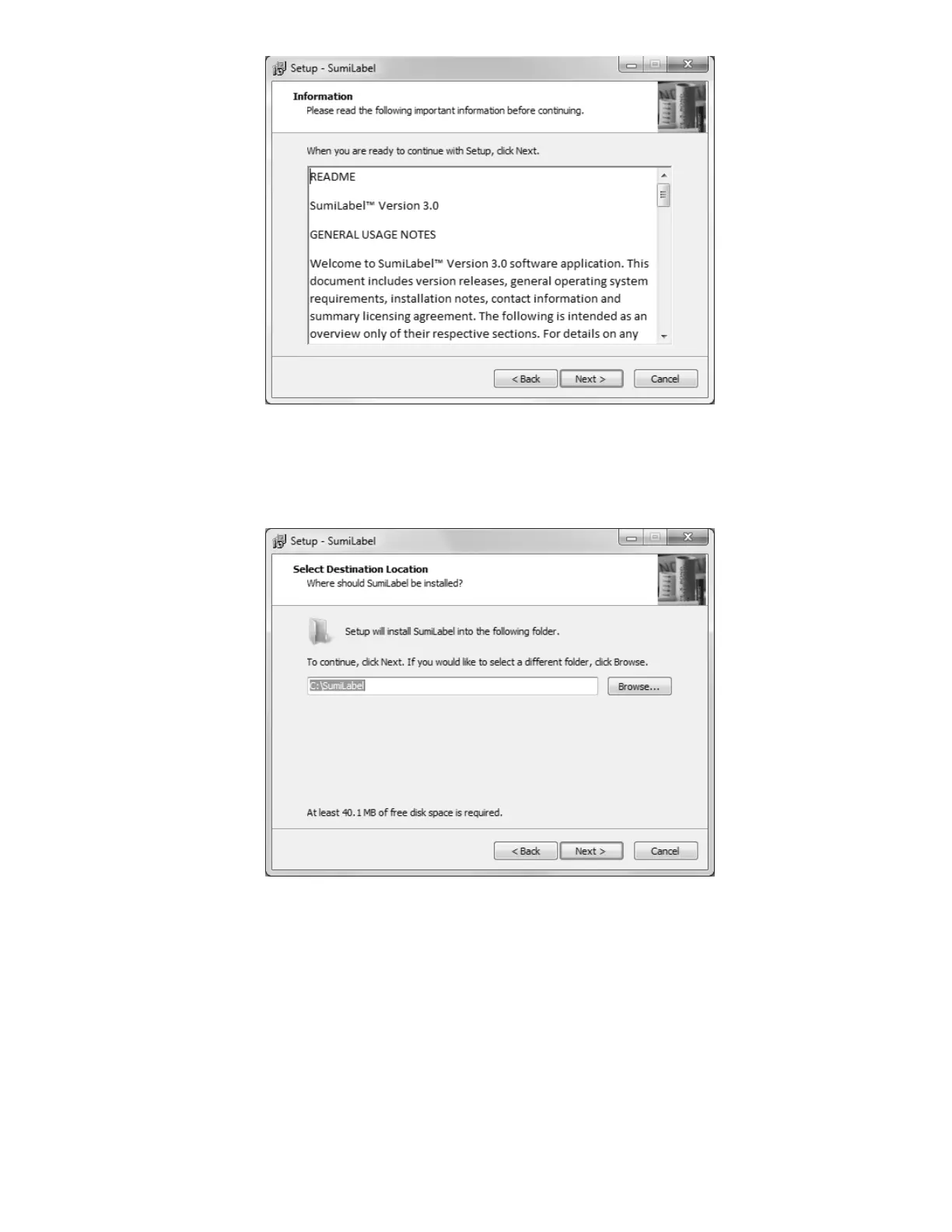
The readme included with SumiLabel setup familiarizes you with the system requirements,
installation steps, and contact information for technical support. Peruse the information to
your satisfaction, then click the Next button.
What’s your destination?
If you like, you may change the directory in which SumiLabel will be installed. The default
directory is “C:\SumiLabel”, but it can be modified as necessary to best suit your
organization’s particular configuration of storage drives and directories. The “Browse…”
button will open another window with a Folder Browser to assist you in selecting
SumiLabel’s new home.



 To Next Page