23
Final selection
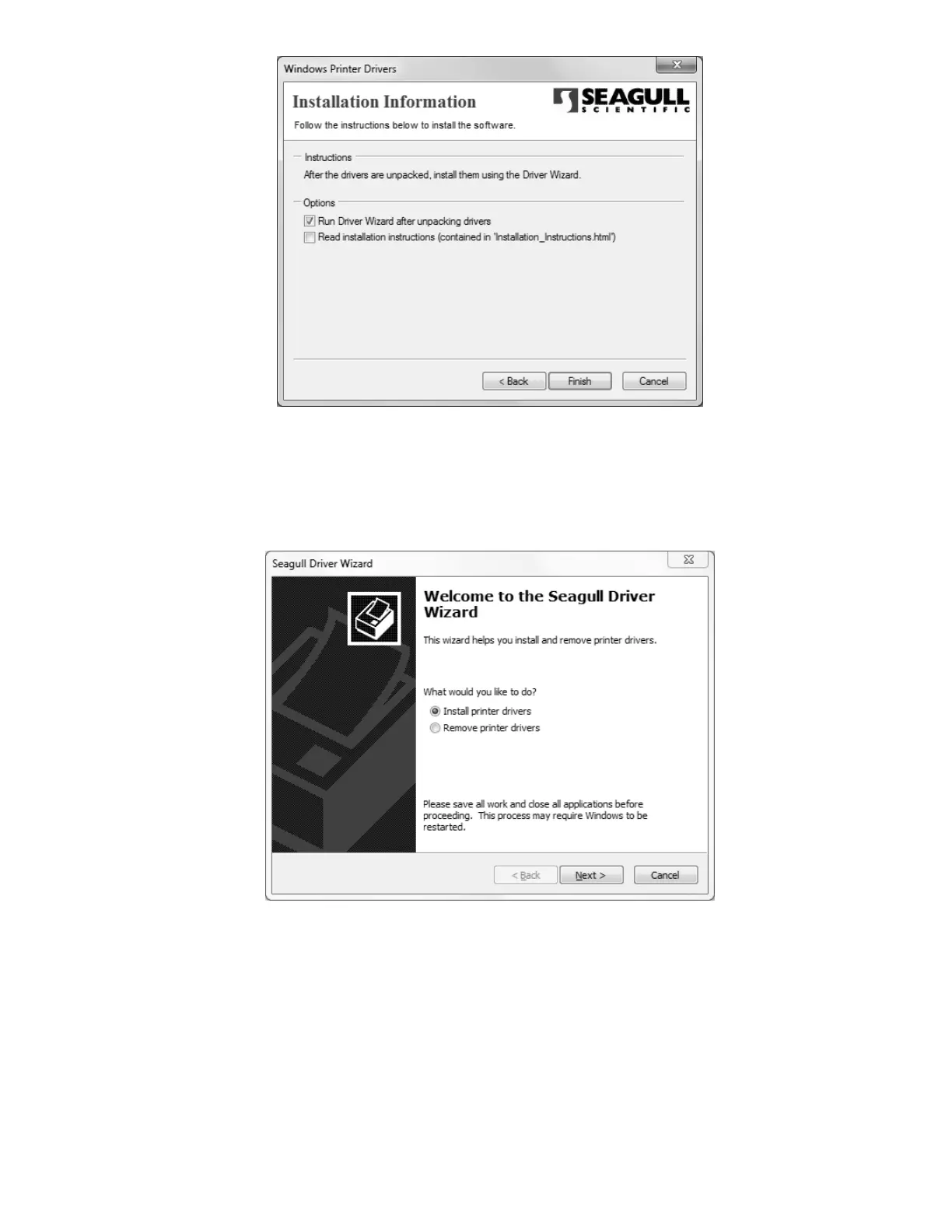
Once the driver wizard is unpacked and ready to use, you can choose to run it immediately
by checking the appropriate box on this screen. If you wish to view an .html copy of the
driver wizard’s installation instructions, you may check the other box here, but thanks to this
manual, the instructions should be superfluous.
Putting the driver behind the wheel
If you’re installing a SumiMark
®
for the first time on a fresh host computer, you should see
the above screen. If you see an additional option titled “Upgrade printer drivers”, pelase
contact SumiMark
®
Technical Support before continuing. Otherwise, choose “Install printer
drivers”.



 To Next Page