33
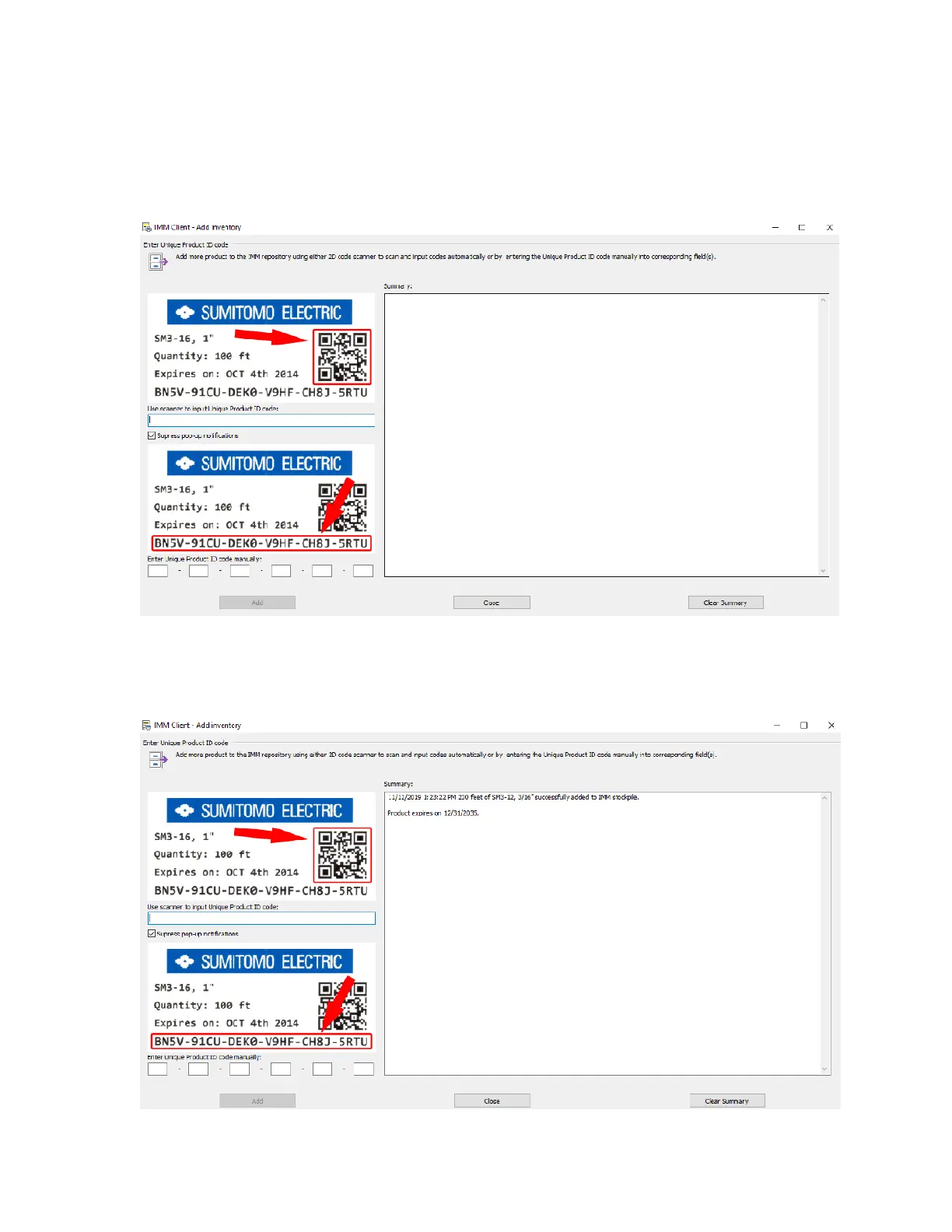
On the left side you can see 2 examples of the information that will be used from the labels.
The blank box on the top will populate after scanning the QR label with a 2D scanner.
If a 2D scanner is not available, the bottom 6 boxes is where you can manually enter the
24 character code.
Once the label has been scanned or manually entered successfully, a confirmation
notification will appear in the summary area. Select
Close
.



 To Next Page