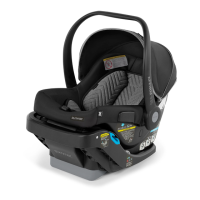
Base
Installation
with LATCH
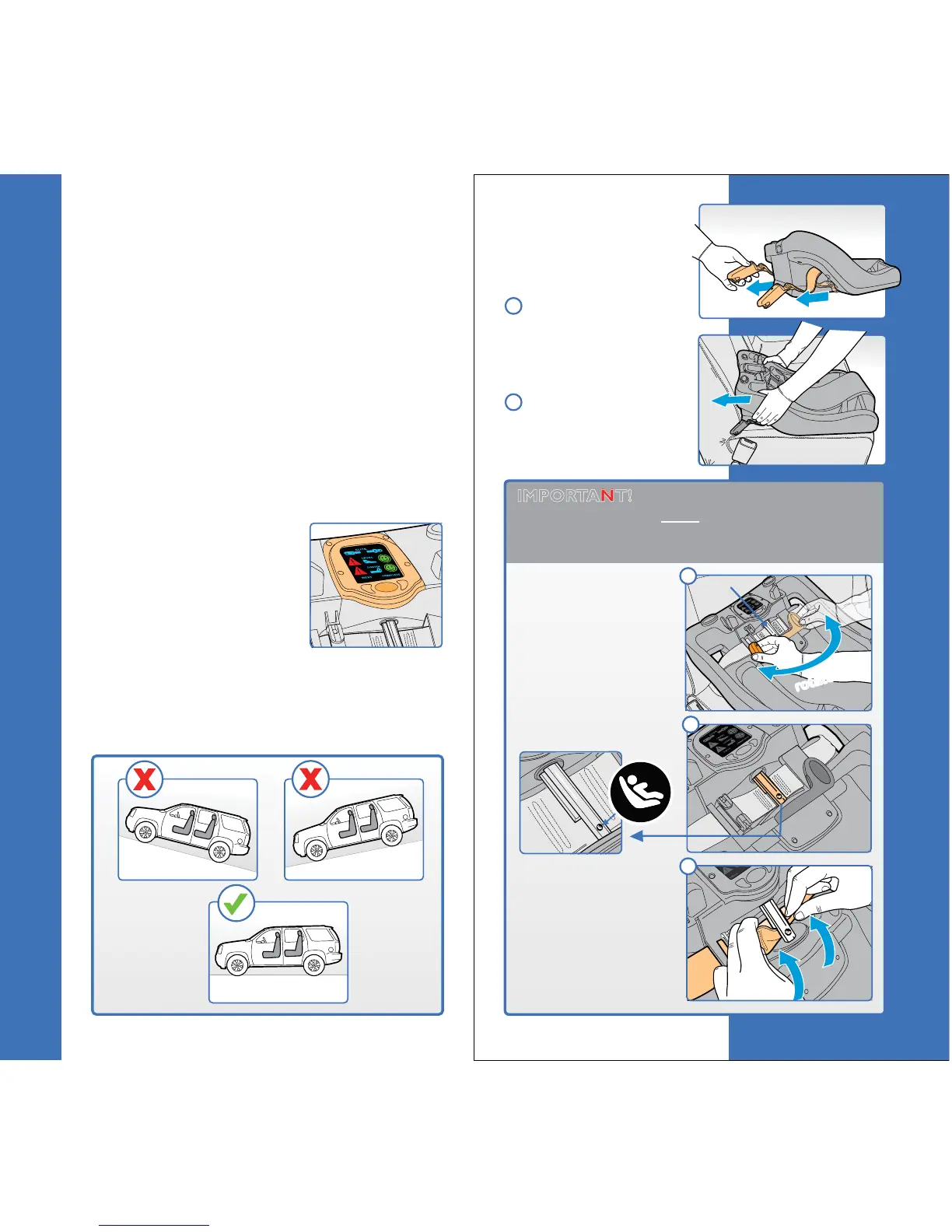
Remove LATCH
connectors from the
storage area on the
bottom of the Base.
Place the base on
the vehicle seat with
the Control Panel
closest to the seatback.
29
Base Installation
28
Base Installation
1
2
IMPORTANT! The LATCH belt webbing
MUST be looped onto the Spool BEFORE
installing. If already looped onto Spool, skip
to step 3 on page 30.
Rotate the Belt
Tightening Handle
to the left until the
LATCH icon on the
Spool is facing up.
rotate!
rotate!
Spool
Before you begin
sCheck that your vehicle has LATCH.
Refer to your vehicle owner’s manual and see
page 20 of this User Guide for more
information about LATCH.
s4HISCHILDRESTRAINTISMANUFACTUREDTOBEREADY
to install with LATCH - out of the box. If you
are going to install with the vehicle seat belt,
please refer to page 34 of this User Guide.
s2EADANDUNDERSTANDTHEh3ELECTINGA6EHICLE
Seating Position” section on page
18 of this
User Guide.
s#HECKTHATYOUAREPARKEDONALEVELSURFACE
(fig.1).
sNOTE: This child restraint
can be installed and used
without the use of the
Control Panel with Smart
Screen. The Smart Screen
is an aid for installation, but
is NOT required. Follow
the directions carefully on page 31 step 6.
sIMPORTANT! Install this child
restraint with LATCH OR the vehicle
seat belt. DO NOT USE BOTH.
fig.1
LATCH icon facing up.
To attach the LATCH
belt onto the Spool,
open the loop on the
belt and slide the loop
onto the short end of
the Spool.
A
B
C
(Remove Battery Tab)



 To Next Page