CycloneMicro2MultimediaPlayer
Page14.
Version0.7
Viewing
Viewing
Viewing
ViewingMultimedia:
M ultimedia:
Multimedia:
Multimedia:
TheCycloneMicro2isafullfeaturedmultimediaplayer,providingawide
rangeoffunctionality.
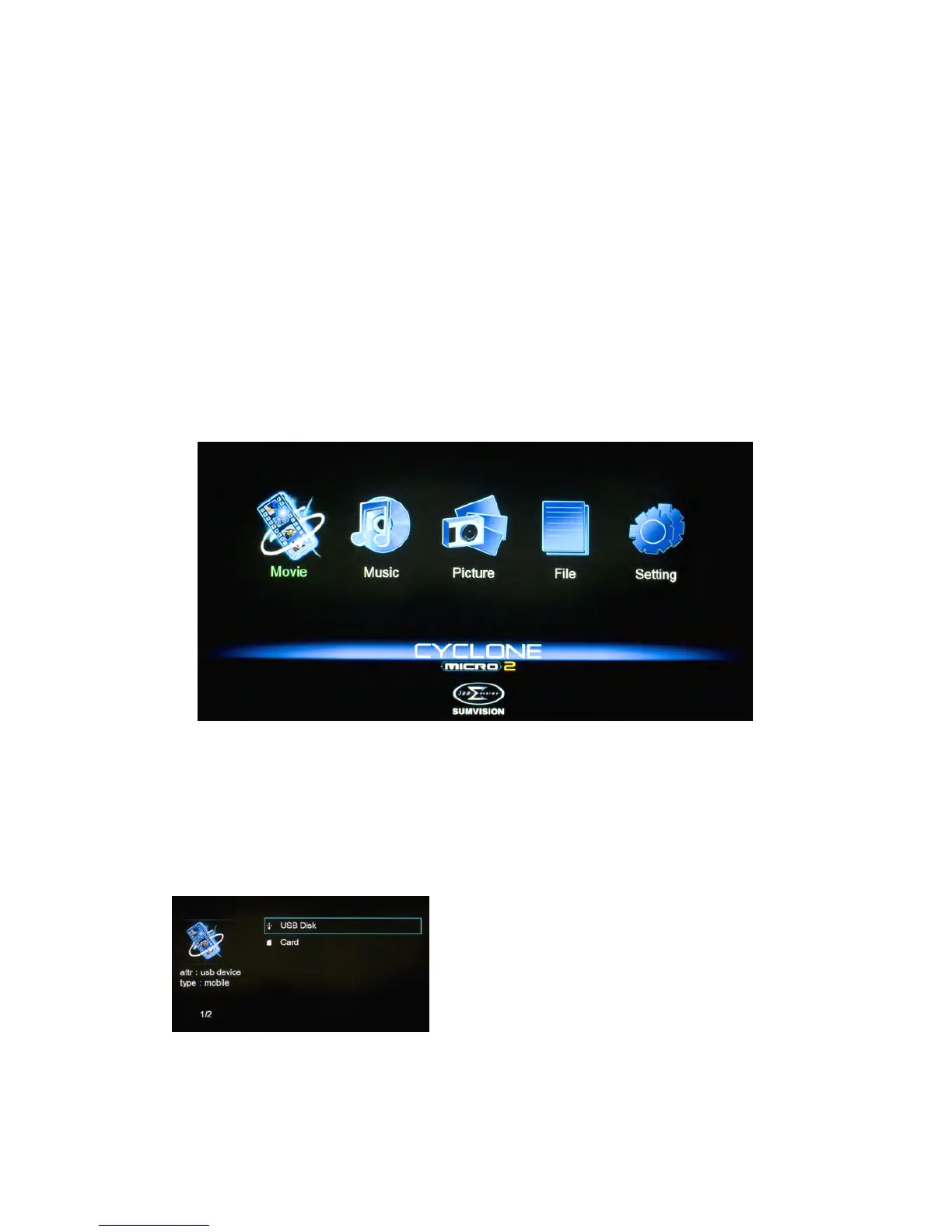
Byusingitsmainmenuyoucaneasilyplaymovies,musicandimagefiles
thatarestoredonanexternalstoragedevice.
Movie
Movie
Movie
MoviePlayback:
Playback:
Playback:
Playback:
PlayingmoviesusingtheCycloneMicro2isverysimpleandsupportsawide
varietyofmovieformats.Theseinclude,butarenotlimitedto,MKV,FLV,AVI
andWMV.
Whenyouhaveattachedanexternalstoragedevicethatcontainsmoviefiles,
i.e.externalharddrive,USBpendriveetc,theMicro2mayrequireafew
momentstodetectallthefiles.
UsingtheCycloneMicro2remotecontrol,navigateto“Movie”andpress
ENTERtoselectit.Thiswillactivatethemoviefilterandtakeyoutothe
devicelist.
Onceinthedevicelist,usethenavigation
buttonstoselectthedevicetypethemedia
islocatedin.Dependingonthesizeofthe
harddriveandthenumberoffilesit
contains,itmaytakeafewmomentsto
detect.
E.g.,ifyouwanttoviewmoviesthatarestoredonanattachedUSBhard
drive,selectUSBDisk.



 To Next Page