CycloneMicro2MultimediaPlayer
Page25.
Version0.7
Advanced
Advanced
Advanced
AdvancedImage
I mage
Image
ImageSettings:
S ettings:
Settings:
Settings:
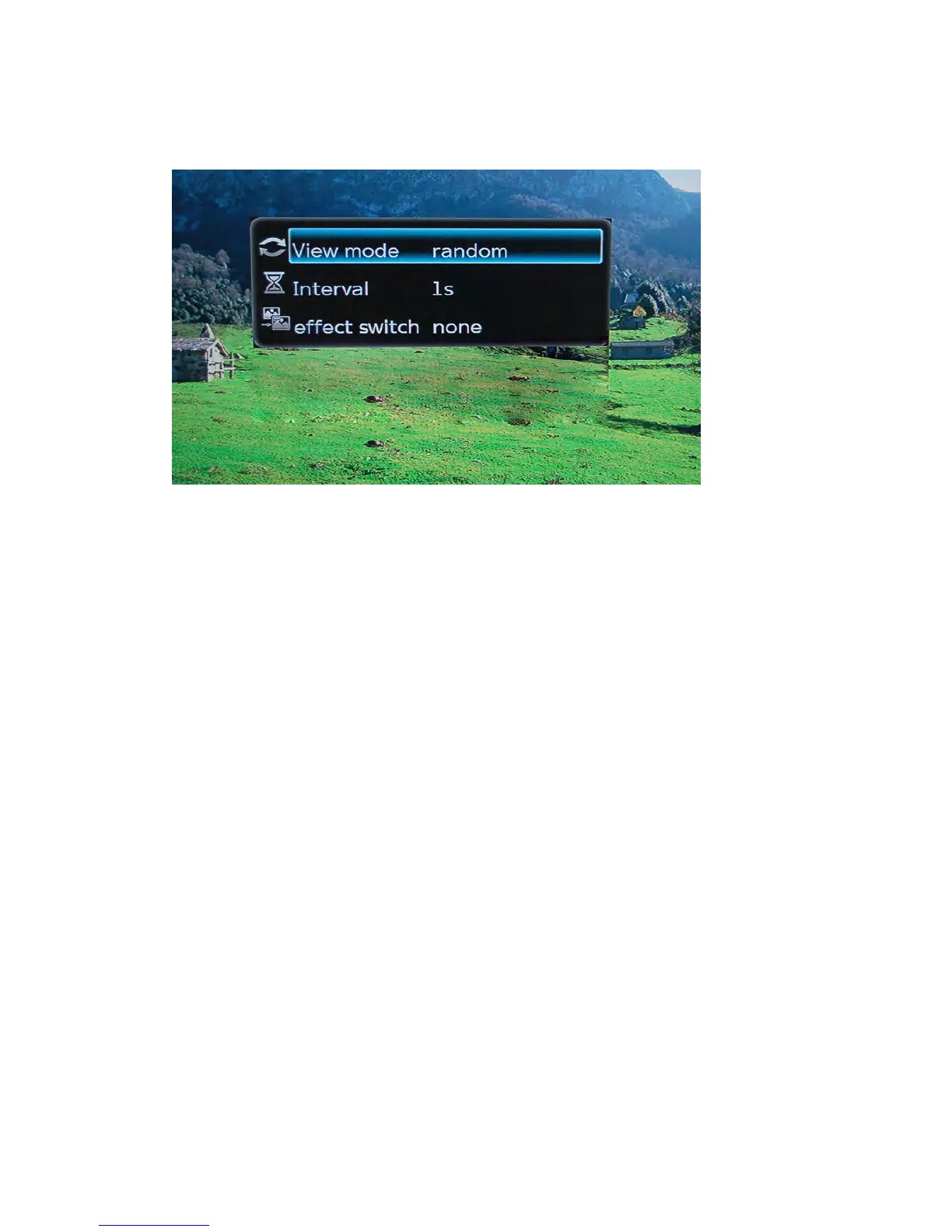
TogettotheadvancedimagesettingspresstheOSDbuttonontheremote
controlwhilstviewinganimagefile.Thiswillbringupawindowinthecentre
ofthescreen.Fromthisscreenareanumberofavailableoptions.
View
View
View
Viewmode:
m ode:
mode:
mode:
Thisoptionallowsyoutochangetheplaymode.
Interval:
Interval:
Interval:
Interval:
Thetimeslotsettingallowsyoutoselectthetimedurationbeforetheplayer
displaysthenextimageinaslideshow.
Availabletimings:1second
3seconds
5seconds
10seconds
Toadjustthetiming,usetheNAVIGATIONbuttonstoselecttherequiredtime
duration.PressENTERontheremotecontroltoconfirmtheselection.
Effect
Effect
Effect
Effectswitch
s witch
switch
switch:
:
:
:
Thissettingallowsyoutochangetheimagetransitioneffects.
NoneDefaultsettingforslideshow.
PersianBlindsHImageissplitintohorizontallinesthatget
biggertorevealcompleteimage.



 To Next Page