CycloneMicro2MultimediaPlayer
P
age16.
Version0.7
Advanced
Advanced
Advanced
AdvancedVideo
Video
Video
VideoSettings:
Settings:
Settings:
Settings:
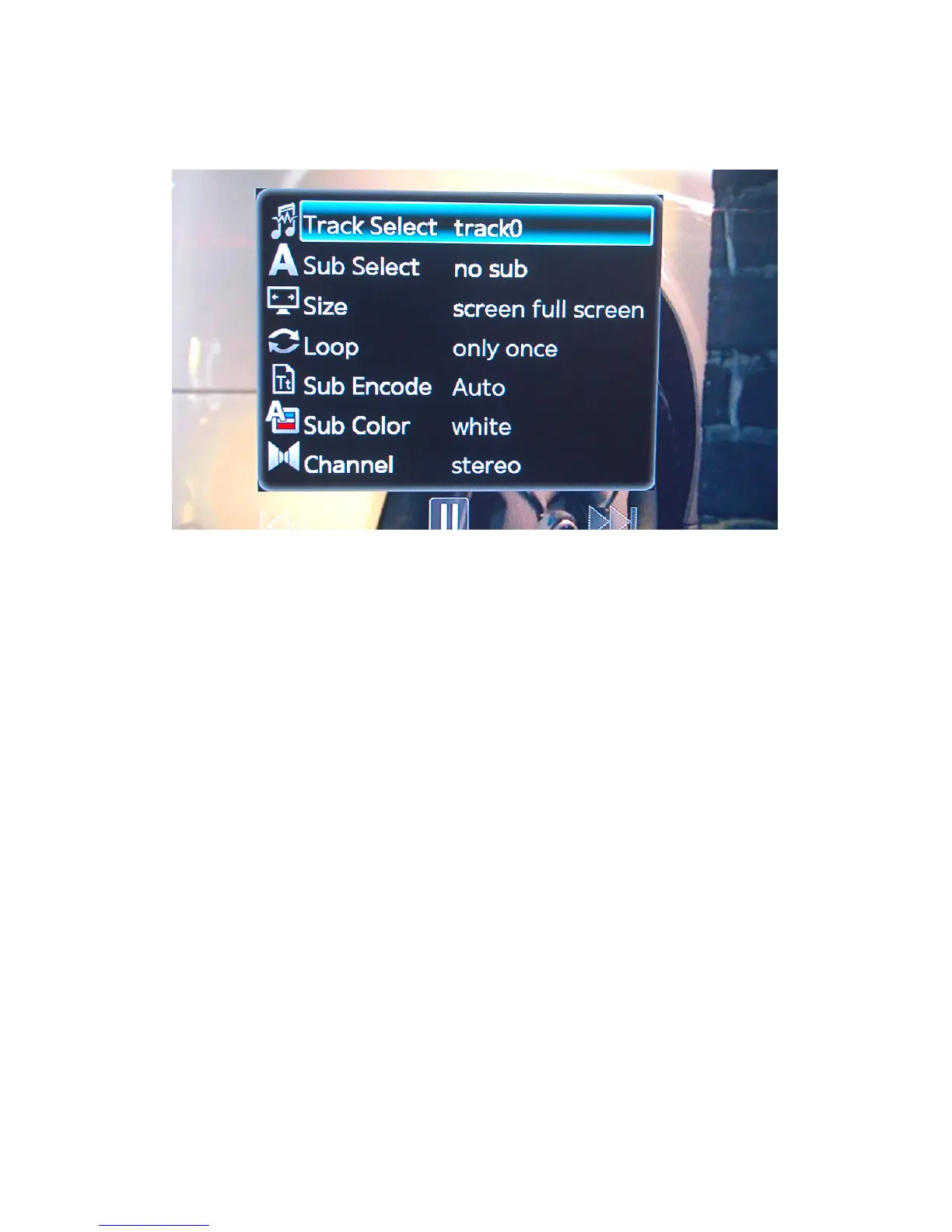
TogettotheadvancedvideosettingspresstheOSDbuttonontheremote
controlwhilstplayingamovie.Thiswillbringupawindowinthecentreofthe
screen.Fromthisscreenareanumberofavailableoptions.
Track
Track
Track
TrackSelect
Select
Select
Select:
:
:
:
Ifthemoviecurrentlyplayinghasmorethanoneaudiotrack,thisoptionwill
allowyoutoselecttheoneyouwishtohear.
Toselectanalternativeaudiotrack,usetheleftandrightnavigationbuttons
ontheremotecontrol.PressENTERontheremotecontroltoconfirmthe
selection.
Sub
Sub
Sub
SubSelect
Select
Select
Select:
:
:
:
Thisoptionallowsyoutoswitchbetweendifferentlanguagesubtitles,if
available.
Toselectadifferentlanguagesubtitle,usetheleftandrightnavigation
buttonsontheremotecontrol.PressENTERontheremotecontroltoconfirm
theselection.
SubtitlescanbeactivatedordeactivatedbypressingtheAllbuttononthe
remotecontrol.
Size
Size
Size
Size:
:
:
:
Thisoptionallowsyoutoselecttheaspectratioofthemovie.



 To Next Page