Cyclone Micro 2 M
ultimedia Player
Page 20.
Version 0.7
Au
dio
Audio
Audio
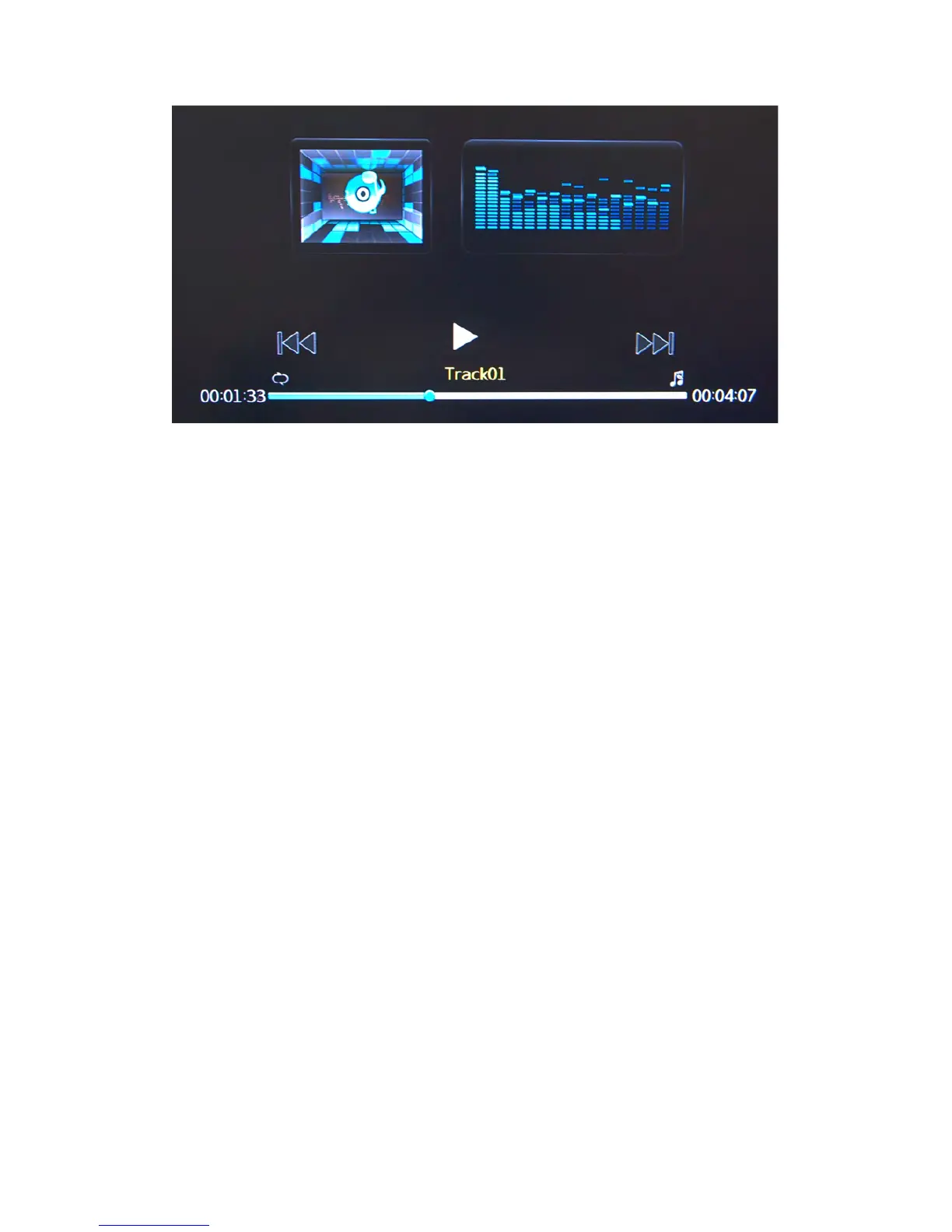
Audio Playback
Playback
Playback
Playback Options:
Options:
Options:
Options:
During playb
ack, there are a number of options to choose from.
Pressing
PLAY/PAUSE
will pause the audio file. Pressing PLAY will resume
audio playback.
Pressing the MUTE button will switch off sound from audio playback. Pressing
it again will switch on sound again.
Pressing NEXT will jump to the next page on the list
Pressing the PREV button will jump to the previous page on the list.
Pressing the FF button will speed up audio playback. Pressing it again to play.
Pressing the FR button will rewind audio playback. Pressing it again to play.



 To Next Page