10 Sun Fire V215 and V245 Servers Administration Guide • September 2006
Note – The figure in this section shows the Sun Fire V245 server; however, the
procedure applies to the Sun Fire V215 as well.
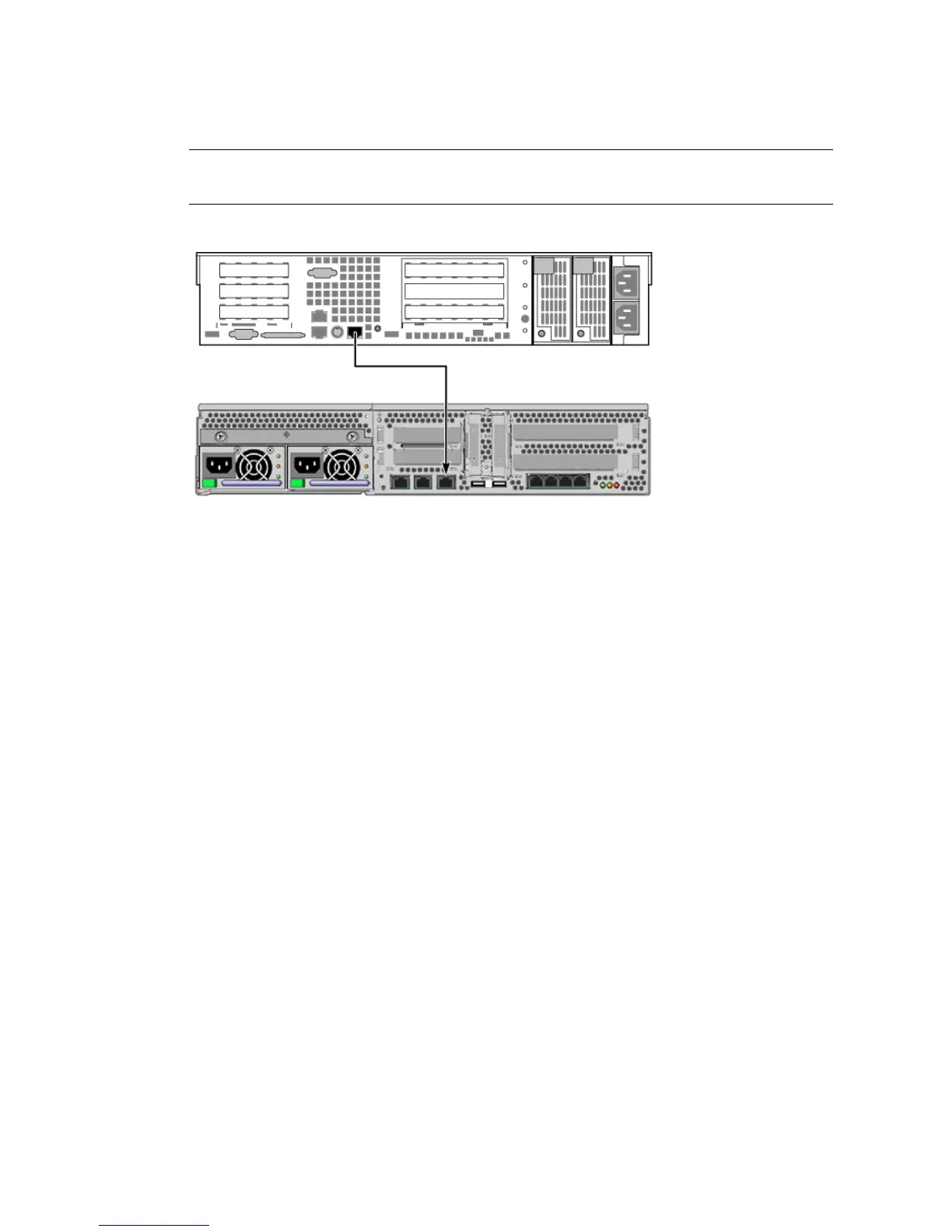
FIGURE 1-4 TIP Connection Between a Sun Fire V245 Server and Another Sun System
▼ To Access the System Console Through the TIP Connection
1. Connect the RJ-45 serial cable.
The cable and adapter connect between another Sun system’s serial port (typically
TTYB) and the serial management port on the rear panel of the server.
2. Ensure that the /etc/remote file on the Sun system contains an entry for
hardwire.
Most releases of Solaris OS software shipped since 1992 contain an /etc/remote
file with the appropriate hardwire entry. However, if the Sun system is running an
older version of Solaris OS software, or if the /etc/remote file has been modified,
you might need to edit it. See “Modifying the /etc/remote File” on page 11 for
details.












 To Next Page