- 22 -
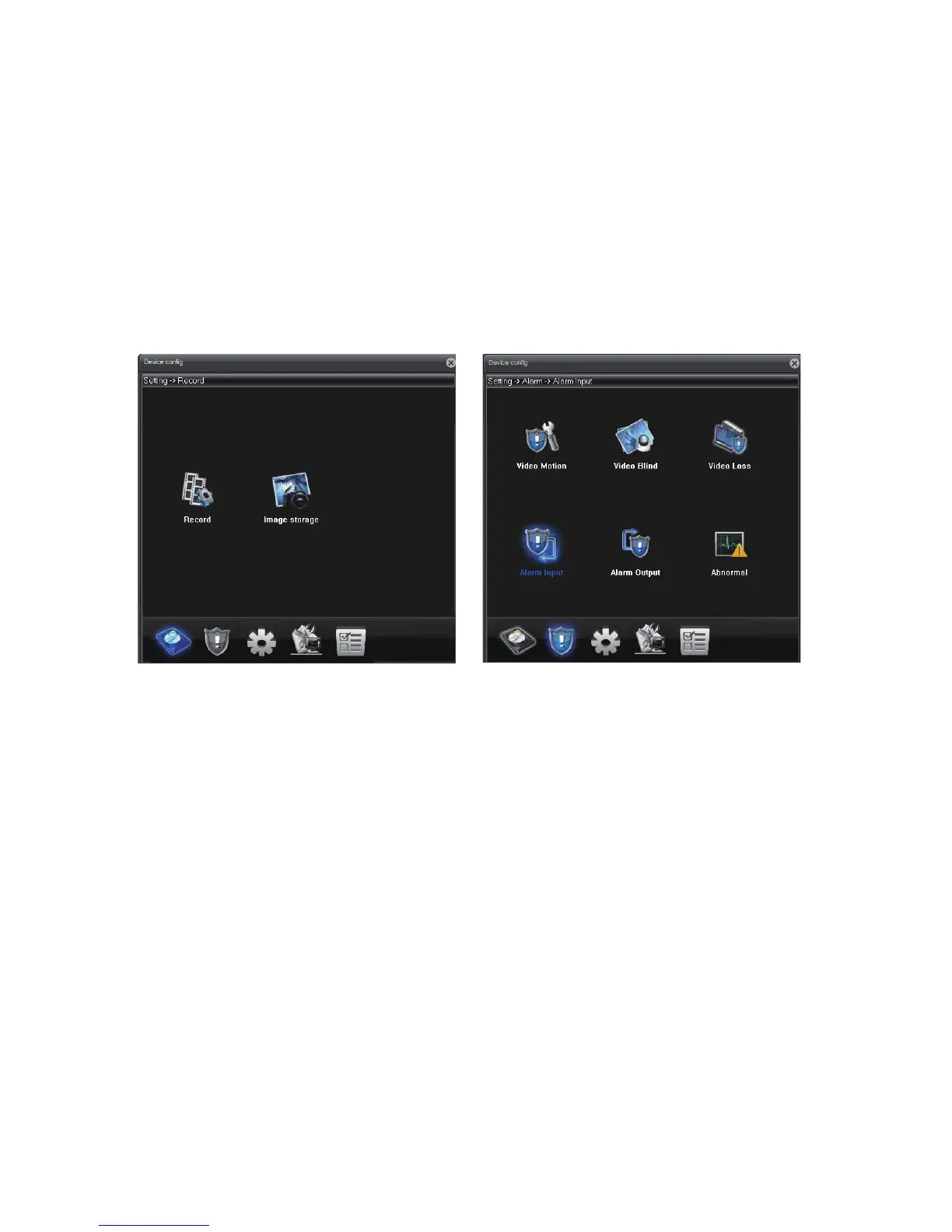
Record:
Set camera recording plan and mode. The “manual” and “stop” selection
allows you to manually turn on and off, and the “timing” allows you to set the
schedule where recording takes place.
Video Motion:
Enable motion detection alert formats (buzzer, email, recording, snapshot
& FTP etc), region, and sensitivity. Set motion detection video recording
time.
Video Blind:
Set an alarm when the vision of the camera is covered (usually by house
breakers using clothes).
Video Loss:
Set an alarm when a video loss happens.
Alarm Input:
External connection linkage alarms such as infrared sensor etc (not built-in
by camera, need additional support in qualified NVR).
Alarm Output:
Alarm output can be an external lights, siren, etc. (not built-in by camera,
need additional support in qualified NVR).
Abnormal:
Set an alarm for special events such as storage device access failure or IP
conflict with other devices.
Upgrade:
Upgrade the firmware of the camera. You need to download the upgrade
the file (“bin” format) first.
Image Storage: Take timed snapshot and store it to Email, FTP or TF Card
(if supported).



 To Next Page