- 26 -
How to Access the Device Config:
For IE: Click “DeviceCfg”
For VMS: Choose Device Config
(PS: You must add the camera via Sunba protocol, not ONVIF)
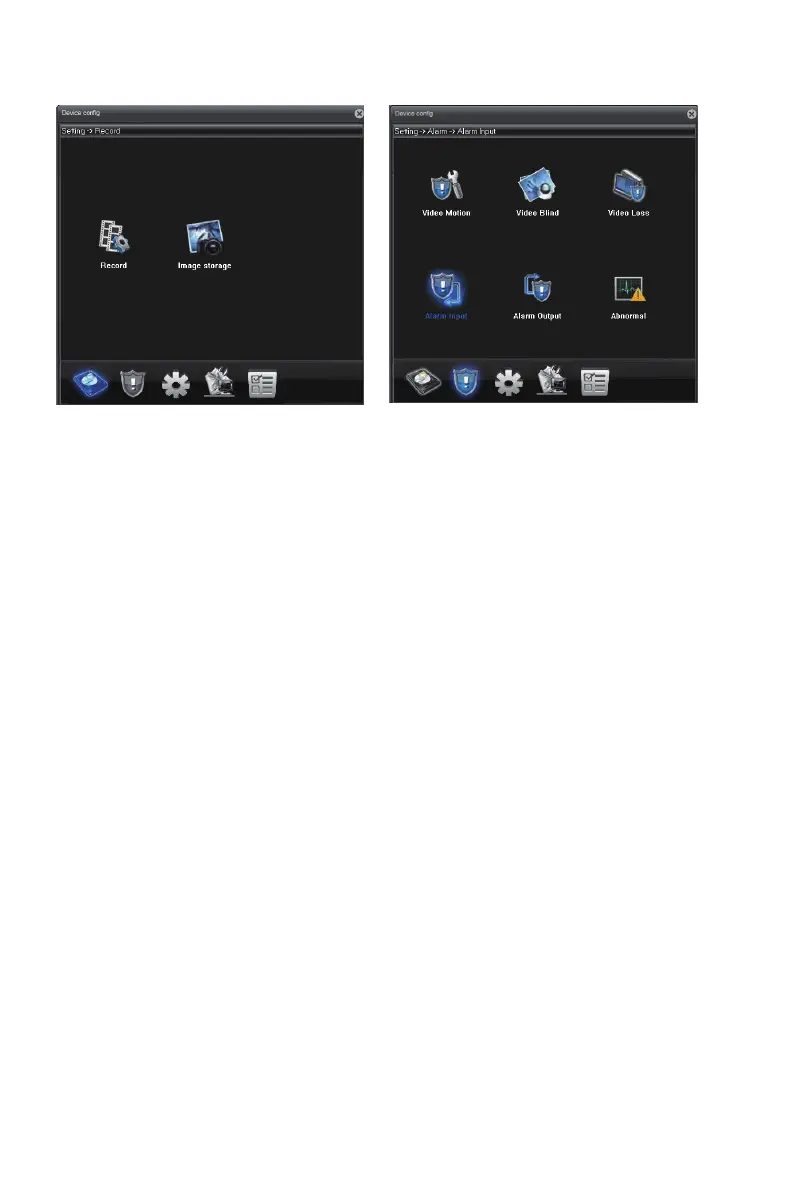
Video Motion:
Enable motion detection alert formats (buzzer, email, recording, snapshot
& FTP etc), region, and sensitivity. Set motion detection video recording
time.
Video Loss:
Set an alarm when a video loss happens.
Alarm Input:
External connection linkage alarms such as infrared sensor etc (not built-in
by camera, need additional support in qualified NVR).
Alarm Output:
Alarm output can be an external lights, siren, etc. (not built-in by camera,
need additional support in qualified NVR).
Abnormal:
Set an alarm for special events such as storage device access failure or IP
conflict with other devices.
Video Blind:
Set an alarm when the vision of the camera is covered (usually by house
breakers using clothes).



 To Next Page