6
Step 1: Install VMS from the CD-ROM.
3. Camera Setup by VMS Client
- 05 -
This section will provide the user with information on how to setup the PTZ
camera using their computer.
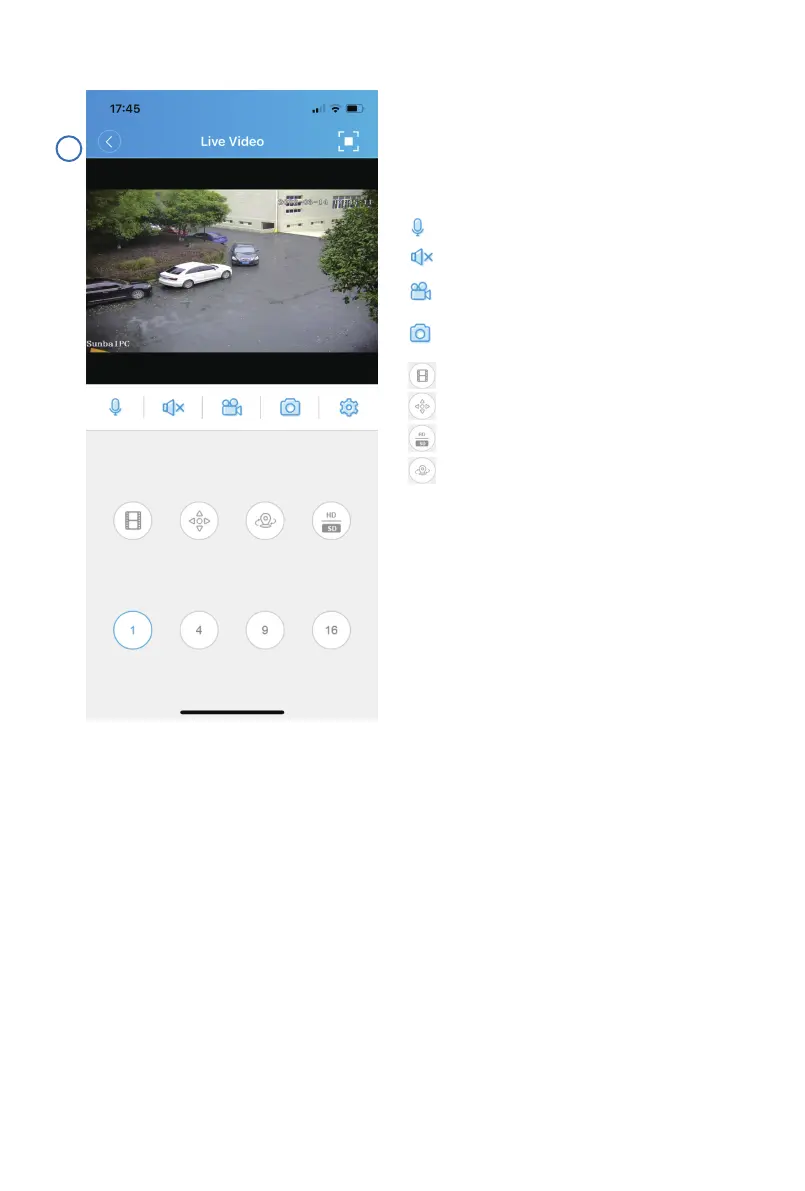
Control pan, tilt and zoom, watch live
view and set/delete/call presets from
this page.
Press to speak. (device must support speaker)
Check playback.
PTZ control.
Set/call preset/cruise.
Switch between HD/SD display.
Turn on/off microphone.
Record a video and save the clip to your
smartphone.
Take a snapshot and save the image to your
smapphone.



 To Next Page