- 32 -
20. Audio Setting
Setup: how to enable the audio at camera after installation?
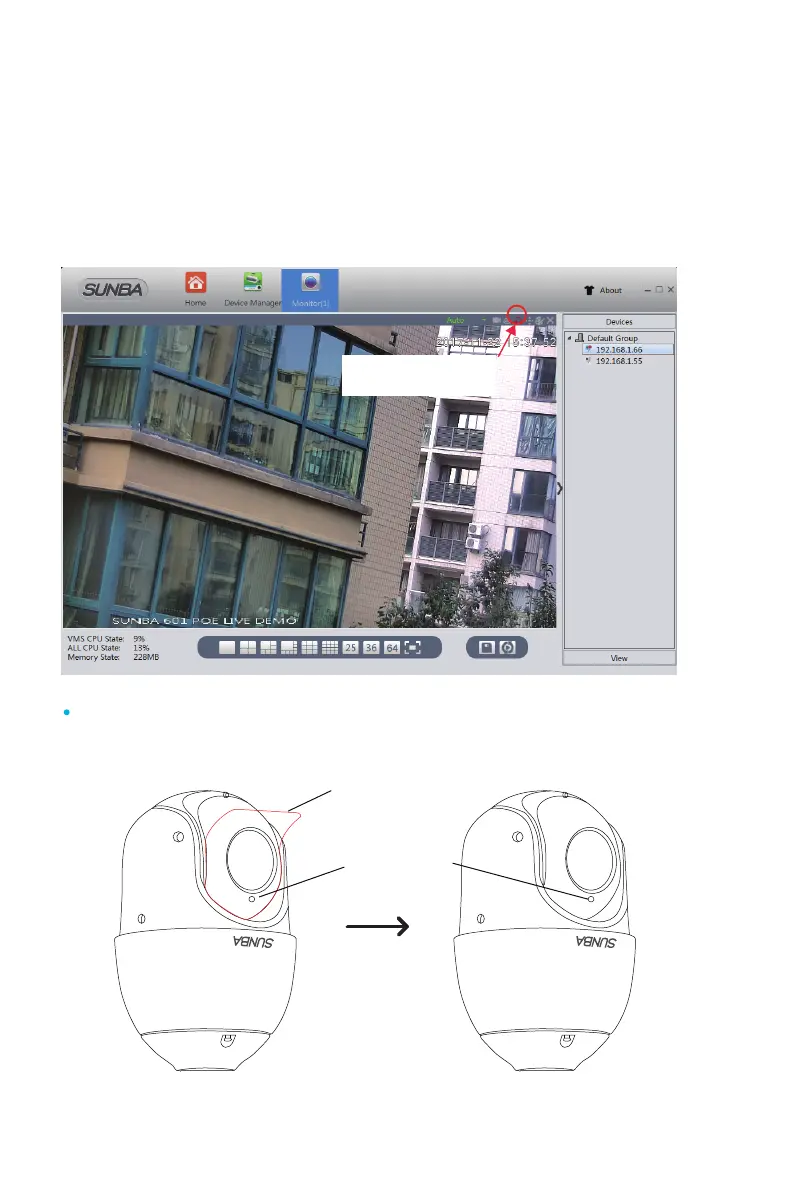
Please remember to check the audio option in "Device Config->Encode->
video/audio->Enable it "
Note: The camera has built-in microphone with sound pick-up capacity.
There is no need to install additional microphone on this model.
click the headset icon
to turn on the audio
Please remove the plastic film before installation to get the audio.
If the plastic film is not removed, there may be no sound.
Built-in mic
Remove the plastic film



 To Next Page