- 06 -
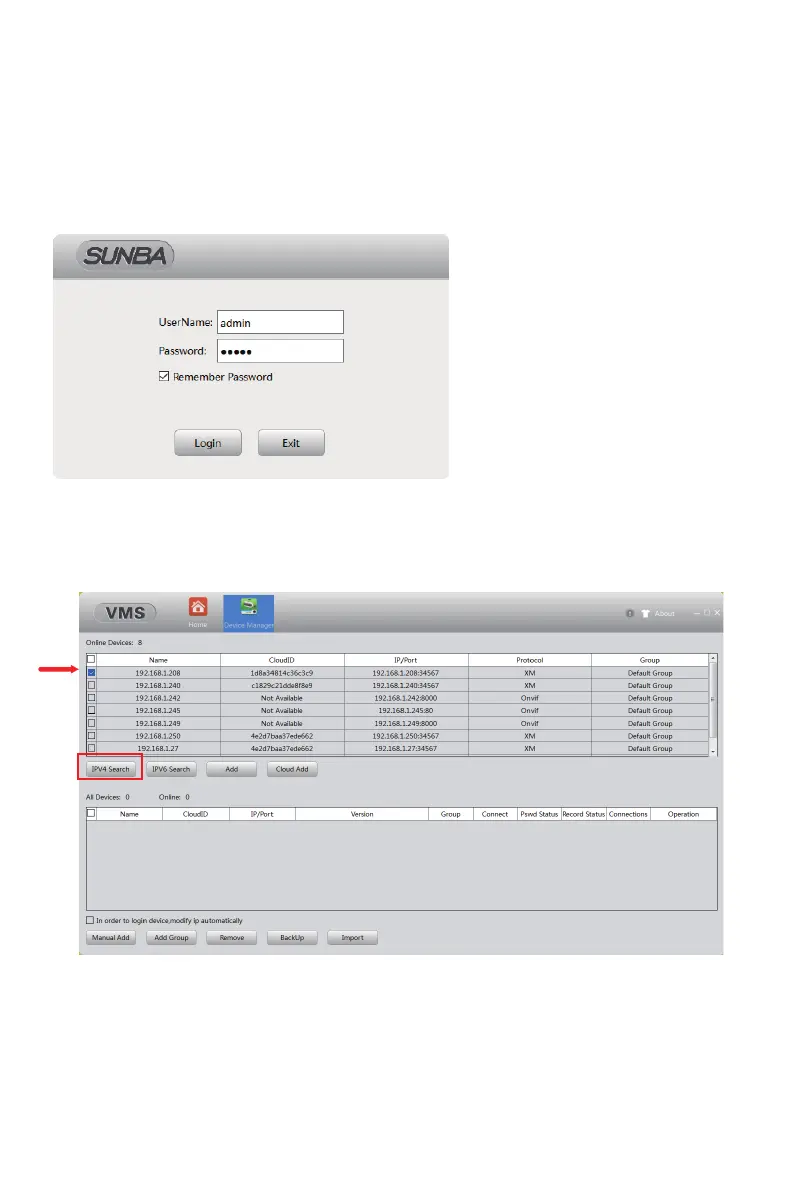
Click “IPV4 Search” and select the camera, then click “add” to connect the
device.
①
Step 2: Open the Device Manager page.
Input the default software account below. The account is to ensure
no one can have unauthorized access to your surveillance software.
This is not the credential for individual IP camera.
VMS for PC: admin/admin
VMS for Mac: admin/(blank)
Try the following if no device shows up:
A. Temporarily disable the firewall;
B. Connect the camera directly to your parental router;
C. Connect the camera directly to your PC/Mac for testing;
D. Contact support@sunba.net



 To Next Page