1
2
3
Parameter
Lighting
Type
Control
Mode
Description
Select the correct IR control mode and set the parameters. The following table
describes some major parameters.
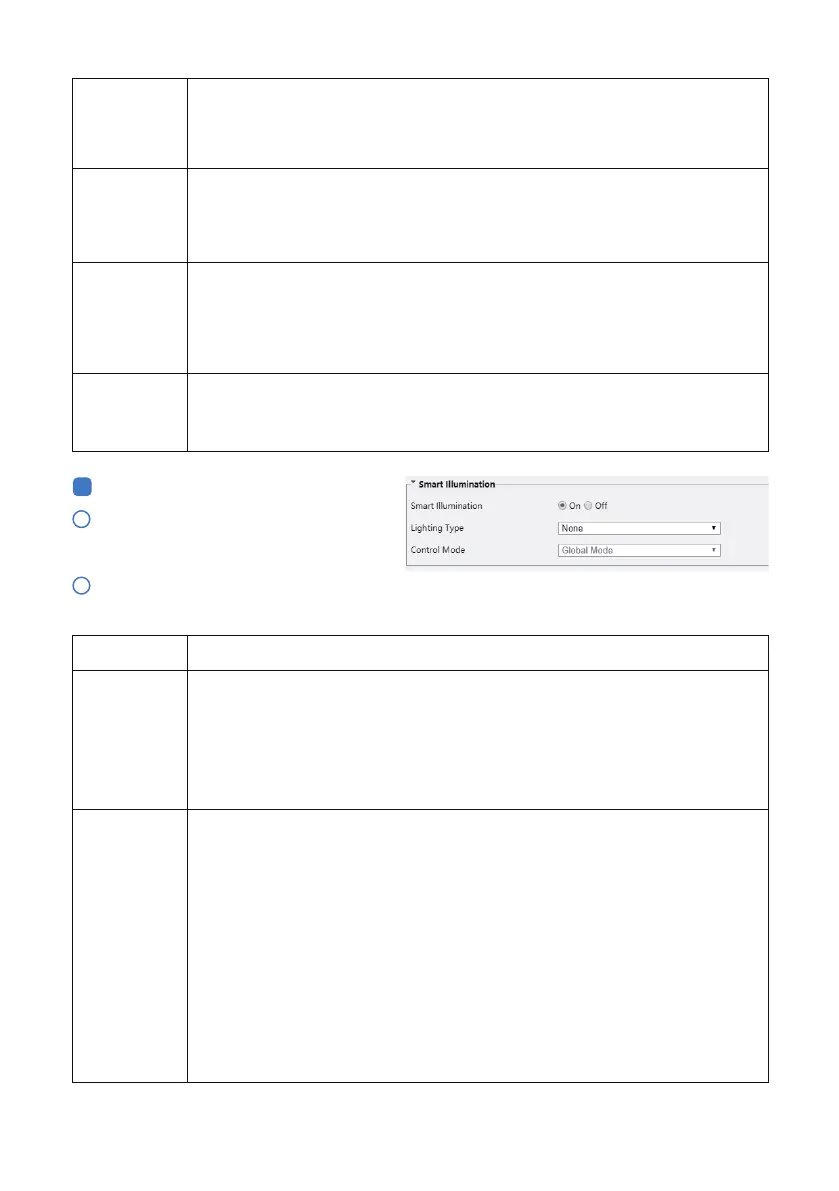
Smart Illumination
Click Setup > Image > Image and then
click Image Enhancement.
Infrared: The camera uses infrared light illumination.
White Light: The camera uses white light illumination (only for cameras support
white light).
Note:
When Control Mode is set to Manual, camera can set illumination level from
0~1000.
Day/Night
Switching(s)
WDR
WDR Level
Suppress
WDR Stripes
Set the length of time before the camera switches between day mode and night
mode aer the conditions for switching are met.
Note:
You can set this parameter only when Day/Night Mode is set to Automatic.
Enable WDR to distinguish the bright and dark areas in the same image.
Note:
You can set this parameter only when Exposure Mode is neither Customize nor
Manual and when Image Stabilizer is disabled.
Aer enabling the WDR function, you can improve the image by adjusting the
WDR level.
Note:
Use level 7 or higher when there is a high contrast between the bright and dark
areas of the scene. In the case of low contrast, it is recommended to disable WDR
When enabled, the camera can automatically adjust slow shutter frequency
according to the frequency of light to minimize stripes that may appear in
images.
- 11 -
Global Mode: The camera adjusts IR illumination and exposure to achieve
balanced image eects. Some areas might be overexposed if you select this
option. This option is recommended if monitored range and image brightness
are your first priority.Overexposure Restrain: The camera adjusts IR illumination
and exposure to avoid regional overexposure. Some areas might be dark if you
select this option. This option is recommended if clarity of the central part of the
image and overexposure control are your first priority.
Road: This mode oers strong illumination in whole and is recommended for
monitoring wide-ranging scenes, for example, road.
Park: This mode oers uniform light and is recommended for monitoring small
range scenes with many obstacles, for example, industrial parks.
Manual: This mode allows you to manually control the intensity of IR illumina-
tion.
Indoor: This mode is recommended for application in indoor scenes.



 To Next Page