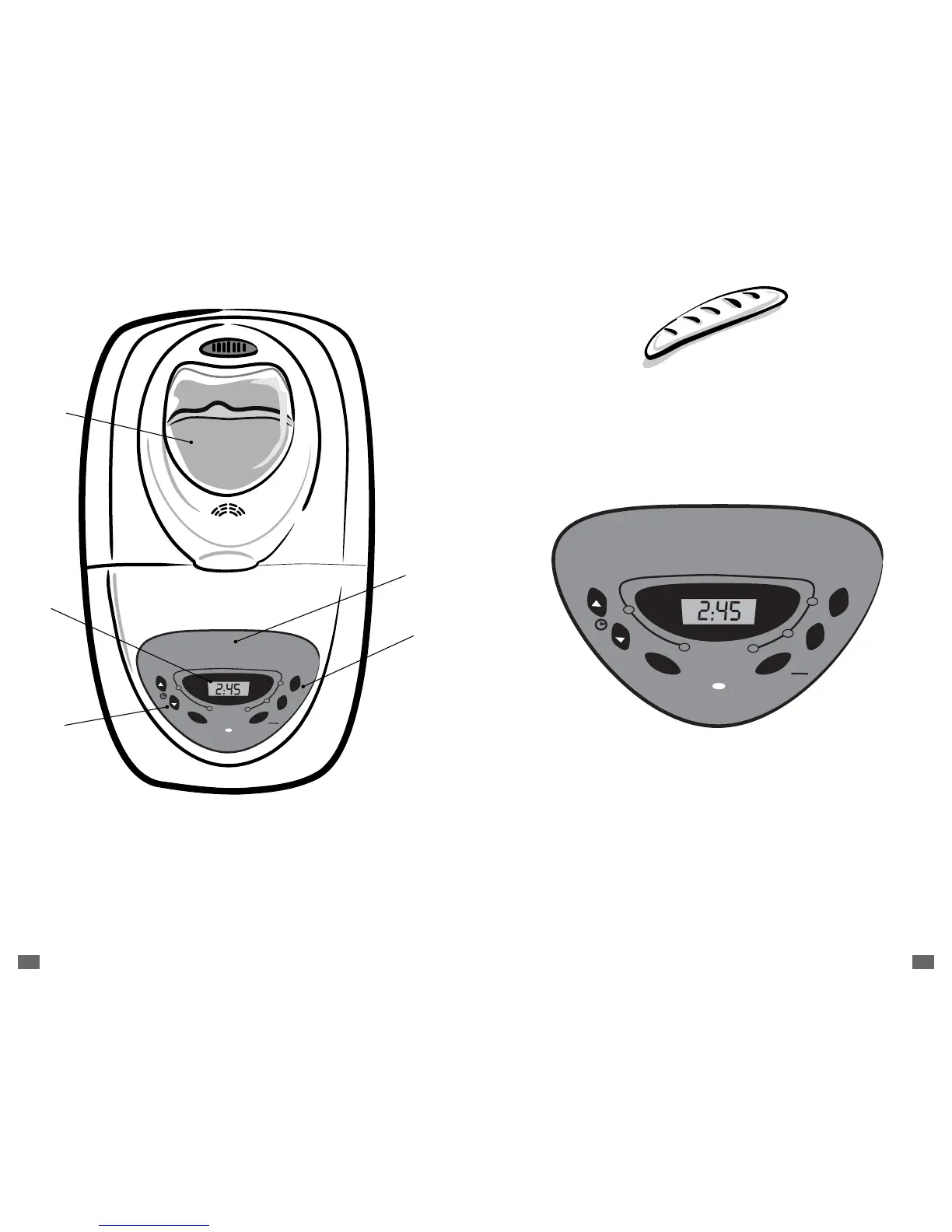
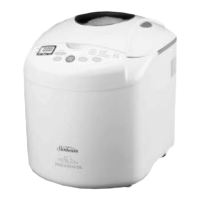
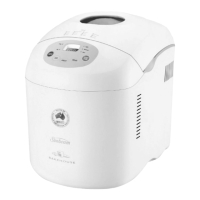
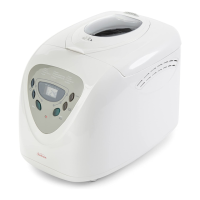
Overview of Breadmaker Features
1 Menu
Press this button to select the kind of bread you want to make.
Each time you press the button you will hear a beep. The display shows
a number for each setting. For example, Basic is 1, French is 2,
Whole Wheat is 3, etc.
2 Color Button
The Color button allows you to choose how light or dark to make
the crust of the bread. Each time you press the Color button the display
will change as follows:
L-Light = L
P-Medium = P
H-Dark = H
In addition, the display will show the cycle number before the color
setting. For example, the Basic with a Medium crust reads “1P.”
Or the French bread setting with a dark crust reads “2H.”
A.
Large viewing window to monitor
the progress of your baking
B. Easy-to-read LCD digital display
C. 12 baking functions for a larger
baking variety
D. 3 shade selections for baking
crust to your preference
E. 13-Hour programmable
delay bake for convenient
baking any time
Dishwasher-safe, non-stick
bread pan and kneading blade
for easy cleaning – (inside the unit )



 To Next Page