SunBriteTV Model 3260HD Operator’s Manual
Page 25
Adjusting On-Screen Displays – Setting Menu
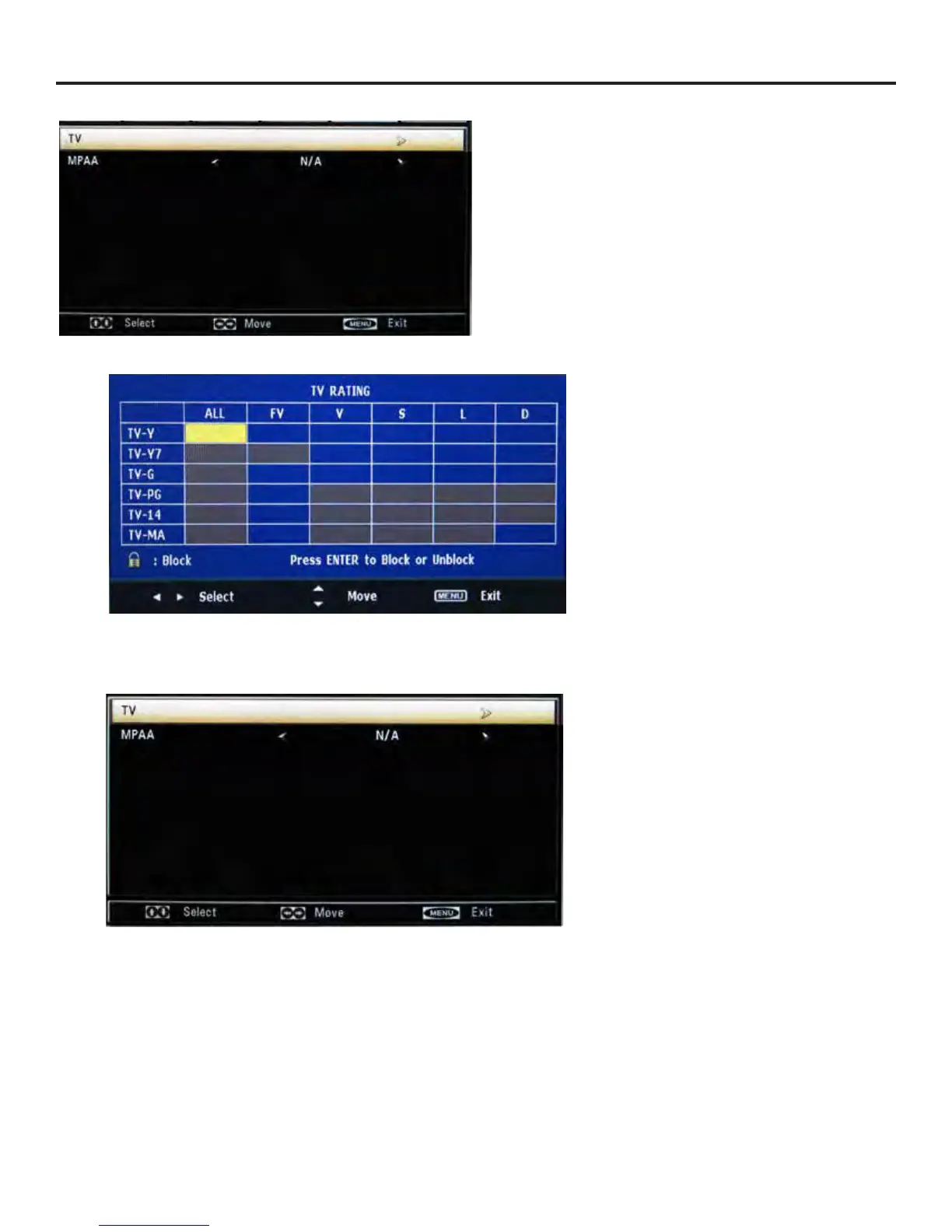
From the US Menu, press qp buttons to the TV function.
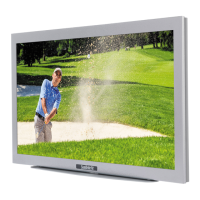
Press u button to enter the submenu shown below.
TV-Y: For all children
TV-Y7: For children above 7
TV-G: For anyone
TV-PG: Children can watch with guardian
TV-14: Need parent guide
TV-MA: Only for adult
ALL: Select all functions above
FV: Fantasy Violence
L: Language (abusive, sexual)
S: Sexual
V: Violence
D: Dialog (sexual)
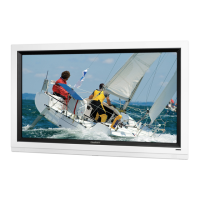
MPAA
From the US Menu, press qpbuttons to block or
unblock the following ratings:
G
PG
PG-13
R
NC-17
X.
N/A (None)
Note: The curser is set to rest on the N/A rating. As
you press the p button, you will automatically block
each rating.
Parental Control - US Menu
TV Menu
MPAA


 To Next Page