Operation manual of solar water controller SR868C8/SR868C8Q
---------------------------------------------------------------------------------------------------------------------------------------------------
- 9 -
Output H1:for back-up electrical heater, electromagnetic relay, and max. switching
current 10A, H1 connection ports are always open.
3. Commissioning
Connect the sensors, pumps or switching valves to the controller before you
connect the power supply!
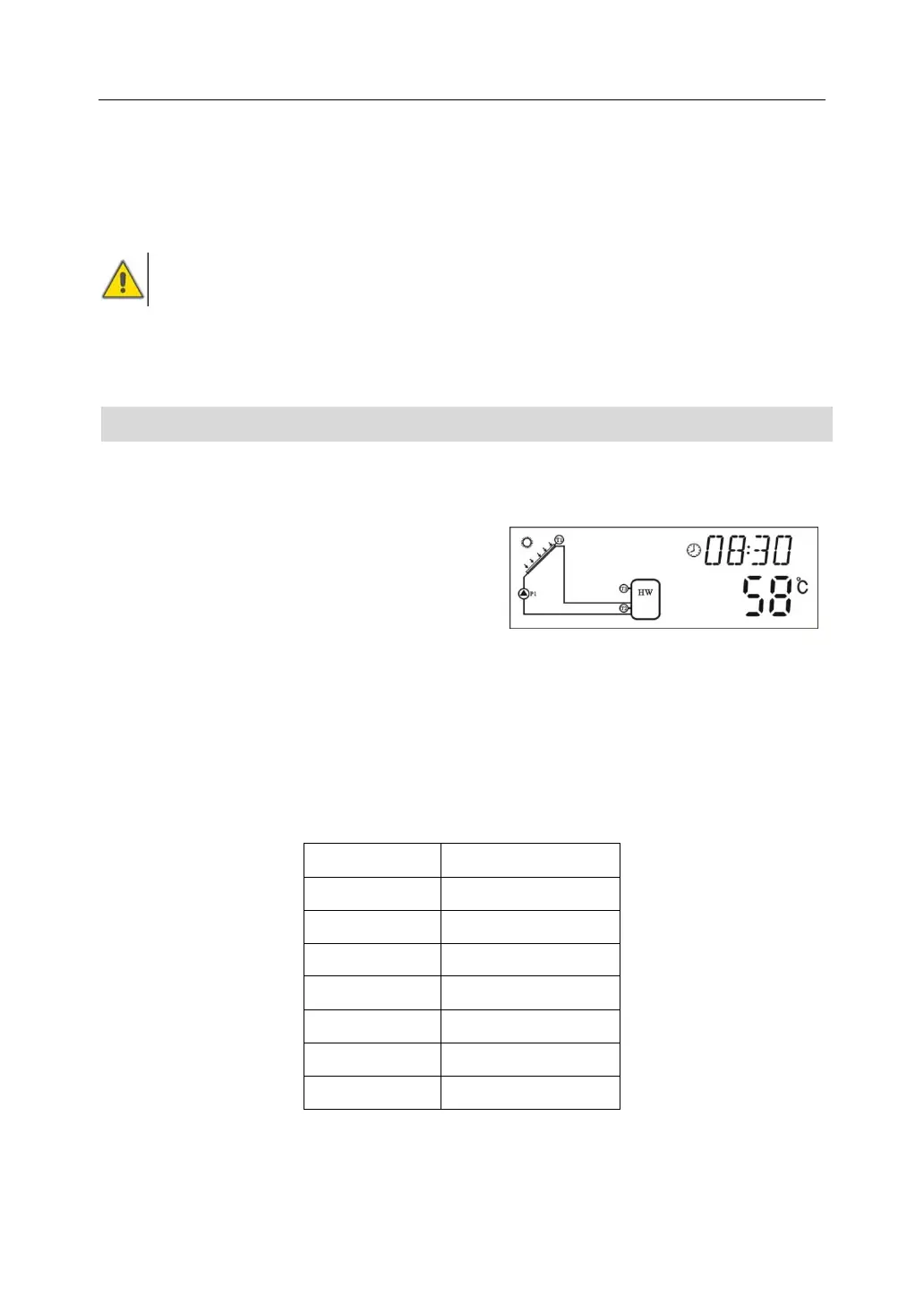
After switching on power to the controller, firstly it will ask for to set the time, password
and parameters of system.
3.1 Set time/week
►Press “Clock” button, time displays on screen, hour selection area “00” blinks on
display screen.
►Press “+”“-” button to set hour of clock
►Press “Clock” button again, minute
area“00”blinks
►Press “+”“-” button to set minute of clock.
►Press “Clock” again, week area “MO” blinks
►Press “+”“-” button to set week.
►Press “ESC” button
to exit set program, or wait for 20 seconds to exit program automatically.


 To Next Page