Operation manual of solar water controller SR868C8/SR868C8Q
---------------------------------------------------------------------------------------------------------------------------------------------------
- 29 -
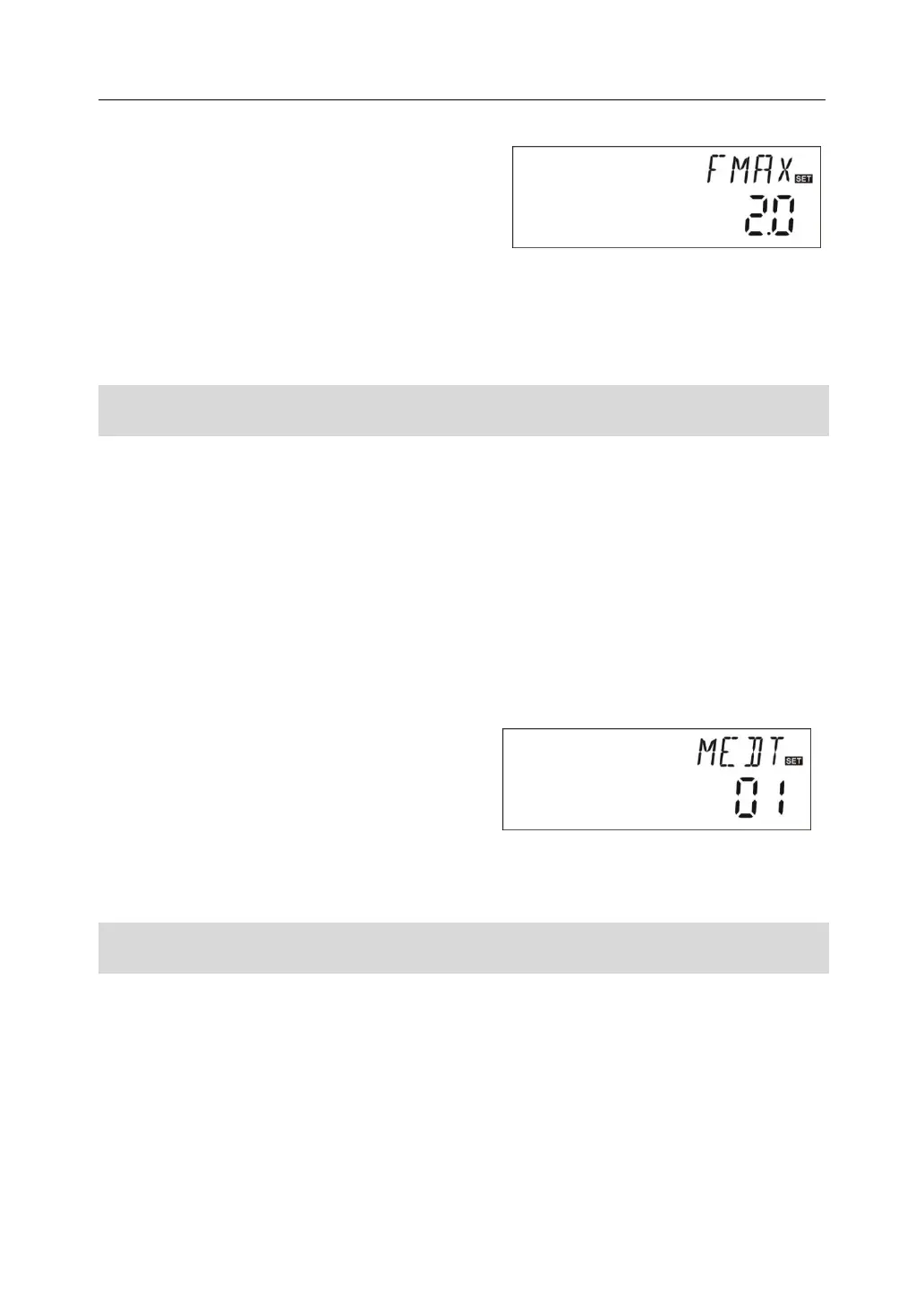
To access main menu FUN, then select
submenu FMAX, “FMAX 2.0” displays on
screen.
►Press “SET” button, parameter “2.0” blinks on
the screen
►Press “+”“-” button to adjust parameter of flow rate. adjustable range(0.1~20)
► Press “ESC” button to exit the menu or wait for 20 seconds to exit automatically,
parameters are saved automatically.
4.6.4.2 MEDT Type of heat transfer liquid
Note: SR868C8 doesn’t have this function
MEDT: type of heat transfer liquid, adjustable range (00~03), factory set :01
Type of heat transfer liquid:
00:Water
01:Propylene glycol
02:Glycol
03:Tyfocor LS/G-LS
Setup steps:
To access main menu FUN, then select submenu MEDT, “MEDT 01” displays on
screen.
►Press “SET” button, parameter “01” blinks
on the screen
►Press “+”“-” button, to adjust type of heat
transfer liquid, adjustable range (00~03)
► Press “ESC” button to exit the menu or wait for 20 seconds to exit automatically,
parameters are saved automatically.
4.6.4.3 MED% Concentration of heat transfer liquid
Note: SR868C8 doesn’t have this function
MED% Concentration of heat transfer liquid (volume percentage %), depending on the
type of heat transfer liquid, adjustable range (20 ~70), factory set 40%
Setup steps:
To access main menu FUN, then select submenu MED%, “MED% 40” displays on
screen.
►Press “SET” button, parameter “40” blinks on the screen


 To Next Page