Operation manual of solar water controller SR868C8/SR868C8Q
---------------------------------------------------------------------------------------------------------------------------------------------------
- 13 -
T3: Temperature sensor in the top part of tank (NTC10K,optional sensor)
T4: Temperature sensor on hot water circulation pipe (NTC10K,optional sensor)
P1: Solar circuit pump
P2: Hot water circuit pump (optional output)
R1: High temperature by-pass pump or valve (optional output)
H1: output for back-up electrical heater
4.Controller functions
4.1 Access main menu
Under standby status, doing like following access main menu
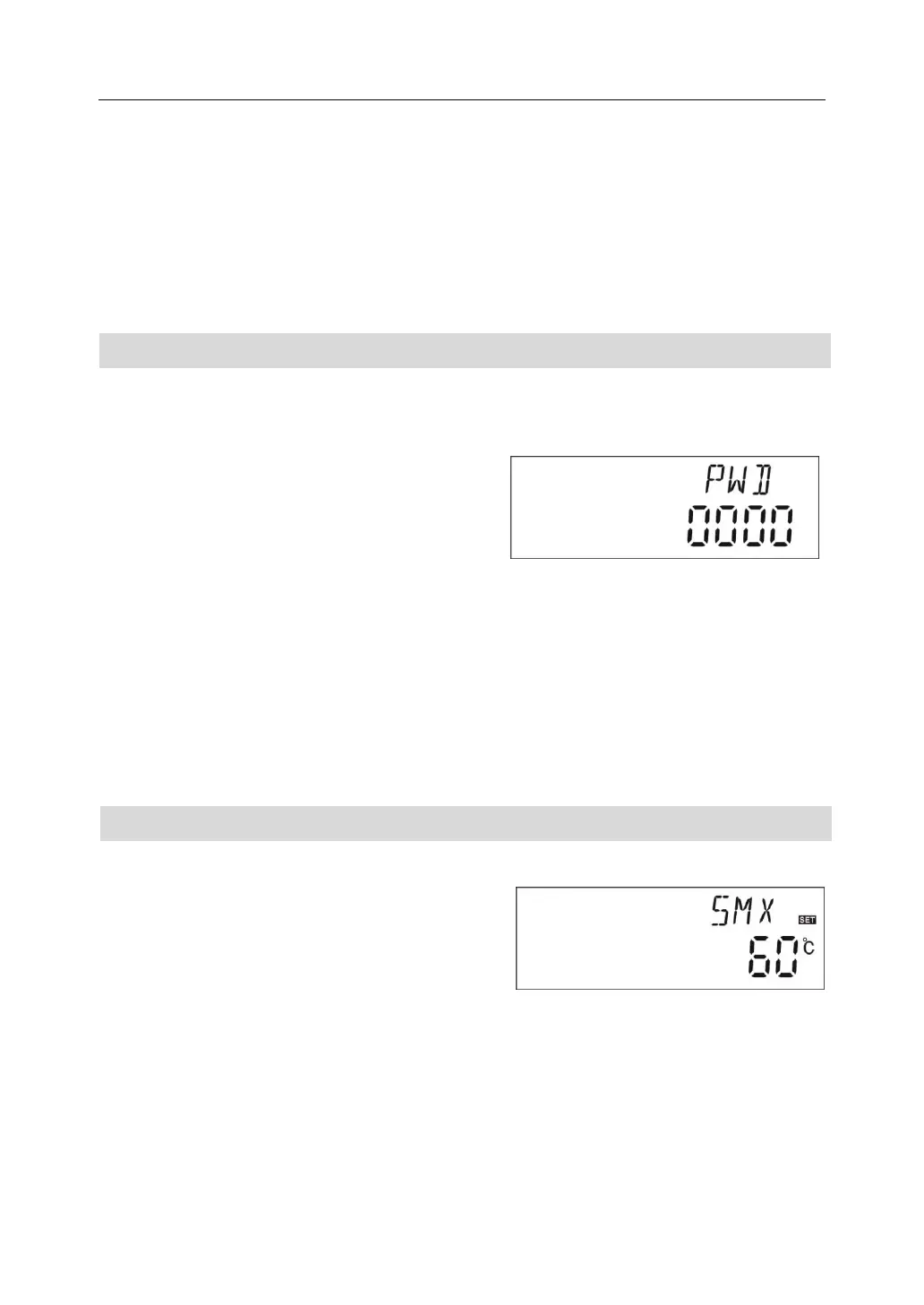
►Press “SET” button, “PWD 0000”displays on screen, the left first digital blinks, ask for
entering password, factory default set password is “ 0000”
►Press “+”“-” button to enter first digital of
password.
►Press “SET” button again, the second digital
blinks
►Press “+”“-” button button, to enter second digital of password
►Press “SET” button again, the third digital blinks
►Press “+”“-” button to enter the third digital of password
►Press “SET” button again, the fourth digital blinks
►Press “+”“-” button, to enter the fourth digital of password
►Press “SET” button again to access main menu
►Press “+”“-” button, can select the main menu
►Press “ESC” button to exit main menu
4.2 Access submenu
After selecting main menu, do like following access submenu
►Press “SET” button, to access submenu
►Press “+”“-” button to select submenu
►Press “SET” button again to access program,
can adjust parameter value now
►Press “+”“-” button, to adjust the value of
parameter
►Press “ESC” button, exit program of submenu
►Press “ESC” button again, to exit main menu.


 To Next Page