EasyManua.ls Logo

SUNFLX SEI-8K-SP - Viewing Real-Time System Data

SUNFLX SEI-8K-SP
54 pages
Print Icon
To Next Page IconTo Next Page
To Previous Page IconTo Previous Page
Loading...
29
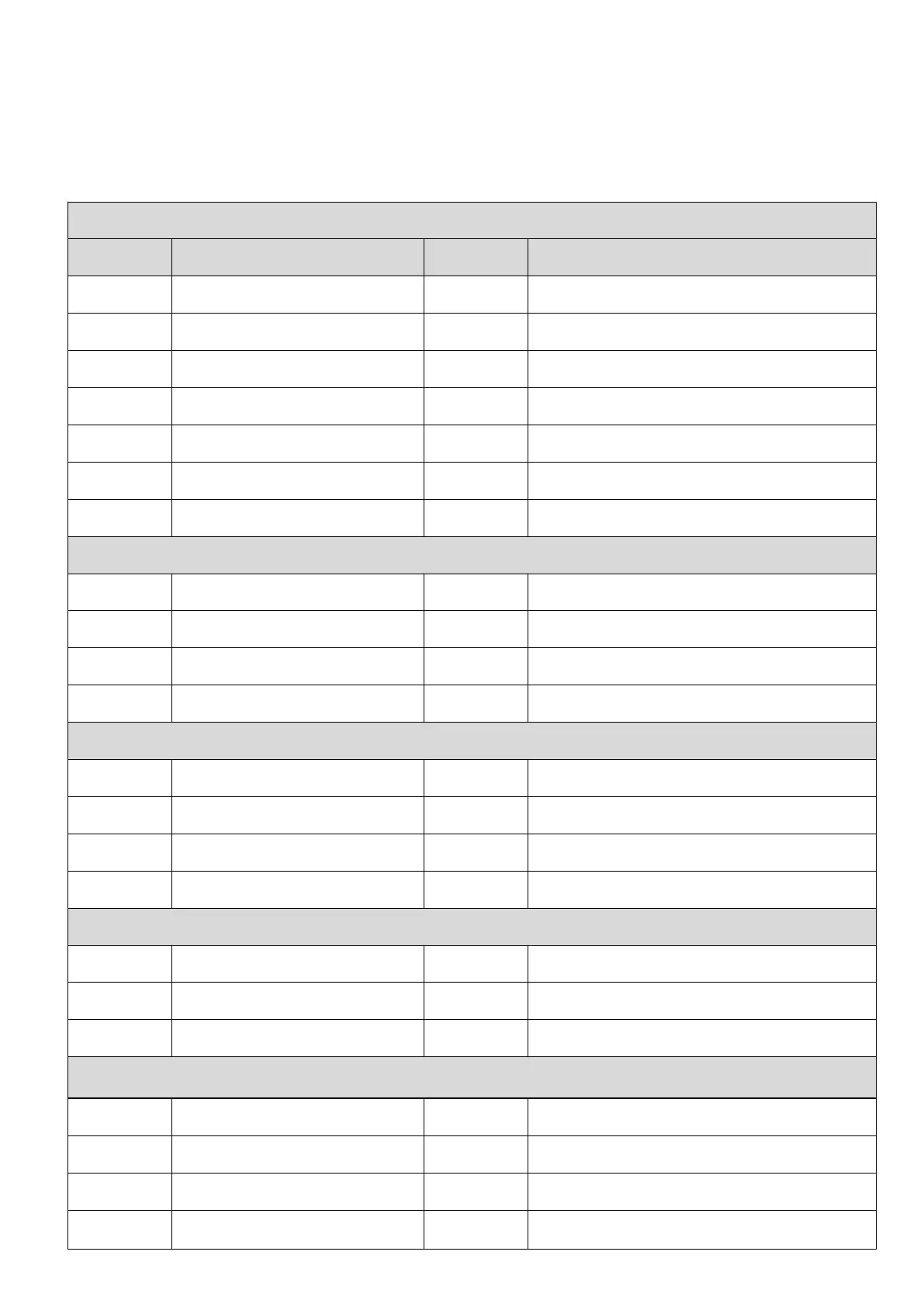
View real-time data
On the LCD home screen, click the inverter icon, battery icon, mains icon, load icon and photovoltaic
icon to view the real-time data of the machine.
System data
No.
Item
No.
Item
1
MPPT temperature
8
Device information
2
Inverter temperature
9
SN
3
DC-DC board temperature
10
MCU1 version
4
Battery temperature
11
MCU2 version
5
AC out voltage
12
LCD version
6
AC out current
13
Alarm code
7
AC out power
Battery data
1
Battery voltage
4
Battery BMS communicate flag
2
Battery current
5
BMS protocol
3
Battery power
6
Battery BMS data
7
Battery SOC
8
Battery type
Grid data
1
Grid voltage V
5
Grid frequency
2
Grid current A
6
Buy energy from grid(kWh)
3
Grid power W
7
Sell energy to grid(kWh)
4
Grid load active power W
Load data
1
Backup load voltage V
4
Backup load apparent power
2
Backup Load current A
5
Consume energy today(kWh)
3
Backup load active power
6
Consume energy total(kWh)
PV data
1
PV1 voltage V
5
PV2 current
2
PV1 current A
6
PV2 power
3
PV1 power W
7
Generate energy today(kWh)
4
PV2 voltage V
8
Generate energy total(kWh)