EasyManua.ls Logo

SUNFLX SEI-8K-SP - User Manual

SUNFLX SEI-8K-SP
54 pages
Print Icon
To Next Page IconTo Next Page
Loading...
V1.1
USER MANUAL
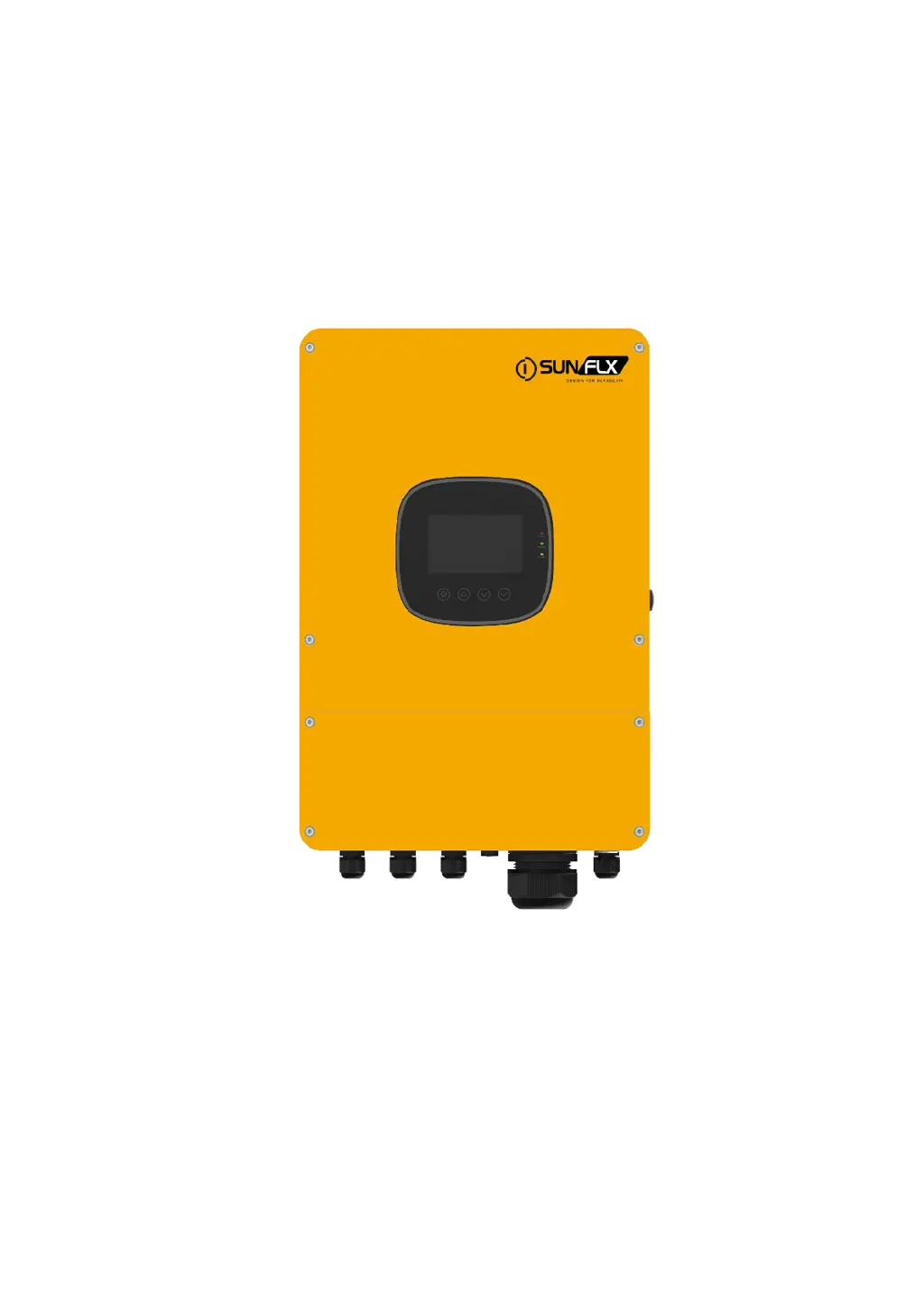
Solar Hybrid Inverter
SEI-8K-SP
SEI-10K-SP
SEI-12K-SP

Questions and Answers

  • R
    Robert ValdezSep 9, 2025
    What to do when SUNFLX Inverter displays low grid voltage?
    • E
      Edward JohnsonSep 9, 2025
      If the SUNFLX Inverter displays low grid voltage, verify that the grid voltage is within the normal range. If the grid voltage is abnormal, wait until it returns to the normal range.
  • T
    Timothy KimAug 23, 2025
    How to fix no display on SUNFLX Inverter screen?
    • A
      Aaron JordanAug 23, 2025
      If your SUNFLX Inverter screen is blank, ensure the battery or PV switch is closed and in the "ON" position. You can also try pressing any button on the screen to wake it up from sleep mode.
  • B
    bergerstevenAug 25, 2025
    What to do if SUNFLX SEI-8K-SP Inverter has short-circuit protection?
    • J
      juan27Aug 25, 2025
      If the SUNFLX Inverter indicates a short-circuit, carefully inspect the load connection and eliminate any short-circuit faults. After doing so, power the system back on to restore load output.
  • D
    David HolmesAug 27, 2025
    What to do if SUNFLX Inverter shows a battery disconnected alarm?
    • N
      Natalie LucasAug 27, 2025
      If the SUNFLX Inverter is alarming about a disconnected battery, verify that the battery is properly connected and that the battery circuit breaker is closed.
  • O
    ofrancisAug 27, 2025
    How to check PV overvoltage on SUNFLX Inverter?
    • D
      David WilliamsAug 28, 2025
      If the SUNFLX Inverter reports PV overvoltage, use a multimeter to check if the PV input voltage is exceeding the maximum allowable input voltage.
  • C
    Chad Willis Jr.Aug 29, 2025
    What happens when SUNFLX SEI-8K-SP's heat sink temperature is too high?
    • A
      Andrew GuzmanAug 29, 2025
      If the SUNFLX Inverter's heat sink is overheating, allow the device to cool down until the temperature falls below the recovery temperature. After that, normal charge and discharge control will resume.
  • L
    Lori BoyerSep 18, 2025
    What causes a low insulation resistance fault on SUNFLX Inverter?
    • D
      David StevensSep 18, 2025
      If the SUNFLX Inverter shows a low insulation resistance fault, ensure the system is well grounded and inspect the PV modules and cables for any wear.
  • D
    Dan RamirezSep 18, 2025
    How to troubleshoot leakage current overload fault on SUNFLX SEI-8K-SP?
    • K
      karenwardSep 19, 2025
      If the SUNFLX Inverter displays a leakage current overload fault, ensure that the system is properly grounded and that the loads are operating normally.
  • M
    Martin LopezSep 7, 2025
    What to do when SUNFLX SEI-8K-SP Inverter displays high grid voltage?
    • K
      Keith BarnettSep 8, 2025
      If the SUNFLX Inverter shows high grid voltage, check that the grid voltage is within the normal range. If it's abnormal, wait for the grid voltage to return to normal.
  • J
    Jason GravesSep 4, 2025
    What causes a parallel ID setting error on SUNFLX SEI-8K-SP Inverter?
    • K
      Karen NicholsSep 4, 2025
      If the SUNFLX Inverter displays a parallel ID setting error, check that the parallel ID number setting is not repeated among the connected units.

Summary

Solar Hybrid Inverter User Manual

Safety

How to Use This Manual

Guidance on utilizing the manual's sections and information effectively.

Symbols in This Manual

Explains safety symbols used throughout the manual for hazard identification.

Safety Instructions

Critical safety guidelines for installation, operation, and maintenance.

Production Instructions

Product Instructions Overview

Introduces the SEI-SP series inverter and its core functionality.

Key Product Features

Lists and describes the main features and capabilities of the inverter.

System Connection Diagram

Production Overview and Components

Dimension Drawing and Mounting

Installation

Selecting the Mount Location

Guidelines for choosing an optimal and safe installation site.

Mounting the Inverter

Connection

Single-Phase Output Configuration

How to set up the single-phase AC output connection.

Cable and Circuit Breaker Requirements

GRID, LOAD, and GEN Connection Guide

Battery Connection Procedure

PV Array Connection

Dry Contact Connection Details

Grounding Connection Procedure

Final Assembly Steps

Start Up the Inverter

Introduction to Inverter Start Up

Overview of the initial power-on and parallel operation setup.

Precautions for Parallel Connection Lines

Critical warnings for connecting multiple inverters in parallel.

Single-Phase Parallel Connection Diagram

Three-Phase Parallel Connection Diagram

Operation

Operation and Display Panel Overview

Explains the control panel, keys, and LED indicators.

Display Panel Icons and Data

Viewing Real-Time System Data

Setting and Configuration

Basic Setup Parameters

Configuration of system date, time, beep, and password settings.

Work Mode Configuration Options

Setting the operational modes like Off Grid, On Grid, and hybrid.

Output Source Priority Settings

Defining the power source priority for load supply.

Battery Charging and Operation Settings

Parallel Operation Mode Configuration

Battery Setup Parameters

BMS and Communication Settings

Grid and Advanced Settings

Output Priority Modes

AC First Output Strategy

Prioritizes AC utility, then solar, then battery for load power.

Solar and Grid Hybrid Output Strategy

Balances solar and utility power, using battery as backup.

Solar First Output Strategy

Prioritizes solar power, using utility as a supplement.

Battery First Output Strategy

Prioritizes battery power, switching to utility when battery is low.

Battery Charging Modes

Hybrid Charging Mode

Charges battery using both PV and mains power, prioritizing PV.

Only Solar Charging Mode

Charges battery solely using solar power for maximum energy efficiency.

Time-Slot Charging;Discharging Function

Utility Charging;Carrying Time Slots

Manages utility charging based on peak/valley electricity tariffs.

Battery Discharging Time Slots

Manages battery discharging based on time periods for load supply.

Battery Parameter Details

Lead-Acid Battery Parameters

Specific operating parameters for various lead-acid battery types.

Li-ion Battery Parameters

Communication Interfaces

Overview of Communication Ports

General introduction to the inverter's communication interfaces.

USB-B Port Usage

Details on connecting to the inverter via the USB-B port.

WIFI Port for Remote Monitoring

CAN Port for BMS Communication

RS485 Port for Communication

External CT Port Connection

Dry Contact Port Functions Explained

Fault and Remedy

Fault Codes and Descriptions

Lists all fault codes and their meanings.

Troubleshooting Common Issues

Protection and Maintenance

Inverter Protection Features

Details the various built-in protection mechanisms of the inverter.

Maintenance Recommendations and Schedule

Datasheet Specifications

Inverter Output Specifications

Technical data for inverter output power, voltage, current, and frequency.

Battery Specifications Overview

Technical data related to battery types, voltage, and charging.

PV Input Specifications

Technical data for PV input, including MPP trackers and voltage limits.

Grid and Generator Input Specifications

Efficiency Ratings and Standards

Protection Features Summary

Basic Data and Dimensions

SUNFLX SEI-8K-SP Specifications

General IconGeneral
ModelSEI-8K-SP
Rated AC Output Power8000W
Number of MPPT Trackers2
Protection LevelIP65
Rated AC Voltage230V
AC Output Voltage230V
AC Voltage Range180V-280V
CommunicationRS485, WiFi/GPRS
ProtectionDC reverse polarity protection, AC short circuit protection, Over temperature protection
Operating Temperature Range-25~+60°C
AC Output Frequency50Hz/60Hz