Step 3
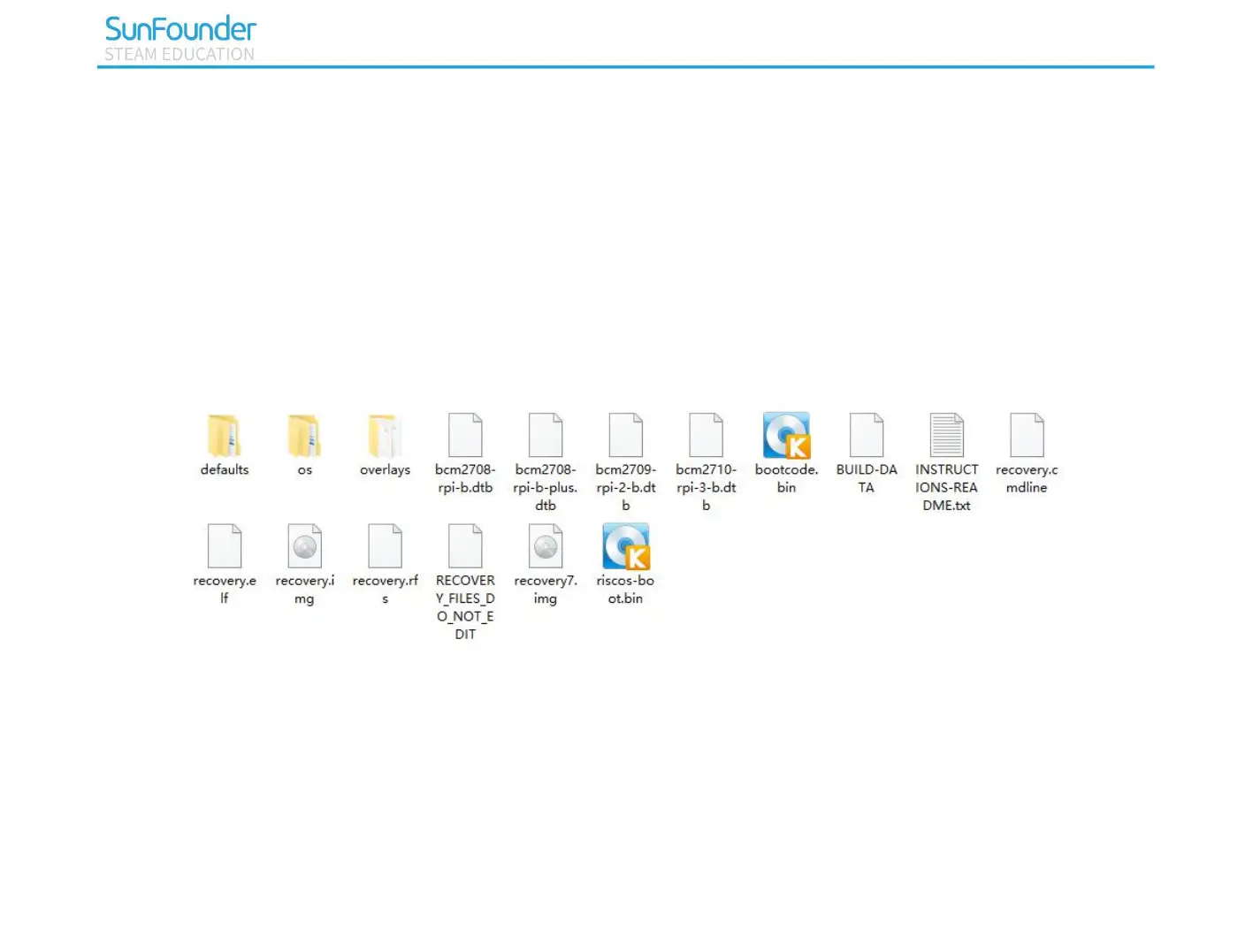
Next, you will need to extract the files from the NOOBS zip archive you downloaded from the Raspberry Pi
website.
Find the downloaded archive — by default, it should be in your Downloads folder.
Double-click on it to extract the files, and keep the resulting Explorer/Finder window open.
Finally select all the files in the NOOBS folder and copy them to the Micro SD card.
Step 4
All the files transferred, the Micro SD card pops up.



 To Next Page