Step 3
Unzip the package downloaded and you will see the
.img
file inside.
Note: DO NOT extract the file.
Step 4
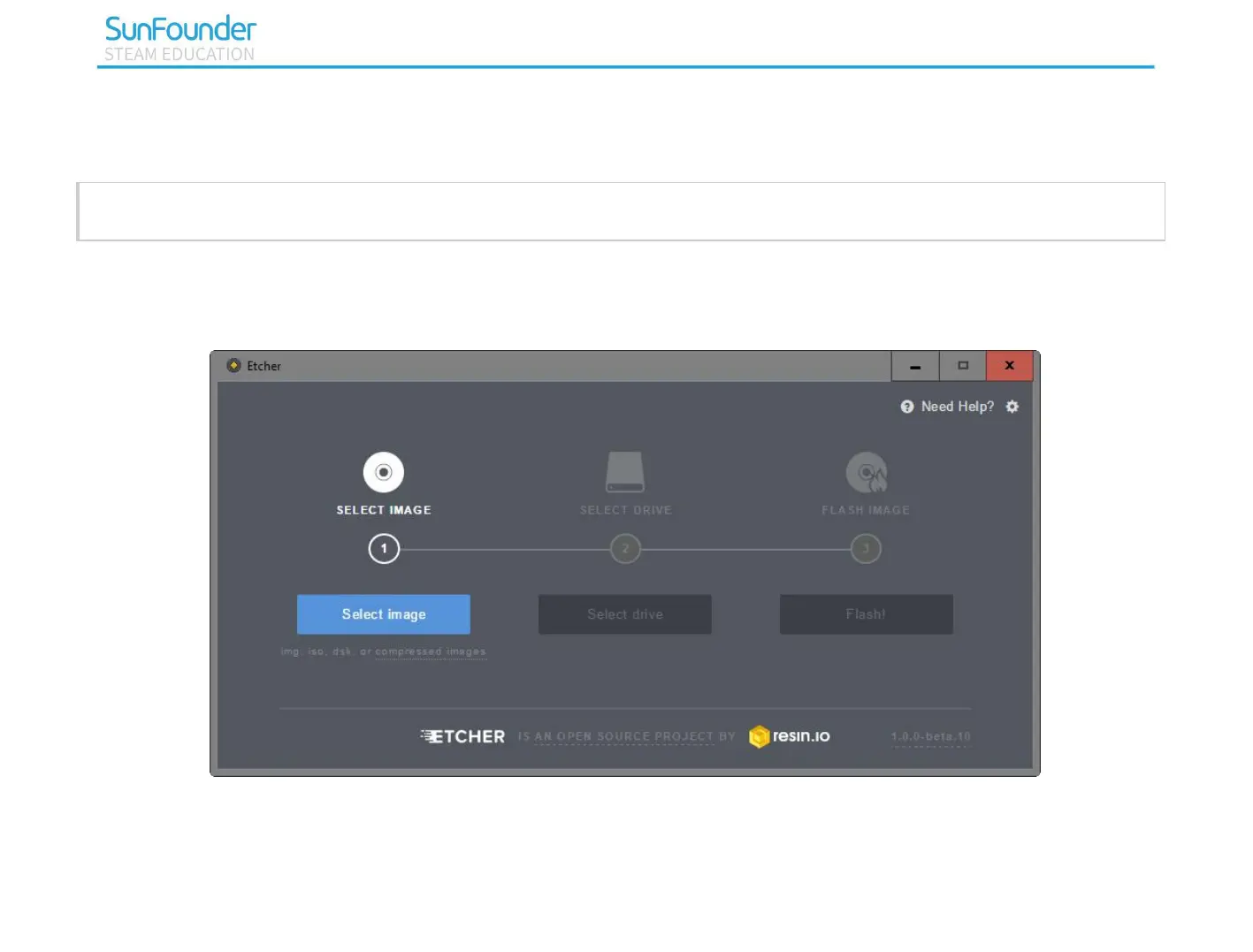
Plug the USB Card Reader into the computer, then you can burn the image file with the Etcher.
At this point, Raspbian is installed. Keep the USB card reader plug in your computer. If you want to apply
it, next you need to complete the settings accordingly.



 To Next Page