Step 2
Click Open. Note that when you first log in to the Raspberry Pi with the IP address, there prompts a
security reminder. Just click Yes.
Step 3
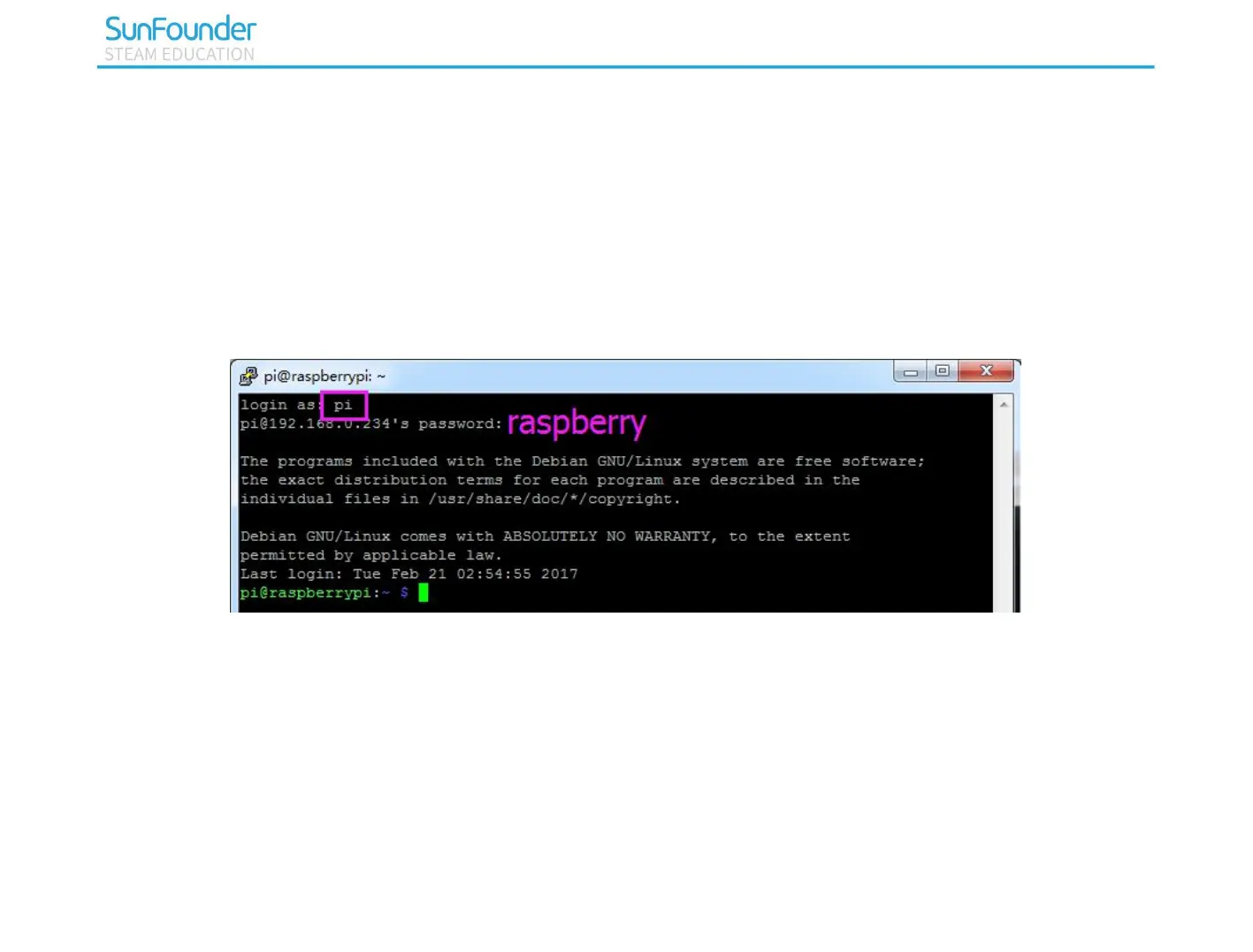
When the PuTTY window prompts “login as:”, type in “pi”(the user name of the RPi), and password:
“raspberry” (the default one, if you haven't changed it).
Step 4
Here, we get the Raspberry Pi connected and it is time to conduct the next steps.
Note: When you input the password, the characters do not display on window accordingly, which is normal.
What you need is to input the correct password.



 To Next Page