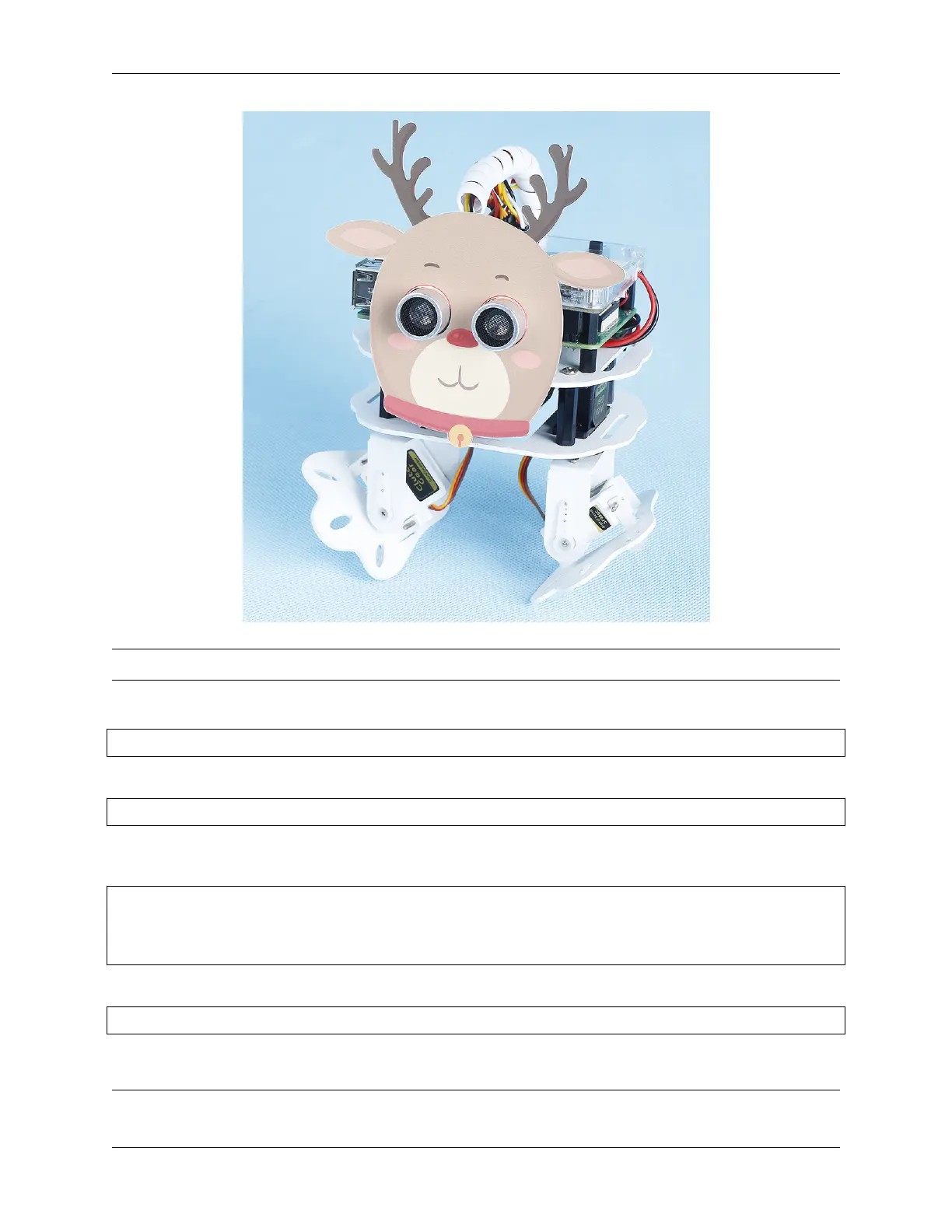
SunFounder pisloth
Note: You can download and print the PDF Cartoon Mask for your PiSloth.
Step 1: Go to the /home/pi/pisloth/examples path.
cd /home/pi/pisloth/examples
Step 2: Open custom_action.py with the following command.
nano custom_action.py
Step 3: Modify the angle in sloth.add_action(), each group represents a step, and only 2 steps are set here.
You can set multiple steps as needed.
sloth.add_action("my_action", [
[ 0,-45 ,0, 40],
[0, 0, 0, 0]
])
Step 4: Run this code.
sudo python3 custom_action.py
Code
Note: You can Modify/Reset/Copy/Run/Stop the code below. But before that, you need to go to source code path
4.10. Custom Action 99



 To Next Page