2 Product Description User Manual
6
2.2.2 Appearance
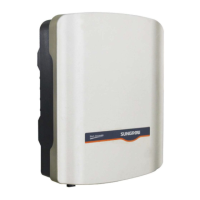
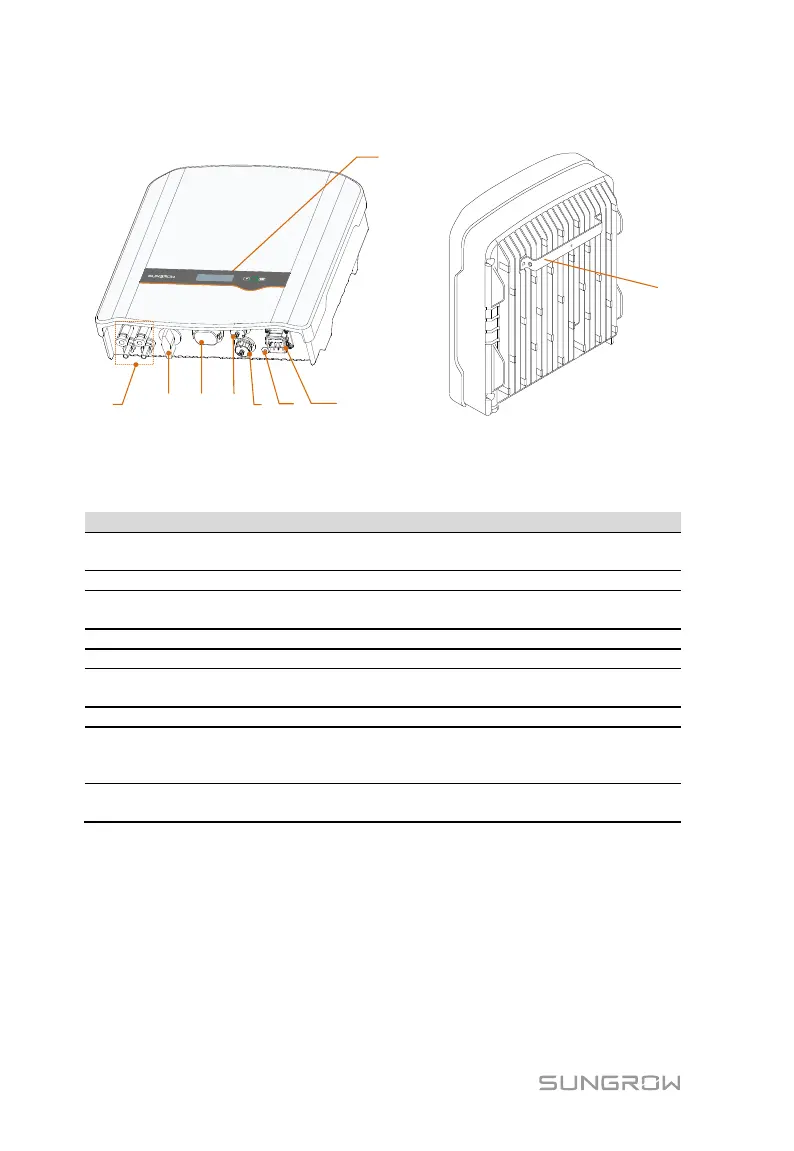
Fig. 2-2 Inverter Appearance (-D series for reference)
* The image shown here is for reference only. The actual product you receive
may differ.
Positive and negative DC input connectors.
One or two pairs, depending on inverter model.
To disconnect the DC current safely.
Can be connected to Wi-Fi or E-Net
communication module.
Additional grounding
terminal
To feed power into the utility grid.
The display and two buttons can be used to
access current operating data or change inverter
settings.
For mounting the inverter to the wall mounting
bracket.


 To Next Page
 Loading...