EasyManua.ls Logo

Sunnect AP501 - Deactivating the Master Function; Registering a Master Tag Key

Sunnect AP501
27 pages
Print Icon
To Next Page IconTo Next Page
To Previous Page IconTo Previous Page
Loading...
I
Dea
ctivating
the
Master
Function
B
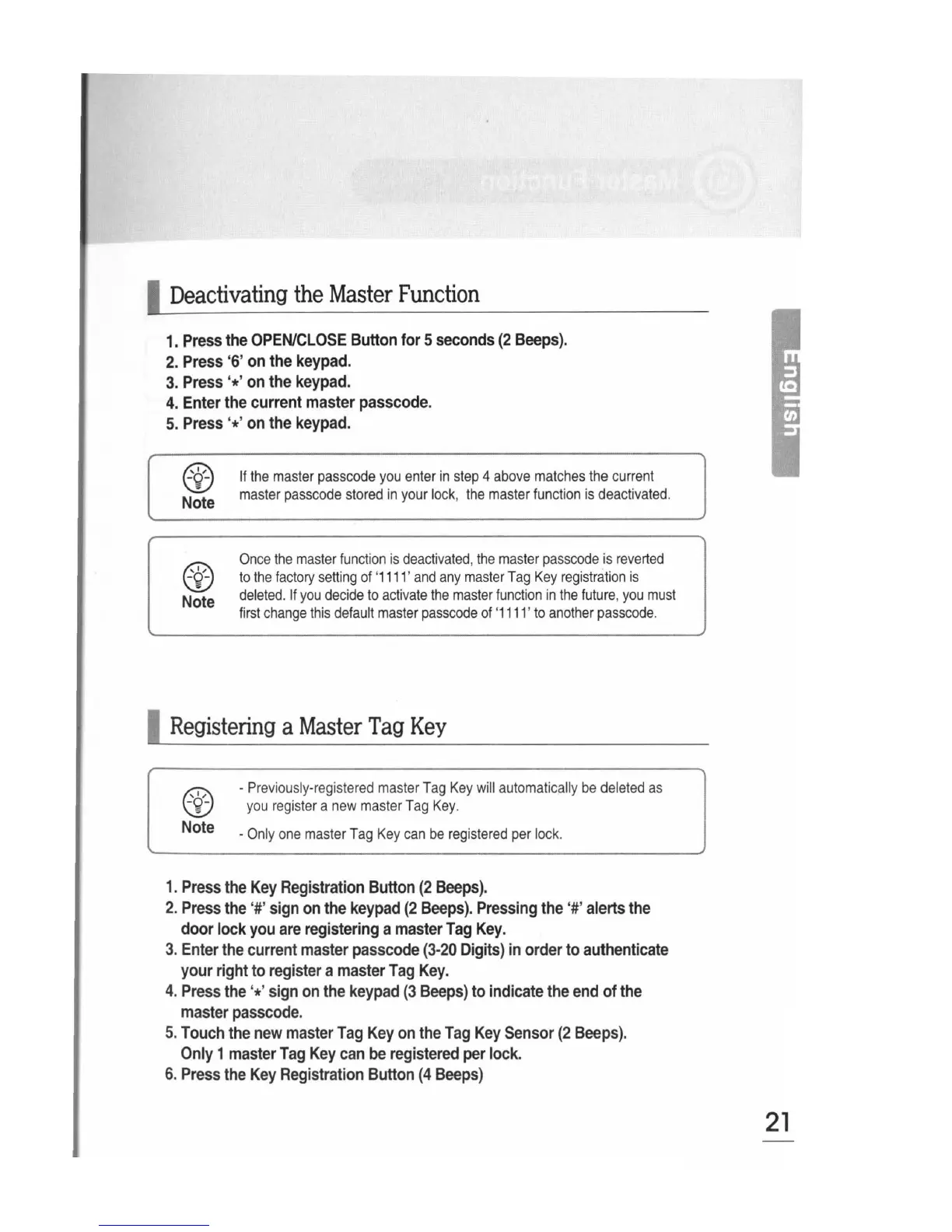
1.
Pre
ss
the
OPEN/CLOSE
Button
for
5
seconds
(2
Beeps).
ss
'
6'
on
the
keypad.
2.
Pre
3.
Pre
4.
Ent
5.
Pre
'I,
-~
Not
'I,
-~
Not
Reg
~9'
ss
'*'
on
the
keypad.
er
the
current
master
passcode.
ss
'*'
on
the
keypad.
e
e
If
the
master
passcode
you
enter
in
step
4
above
matches
the
current
master
passcode
stored
in
your
lock
,
the
master
function
is
dea
c
tivated.
Once
the
master
function
is
deactivated
,
the
master
passcode
is
reverted
to
the
factory
setting
of
'
1111
'
and
any
master
Tag
Key
registration
is
deleted.
If
you
decide
to
activate
the
master
function
in
the
future
,
you
must
first
change
this
default
master
passcode
of
'
1111
'
to
another
passcode.
istering
a
Master
Tag
Key
-
Previously-registered
master
Tag
Key
will
automatically
be
deleted
as
you
register
a
new
master
Tag
Key.
Not
e
-Only
one
master
Tag
Key
can
be
registered
per
lock.
1.
Pre
ss
the
Key
Registration
Button
(2
Beeps).
2.
Pre
ss
the
'#'
sign
on
the
keypad
(2
Beeps).
Pressing
the
'#'
alerts
the
r
lock
you
are
registering
a
master
Tag
Key.
doo
3.
Ent
er
the
current
master
passcode
(3-20
Digits)
in
order
to
authenticate
r
right
to
register
a
master
Tag
Key.
you
4.
Pre
ss
the
'*'
sign
on
the
keypad
(3
Beeps)
to
indicate
the
end
of
the
ster
passcode.
rna
5.
Tou
ch
the
new
master
Tag
Key
on
the
Tag
Key
Sensor
(2
Beeps).
y 1
master
Tag
Key
can
be
registered
per
lock.
On
I
6.
Pre
ss
the
Key
Registration
Button
(4
Beeps)
21