STEP 3:
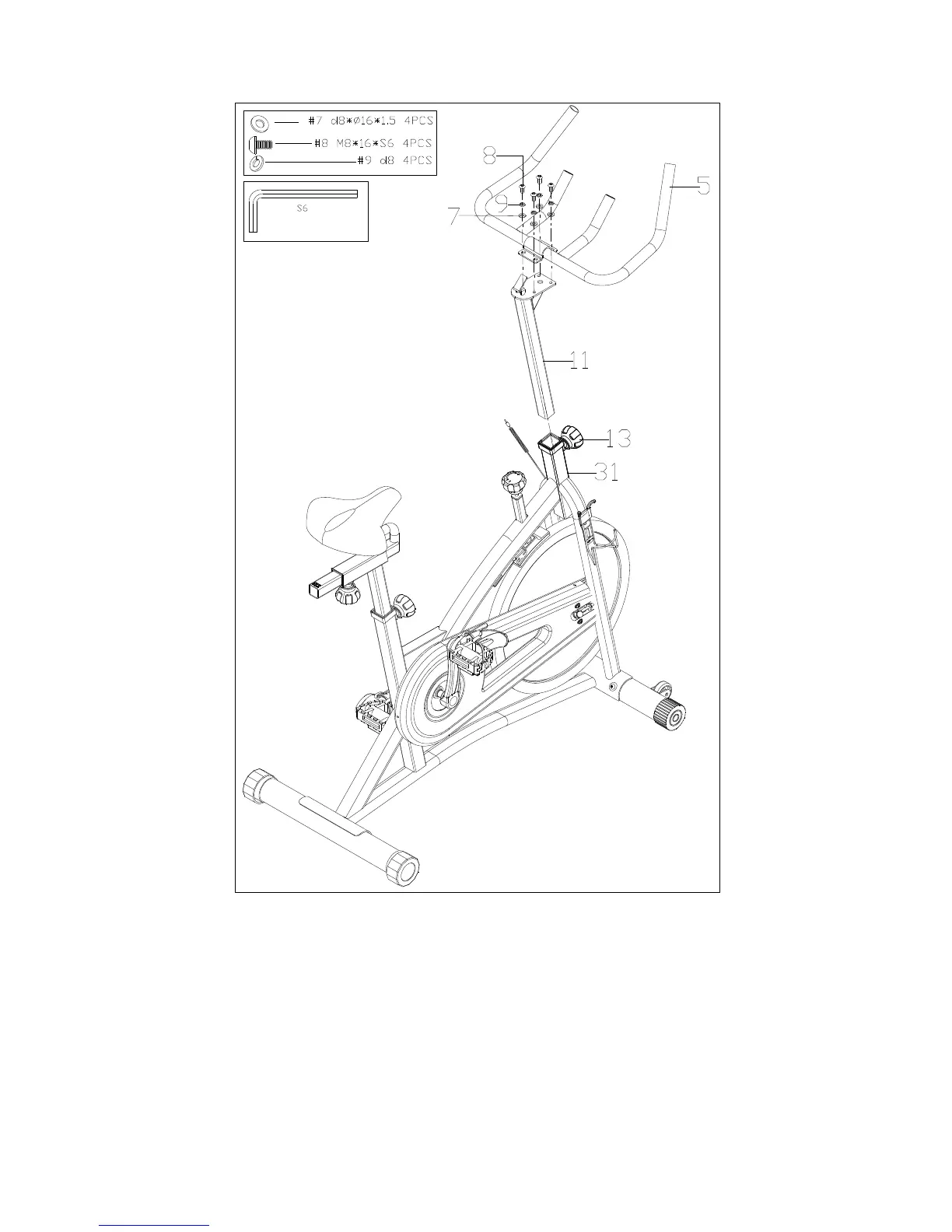
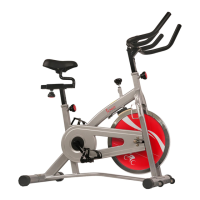
Loosen and remove the Adjustment Knob (No. 13). Insert the Handlebar Post (No.
11) into the sleeve located on the front of the Main Frame (No. 31). Adjust the
Handlebar Post (No. 11) to the desired position, re-insert and tighten the Adjustment
Knob (No. 13) to secure the post in place.
Attach the Handlebar (No. 5) to the Handlebar Post (No. 11) using 4 Bolts (No. 8), 4
Spring Washers (No. 9) and 4 Washers (No. 7). Tighten and secure with Spanner
(No. 33).


 To Next Page