EPG (Electronic Program Guide)
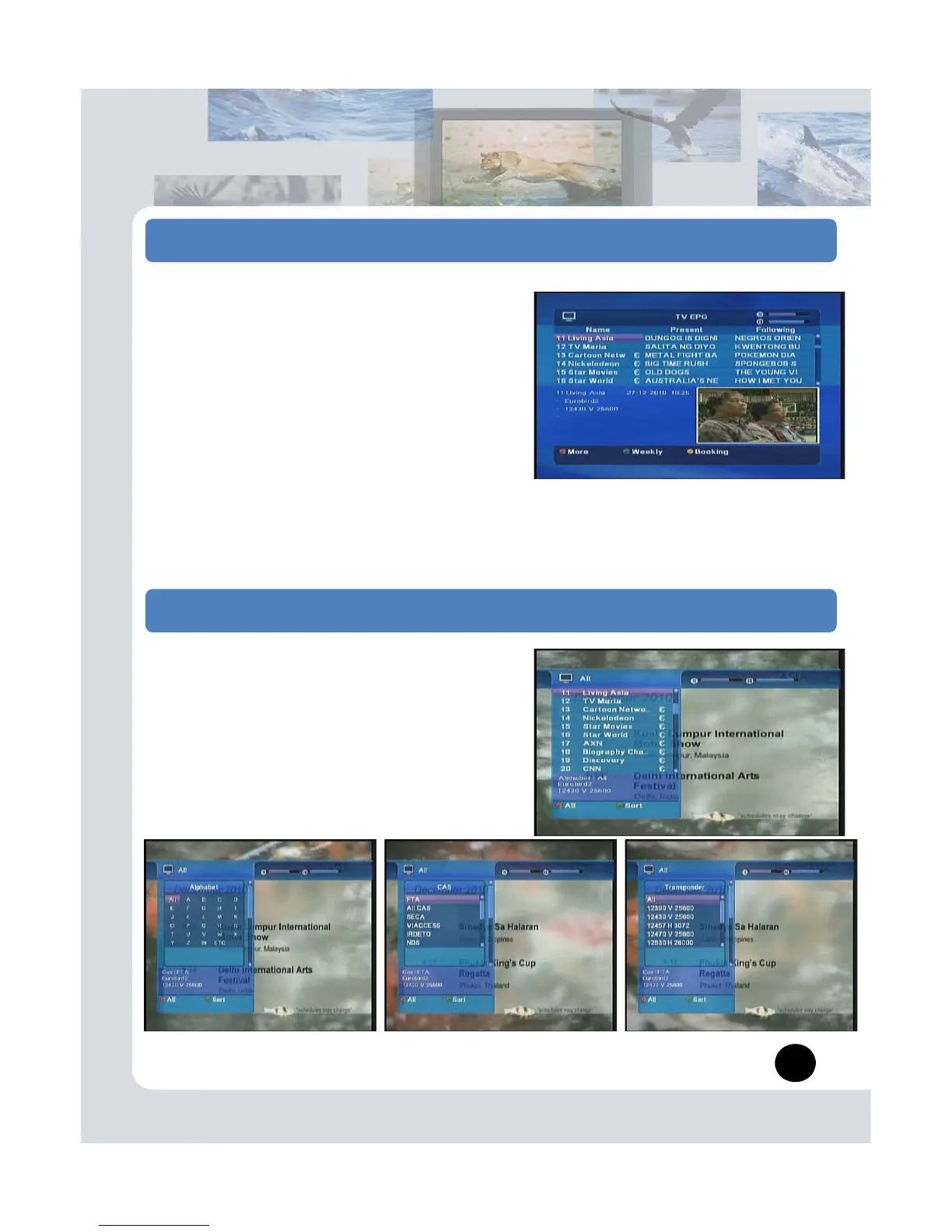
The Electronic Program Guide displays program
information about each channels, based on the date
and time. You can also schedule your recording using
the information given.
Press the EPG button.
1. Program Guide Information
You can view program information for all channels.
- More: Red button (You can see more EPG info.)
- 7days: Green button
- Booking: Yellow button
2. Booking
You can Record, Sleep, Wakeup channel as you select.
First you must to check in Event Manager menu
.
5. Channel List information
You can sorting channels by various way.
on.
- All channels: Red button
- Sort: Green button
(Alphabet, CAS, Transponder, Satellite)
9


 To Next Page