6 Software Upgrade by USB stick memory
1. Download a new soft-ware from website.
2. Copy the soft-ware file to your USB memory
stick.
3. Insert the USB memory stick into the USB port.
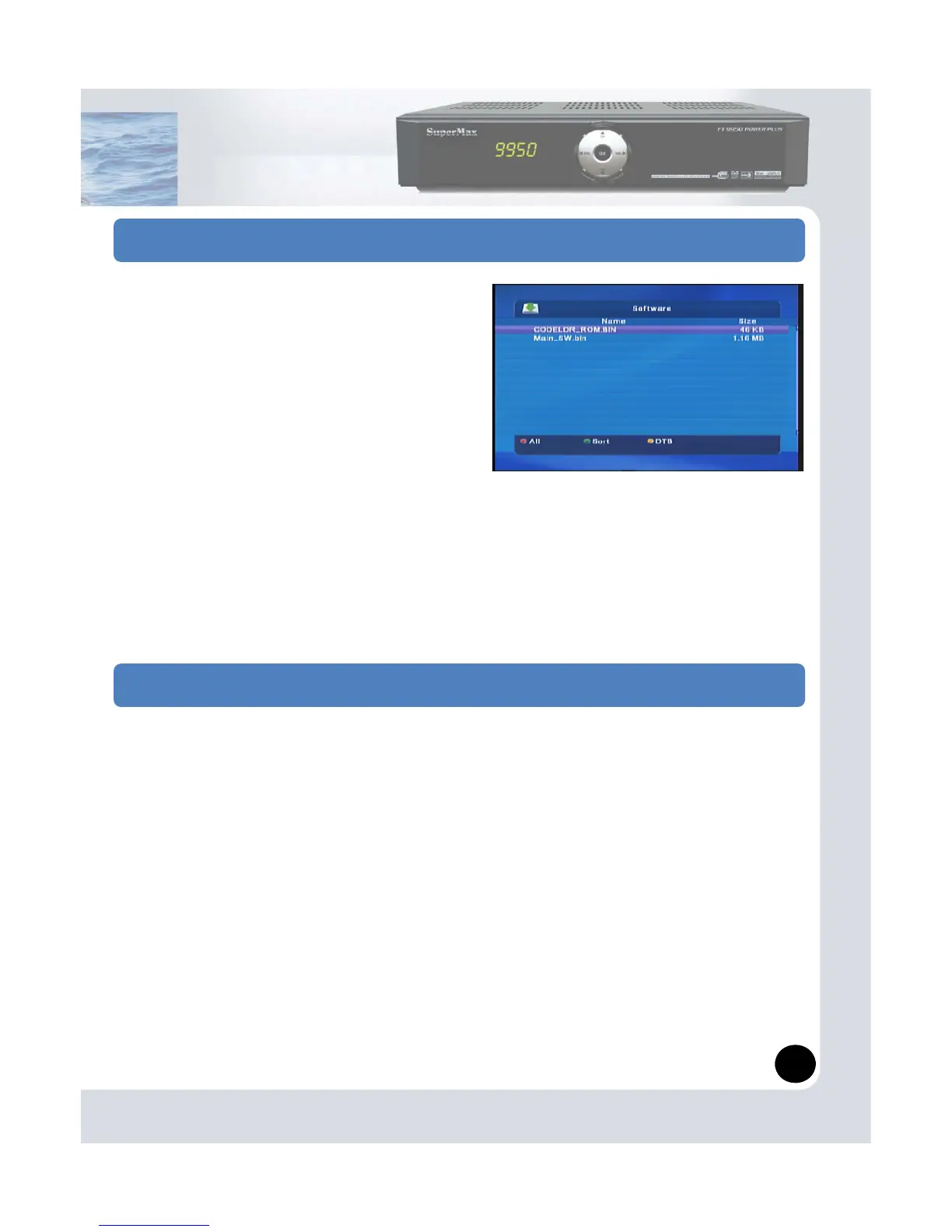
4. Go to Manager menu and USB manager.
5 Press the Green b tton on RCU for sorting S/W
6. Select S/W then Press OK button on RCU.
Note:
Your USB memory must be formatted in the
FAT or FAT32 file system.
Otherwise, the digital receiver can not recognize
your USB memory.
7 Software Upgrade by Serial (RS
You may upgrade S/W by Serial mode (RS-232 Cable) as following way.
1. On your PC, press ‘Start’ → ‘Hyper terminal’
2. Bit rate: 115200
3. Data bit: 8
4. Parity: None
6. Flow control: None
7. Run Hyper terminal.
8. Turn on receiver while press ‘Volume up’ key on front panel.
9. Display ‘ccc’ on Hyper terminal, then select Transfer → sending file → select S/W
10. Protocol type set ‘Ymodem’
11. Press Sending.
10


 To Next Page