EasyManua.ls Logo

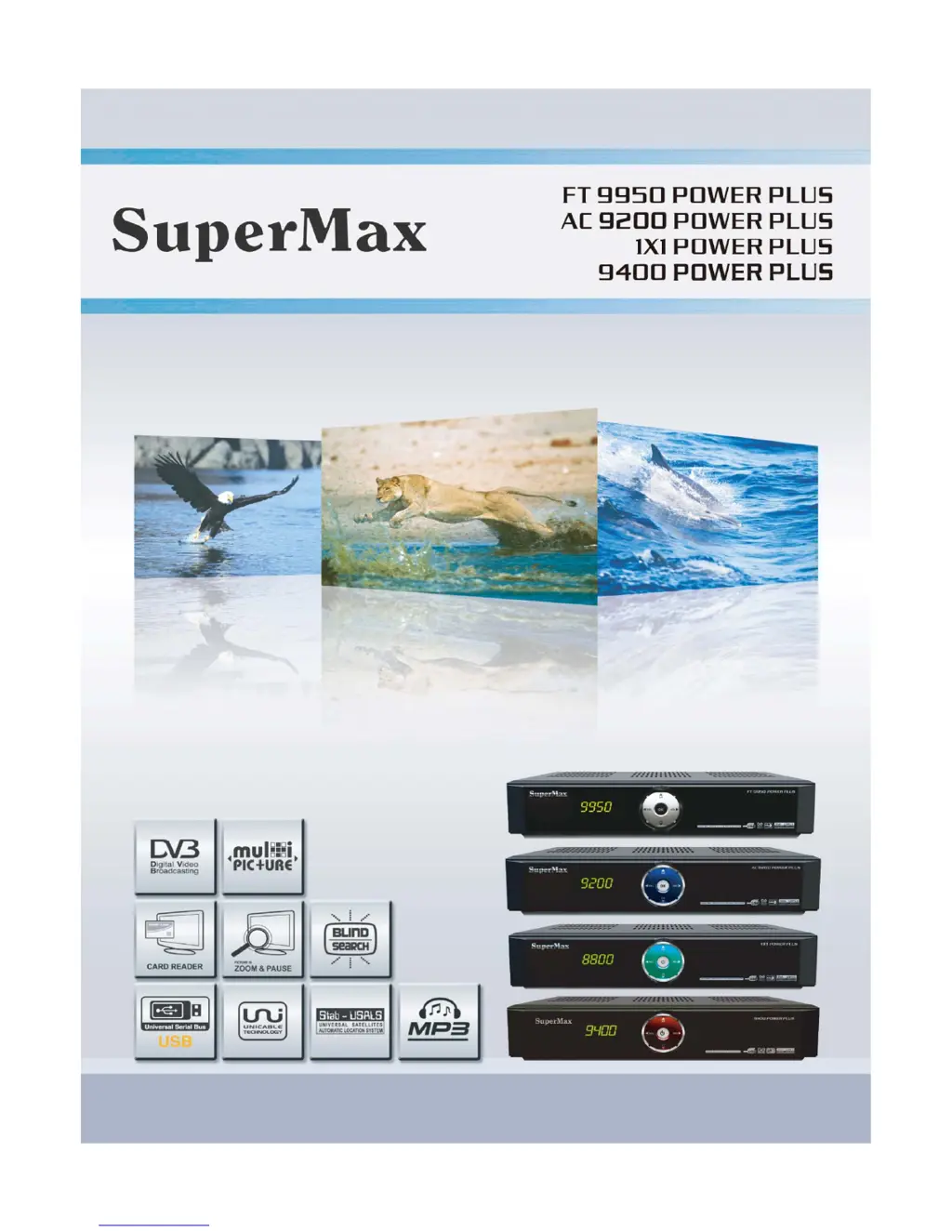
SuperMax FT 9950 Power Plus - User Manual

SuperMax FT 9950 Power Plus
16 pages
Print Icon
To Next Page IconTo Next Page
Loading...
USER’S GUIDE

Questions and Answers

Summary

General Safety Warnings

Operational Safety Precautions

Ensures safe operation by checking voltage, ventilation, and avoiding liquids and extreme conditions.

Maintenance and Electrical Safety

Covers cleaning, unplugging, proper cable use, and avoiding internal servicing for electrical safety.

Product Overview

Front Panel Features

Details the front panel controls and ports like Power, Volume, Channel, USB, Card Slot, and CI Slot.

Rear Panel Connectivity

Describes the rear panel ports including LNB IN/OUT, RS-232, SCART, Video, Audio, S/PDIF, and LAN.

Remote Control Operation

Basic Navigation and Power Buttons

Covers power, source selection, volume, channel tuning, and general menu navigation.

Special Function and Playback Buttons

Explains buttons for EPG, Teletext, Subtitle, Sleep Timer, Color settings, and playback controls.

Menu Navigation and Guide

Manager Functions (Channel, Event, USB)

Manage channels, events, and USB devices, including sorting, timers, and software upgrades.

Installation and Scanning

Guides satellite dish setup, positioner configuration, and performing auto or blind channel scans.

System Settings Configuration

Adjusts GUI languages, video, parental lock, time, and color settings for user preferences.

Interface and Utility Features

Configures interface options (Card, CAM, Ethernet) and accesses utilities like Calendar and Calculator.

Electronic Program Guide (EPG)

Program Guide Information

View program details for all channels and schedule recordings using EPG information.

Booking Recordings

Schedule channel recordings, live viewing, or wakeups via the Event Manager menu.

Channel List Management

Channel Sorting Options

Sort channels by various criteria like Alphabet, CAS, Transponder, and Satellite for easy access.

Software Upgrade Procedures

Software Upgrade via USB

Step-by-step guide for downloading, copying, and installing software updates using a USB memory stick.

Software Upgrade via Serial Port

Procedure for upgrading software using an RS-232 cable and PC terminal software like Hyper Terminal.

Troubleshooting Guide

Power, Display, and Picture Issues

Troubleshooting steps for no power, no display messages, and lack of picture.

Audio, Signal, and Remote Problems

Resolves issues with sound, picture quality, signal reception, and remote control operation.

DiSEqC and Satellite Alignment Issues

Addresses problems with DiSEqC connections, settings, and dish alignment for satellite reception.

Time Display and Front Panel Issues

Troubleshoots problems where the front panel time is not displayed or is incorrect.

Specifications

Tuner and Channel Specifications

Details the receiver's tuner capabilities, frequency range, signal level, and demodulation standards.

MPEG Transport Stream A;V Decoding

Specifies MPEG transport stream standards, profile levels, aspect ratios, and audio decoding.

Memory and Data I;O

Information on flash memory, DRAM, and audio/video data input/output ports.

Power Supply and Physical Dimensions

Details power input requirements, consumption, and physical size/weight specifications.

SuperMax FT 9950 Power Plus Specifications

General IconGeneral
FTAYes
Frequency Range950-2150 MHz
TypeFTA Receiver
Connectors1 x USB
Input ConnectorF-type
LNB Power13/18V, 500mA
Signal Level-65 to -25 dBm
Output Impedance75 Ohm