SuperServer E302-9A User's Manual
48
5.2 Driver Installation
The Supermicro website contains drivers and utilities for your system at https://www.
supermicro.com/wdll/driver. Some of these must be installed, such as the chipset driver.
After accessing the website, go into the CDR_Images (in the parent directory of the above
Another option is to go to the Supermicro website at http://www.supermicro.com/products/.
Find the product page for your motherboard, and "Download the Latest Drivers and Utilities".
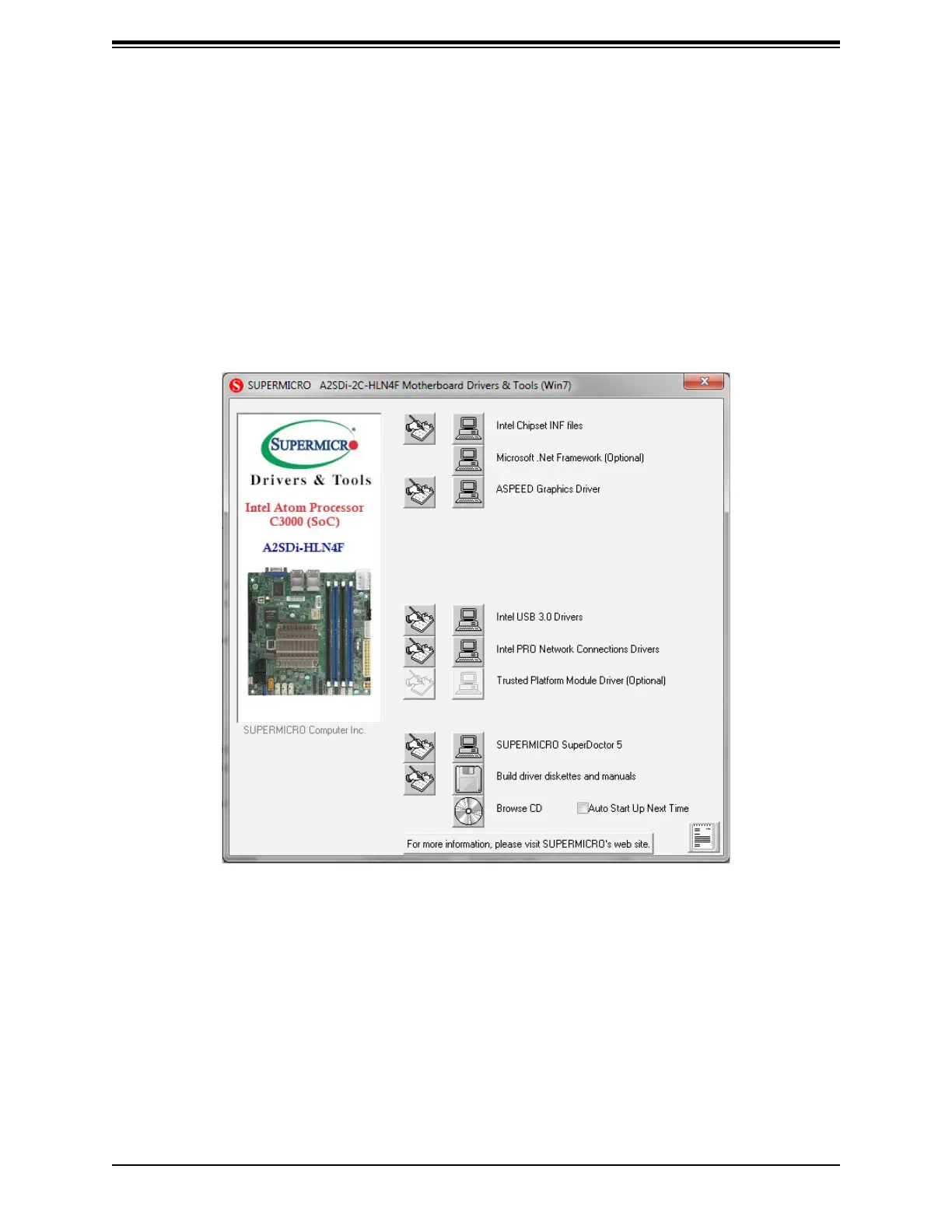
Figure 5-3. Driver & Tool Installation Screen
Note:
item. Click the computer icons to the right of these items to install each item (from top to the
bottom) one at a time. After installing each item, you must re-boot the system before
moving on to the next item on the list. The bottom icon with a CD on it allows you to view
the entire contents.



 To Next Page