87
Chapter 6: UEFI BIOS
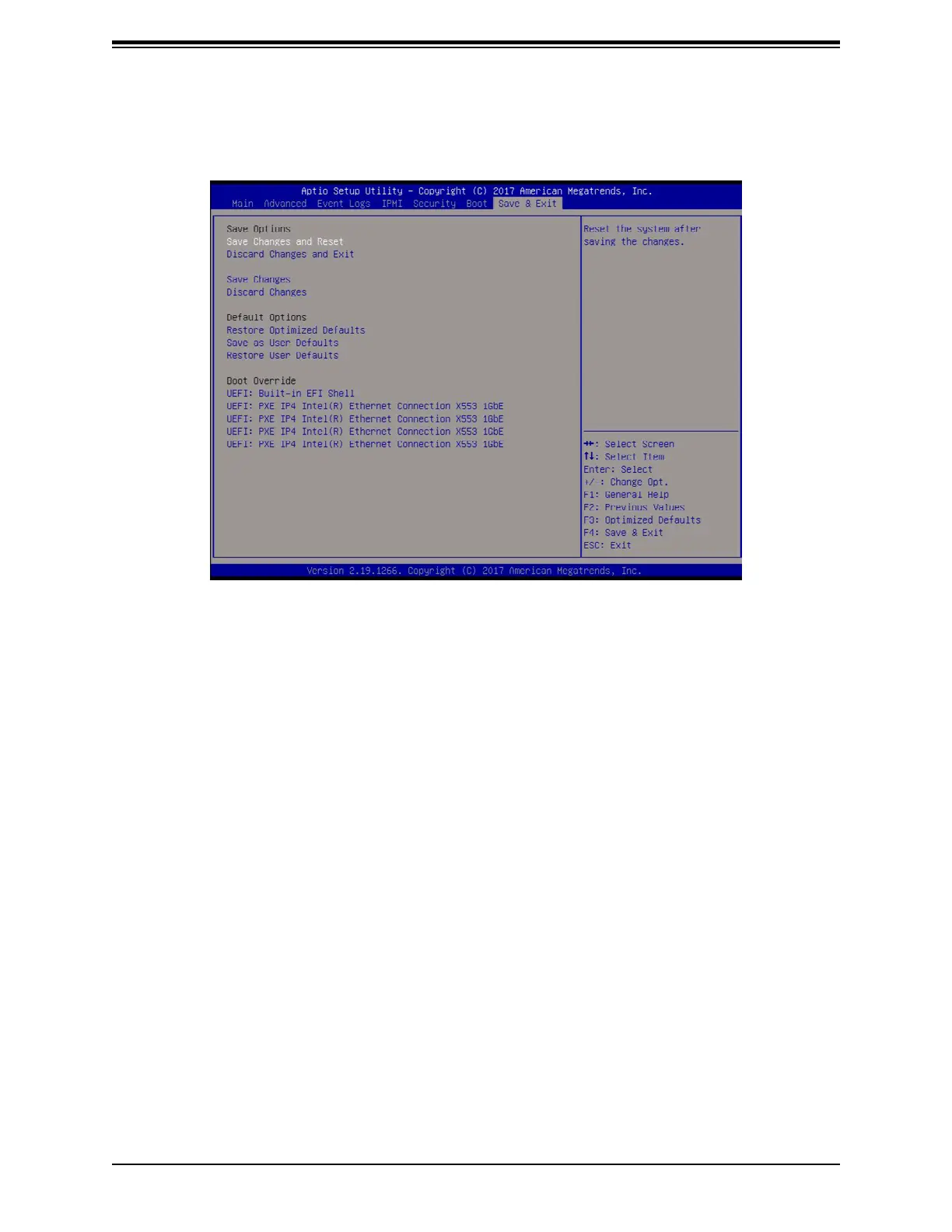
6.8 Save & Exit
Save Options
Save Changes and Reset
changes made and reset the system.
Discard Changes and Exit
Select this option to quit the BIOS Setup without making any permanent changes to the
Exit menu and press <Enter>.
Save Changes
changes made. This will not reset (reboot) the system.
Discard Changes
Select this option and press <Enter> to discard all the changes and return to the AMI BIOS
Utility Program.
Default Options
Restore Optimized Defaults
To set this feature, select Restore Optimized Defaults and press <Enter>. These are factory
settings designed for maximum system performance but not for maximum stability.



 To Next Page