64
Chapter 3: Maintenance and Component Installation
3.10 Expansion Cards
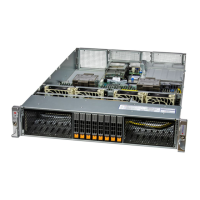
The system includes a daughter board for GPU/PCIe expansion capabilities. See Figure 3-9
for an example of the daughter board in the system.
Installing Expansion Cards
1. Power down the system and open the chassis cover.
2. Remove the screw holding the chassis slot shield in place.
3. Insert the expansion card into the motherboard slot, while aligning the expansion card
shield with the slot in the rear of the chassis.
4. Secure the expansion card shield to the chassis using the screw previously removed.




 To Next Page