4-24
X8DA3/X8DAi User’s Manual
View Only: allows access to the Setup Utility, but cannot change the fi elds,•
Limited: allows only limited fi elds to be changed such as Date and Time, •
No Access: prevents User access to the Setup Utility.•
Change User Password
Select this feature and press <Enter> to access the submenu, and then enter a
new User Password.
Clear User Password (Available only if User Password has been set)
This item allows you to clear a user password after it has been entered.
Password Check
This item allows you to check a password after it has been entered. The options
are Setup and Always.
Boot Sector Virus Protection
When Enabled, the AMI BIOS displays a warning when any program (or virus) is-
sues a Disk Format command or attempts to write to the boot sector of the hard
disk drive. The options are Enabled and Disabled.
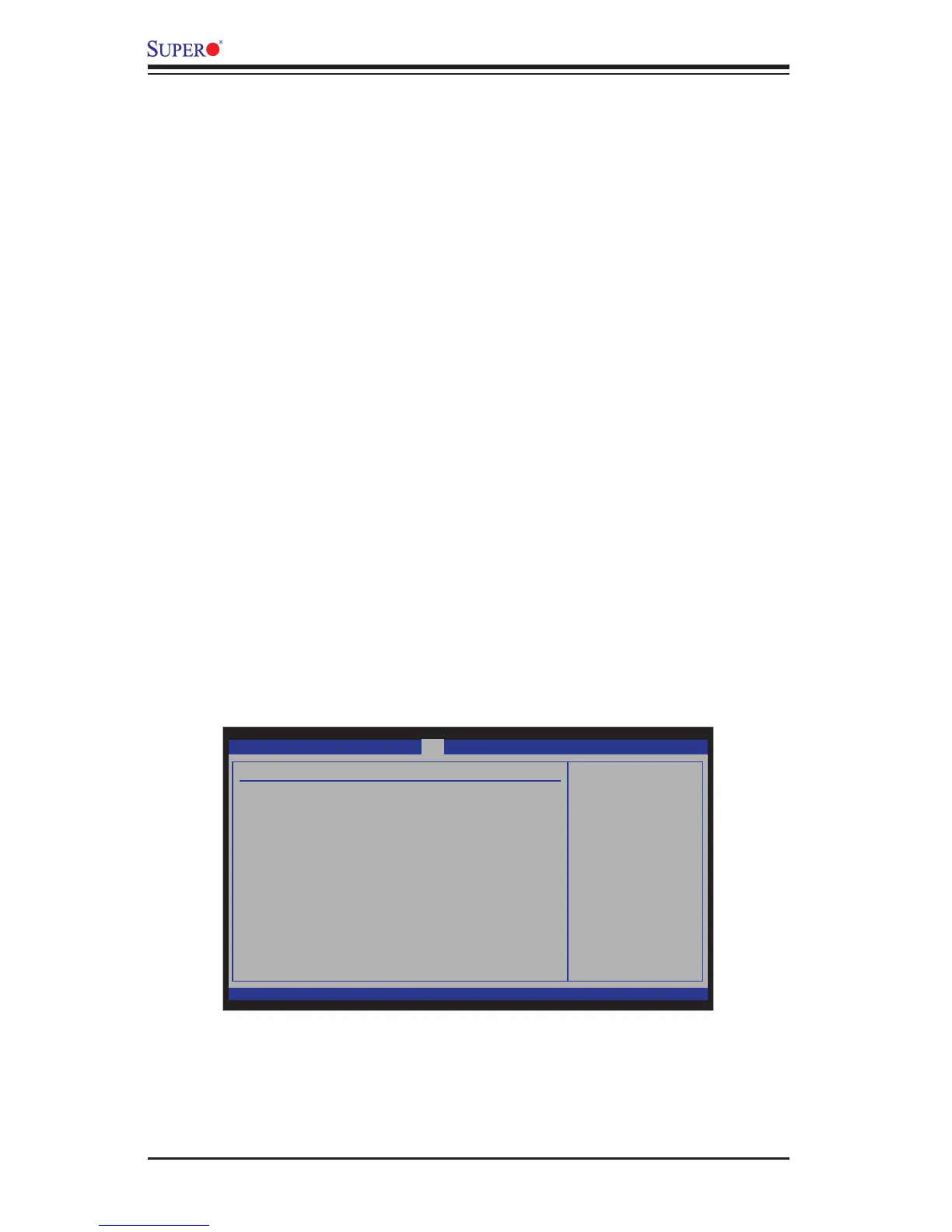
4-5 Boot Confi guration
Use this feature to confi gure boot settings.
BIOS SETUP UTILITY
Main Advanced
Security
Boot
Exit
vXX.XX (C) Copyright 1985-2009, American Megatrends, Inc.
Boot Settings
Boot Device Priority
Hard Disk Drives
Removable Drives
Specifies the
Boot Device
Priority sequence.
Select Screen
Select Item
+- Change Field
Tab Select Field
F1 General Help
F10 Save and Exit
ESC Exit


 To Next Page