18Chapter 3
KeyBoxes
4. Connect your eKEY Adapter to your iPhone if it’s not already connected and select Begin.
5. Point the infrared port on the eKEY Adapter at the infrared lens on the iBox or iBox BT.
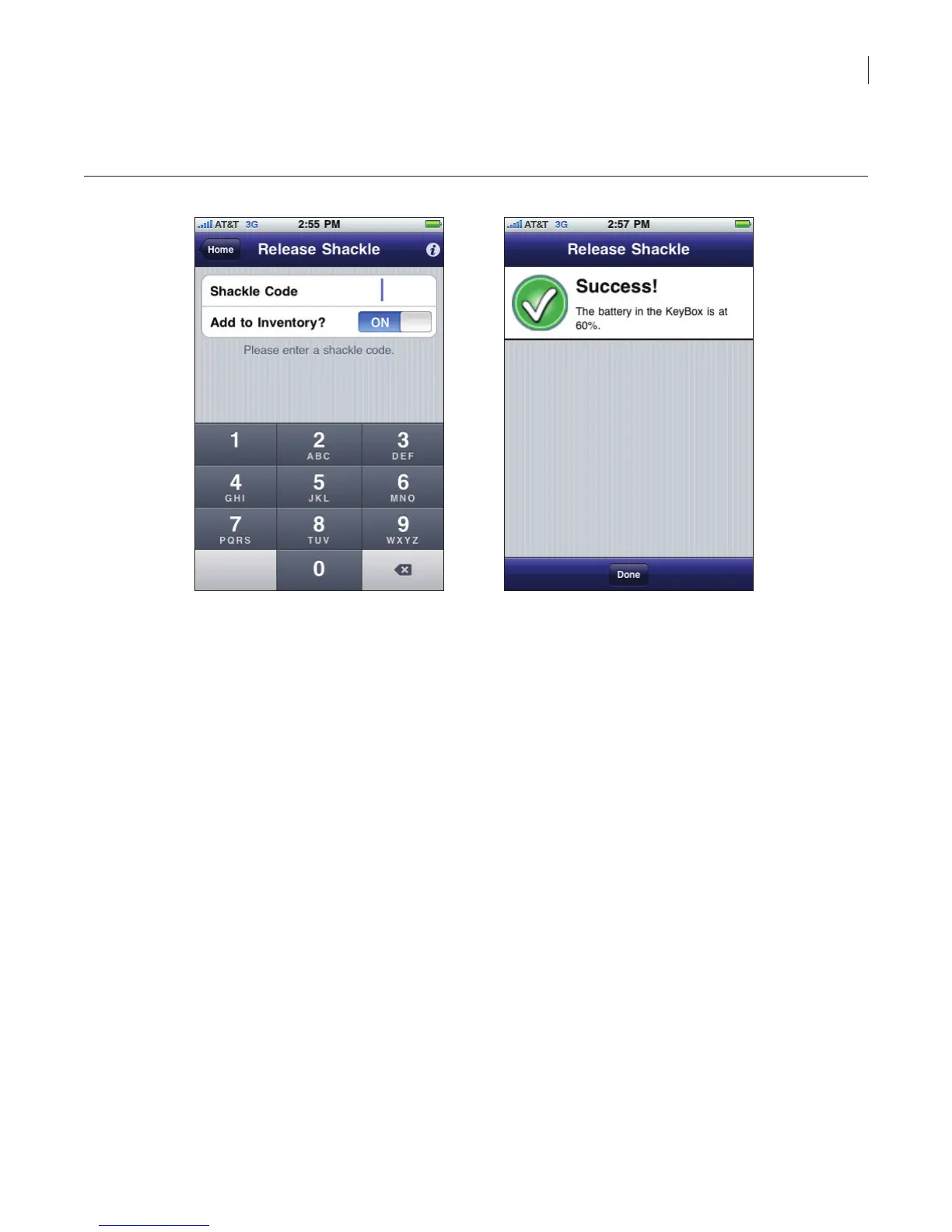
Figure 14. Open Shackle
6. For an iBox, the shackle pops open. To remove the shackle completely, repeat steps 1 through
5 in the above section while providing upward pressure on the shackle so it can pop out of the
iBox.
For an iBox BT, press down on the shackle with one hand while supporting the bottom of the
iBox BT with the other hand. Then pull up on the shackle to remove it completely from the iBox
BT.
7. Upon success, the shackle releases and the battery level in the iBox is shown.
When you release the shackle on an iBox, the iBox is automatically added to your inventory and you
are taken to the Keybox Details screen where you can edit the settings in the iBox unless you uncheck
Add to Inventory. Immediately after releasing the shackle the iPhone connects to the network and
sends the current inventory information about the iBox. (See iBox Inventory below for more information
about your keybox inventory.)



 To Next Page