38Chapter 4
MLS Data
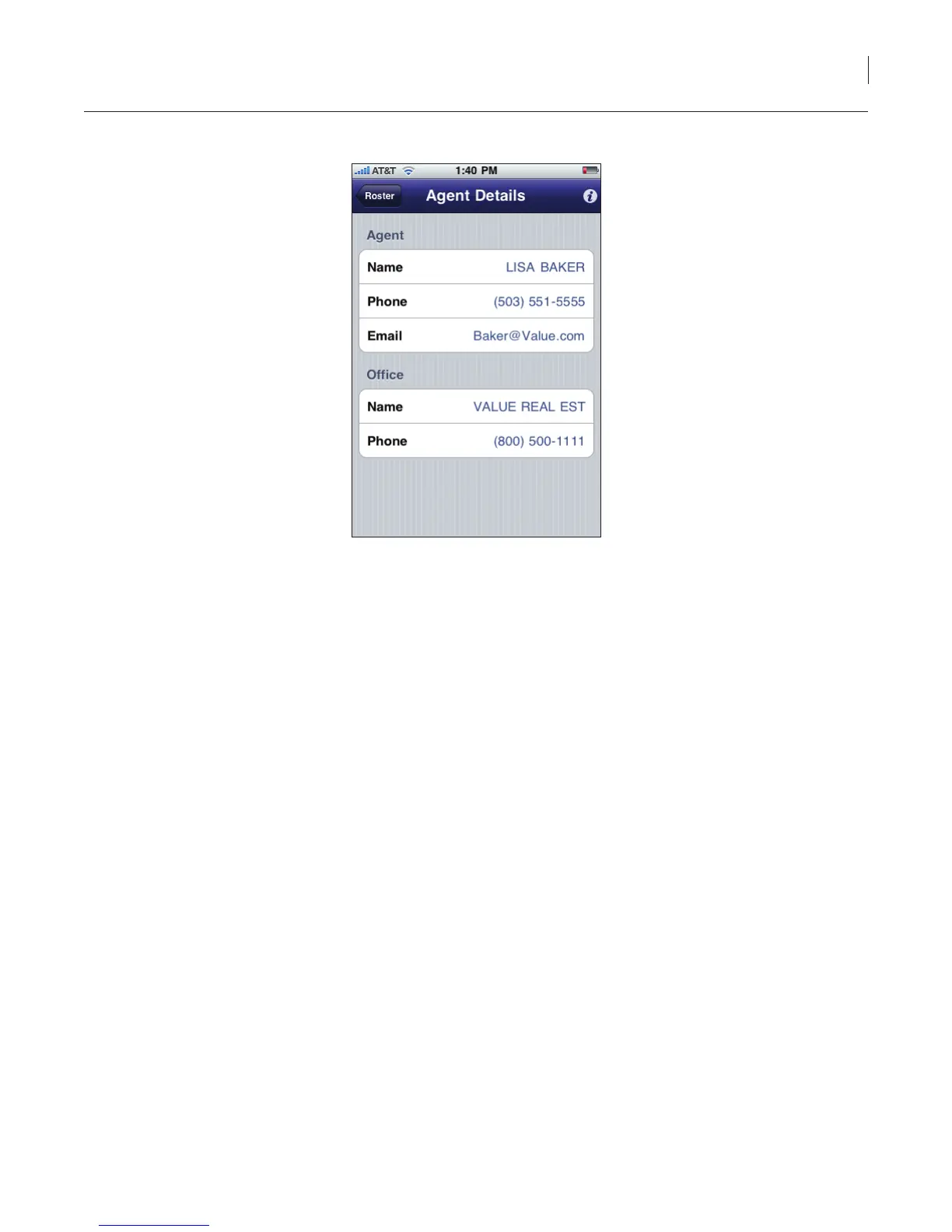
Figure 33. Agent Details
6. To contact the agent, select the phone number or email address shown.
Delete Roster
The roster can be deleted off of your iPhone:
1. On your iPhone, select the eKEY icon to open the eKEY application.
2. Select Settings.
Note: If you have eKEY Professional, the Settings icon is on the second page of icons.
3. Select Delete Roster.
4. Select Yes to conrm deleting the roster.



 To Next Page