36Chapter 4
MLS Data
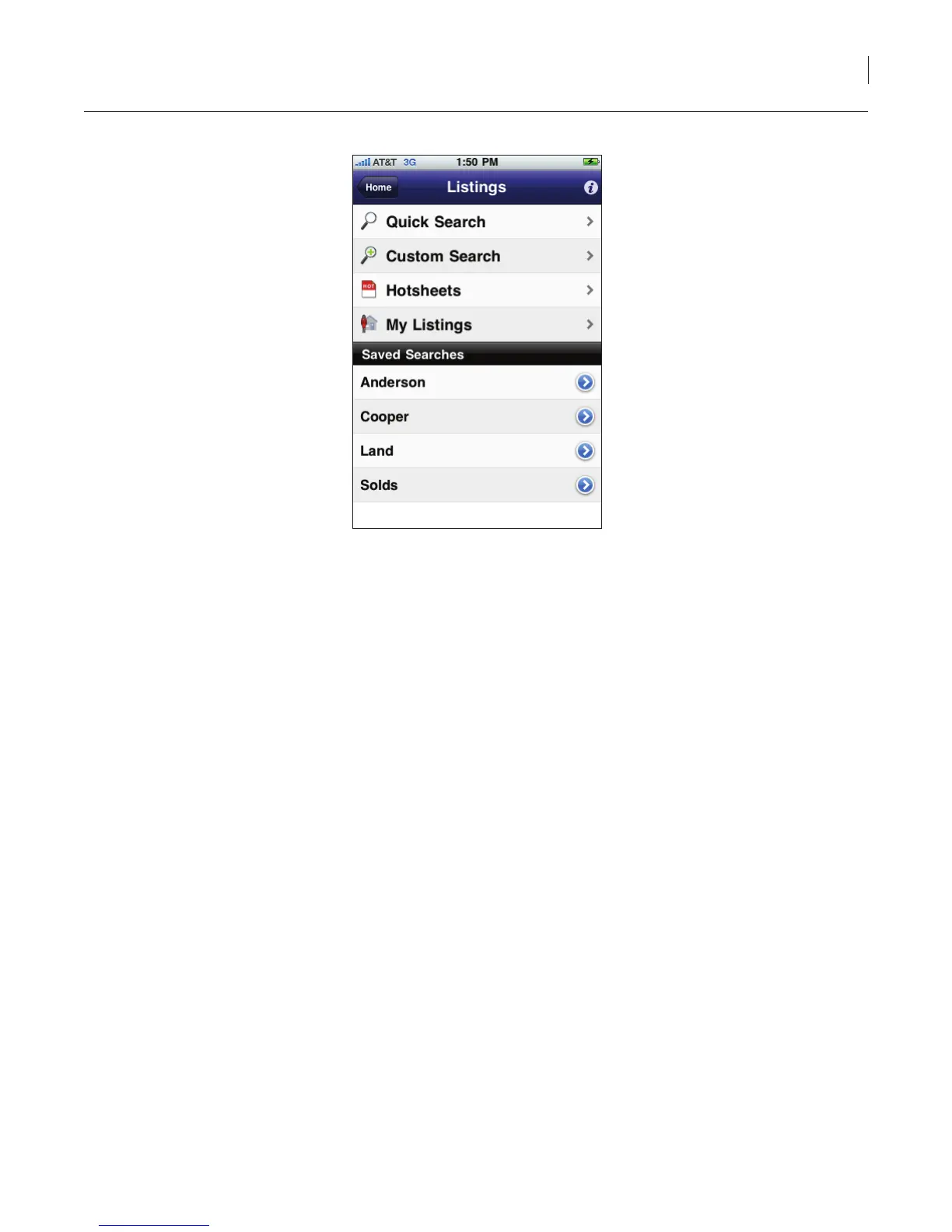
Figure 31. List of Saved Proles
3. Select the saved search.
4. The listings in your market area that match the criteria you selected for the saved search are
displayed.
To edit or delete a saved search:
1. Select the eKEY icon to open the eKEY application.
2. Select the Listings icon. The list of saved searches you have created is displayed.
3. Select the arrow to the right of the saved search name.
4. Make any changes to your custom search and click Save or click Delete to delete the saved
search.
Delete Listings
The listings can be deleted off of your iPhone:
1. On your iPhone, select the eKEY icon to open the eKEY application.
2. Select Settings.
Note: If you have eKEY Professional, the Settings icon is on the second page of icons.
3. Select Delete Listings.
4. Select Yes to conrm deleting listings.



 To Next Page