35Chapter 4
MLS Data
• Call the listing agent by selecting the agent’s phone number
• Email the listing agent by selecting the agent’s email address
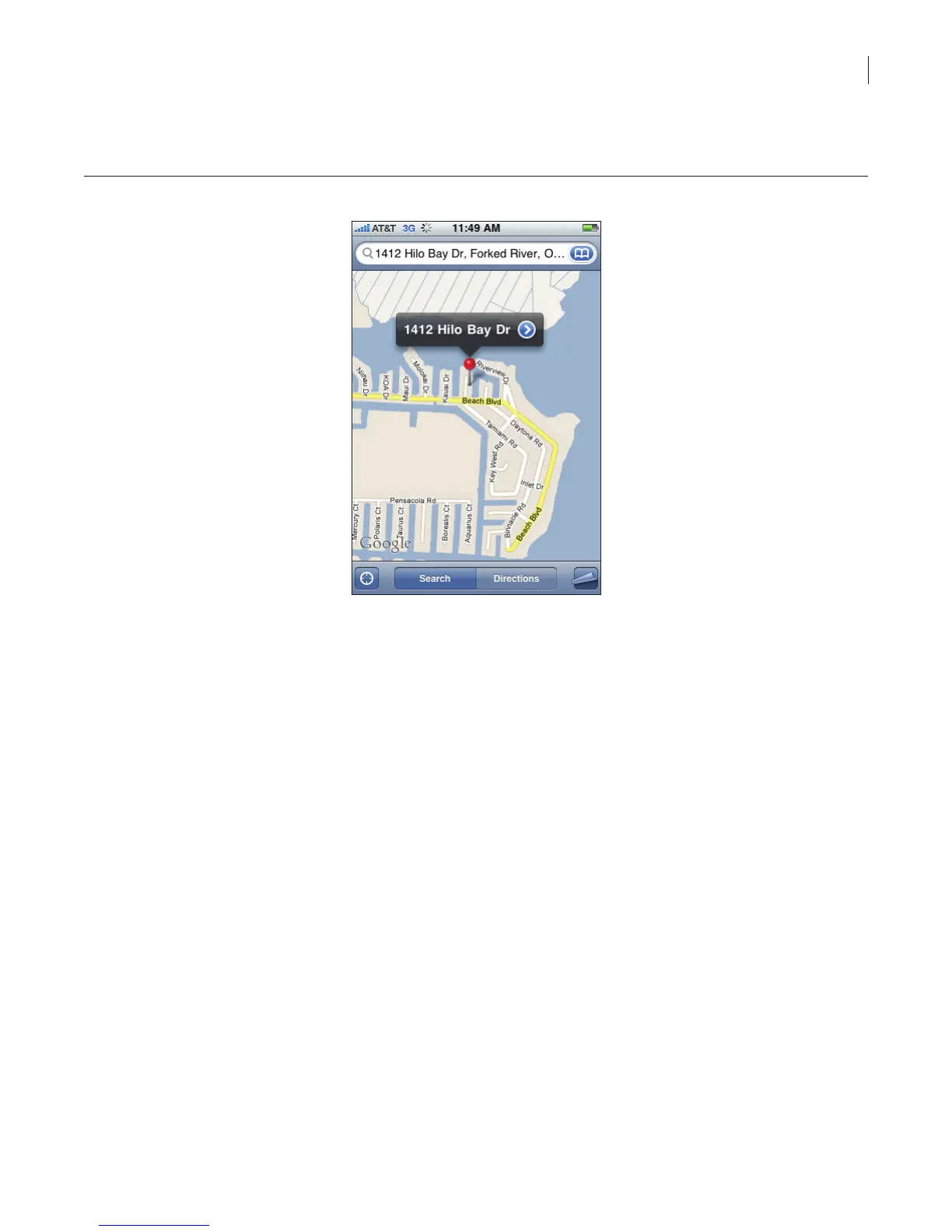
Figure 30. Map view
Saved Searches
Saved searches are custom searches that you have saved. Tapping a saved search runs the search
and returns your results.
To create a saved search:
1. Select the eKEY icon to open the eKEY application.
2. Select the Listings icon.
3. Select Custom Search.
4. Select the criteria for your search.
Tip: To clear any search criteria you’ve entered, select Clear All at the bottom of the screen.
5. Select Save.
6. Enter a name for the search.
To run a saved search:
1. Select the eKEY icon to open the eKEY application.
2. Select the Listings icon. The list of saved searches you have created is displayed.



 To Next Page