29Chapter 4
MLS Data
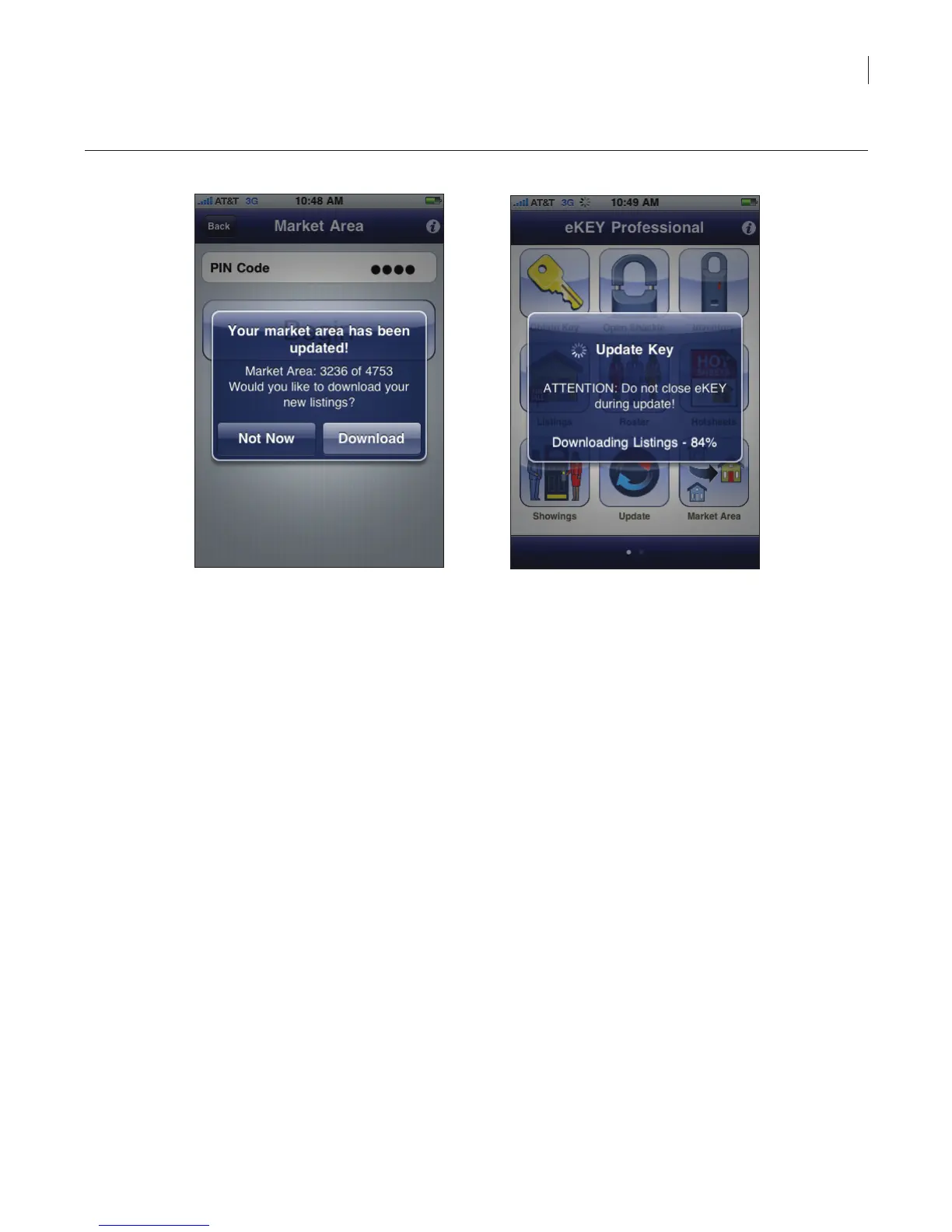
6. Select Download to download the listings in your market area to your iPhone.
Figure 23. Downloading Listings
Update Listings
Once you have set up your market area, the listings and roster are updated when the eKEY software
updates the rst time each day (see Updating on page 9).
Important! The listings are pulled from the MLS to the Supra network daily. Updating the eKEY
software more than once a day does not update.
View Listings
There are several ways to view the MLS listings in the eKEY software.
• Quick Search – Search for listings by address, zip code, or MLS ID number
• Custom Search – Search for listings that match specic criteria
• Hotsheets — View Hotsheet listings
• My Listings – View your personal listings
• Saved Searches – Create and save custom searches



 To Next Page