30Chapter 4
MLS Data
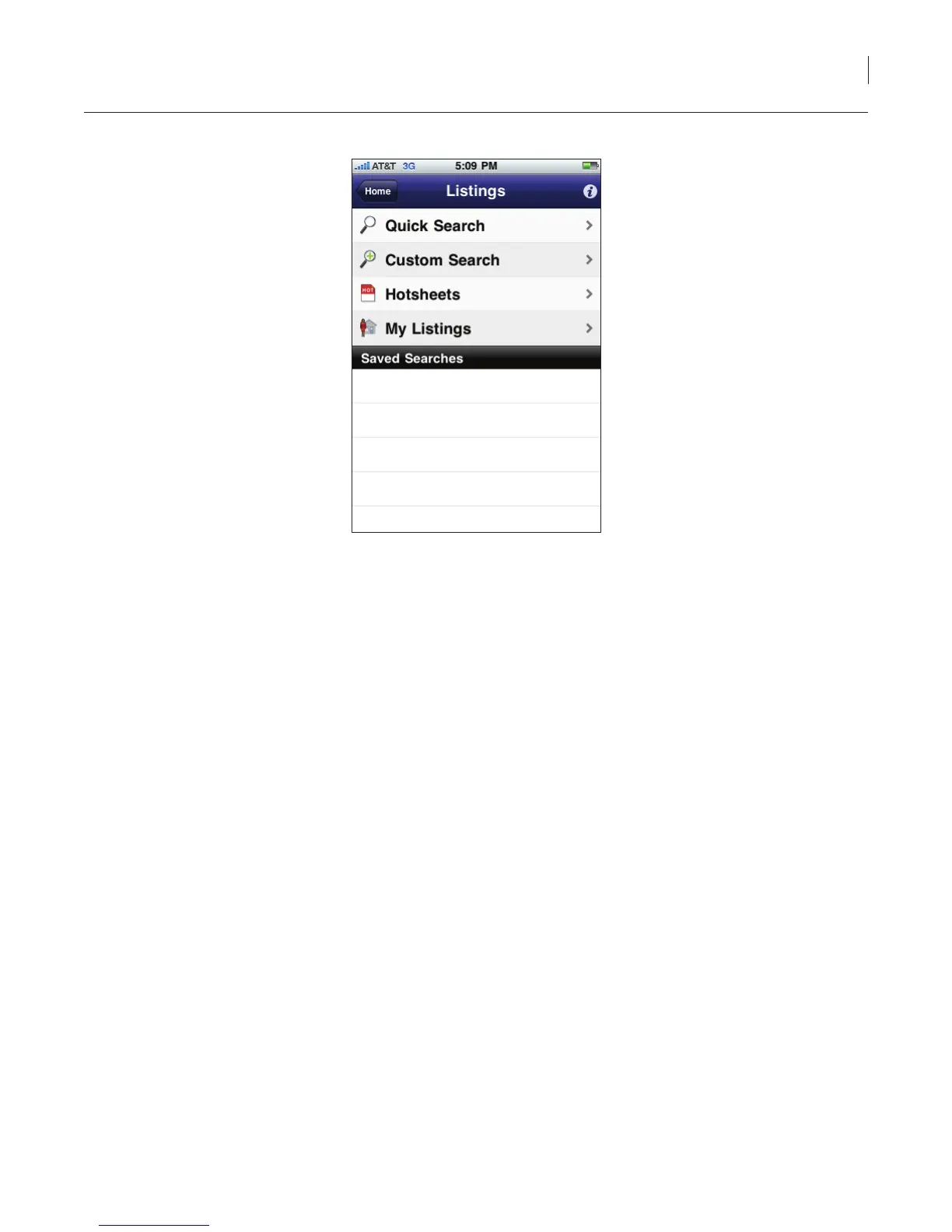
Figure 24. Listings Options
Quick Search
The Quick Search allows you to quickly search for listings by entering part or all of a street address
or MLS ID. You can also perform a quick search by zip code if the zip code is included in the listing
address.
To do a quick search of the listings in your market area:
1. Select the eKEY icon to open the eKEY application.
2. Select the Listings icon.
3. Select Quick Search.
4. Enter part or all of street address or MLS ID number. The listings that match are displayed in
ascending price order.
5. Select a listing to view detailed information.



 To Next Page