31Chapter 4
MLS Data
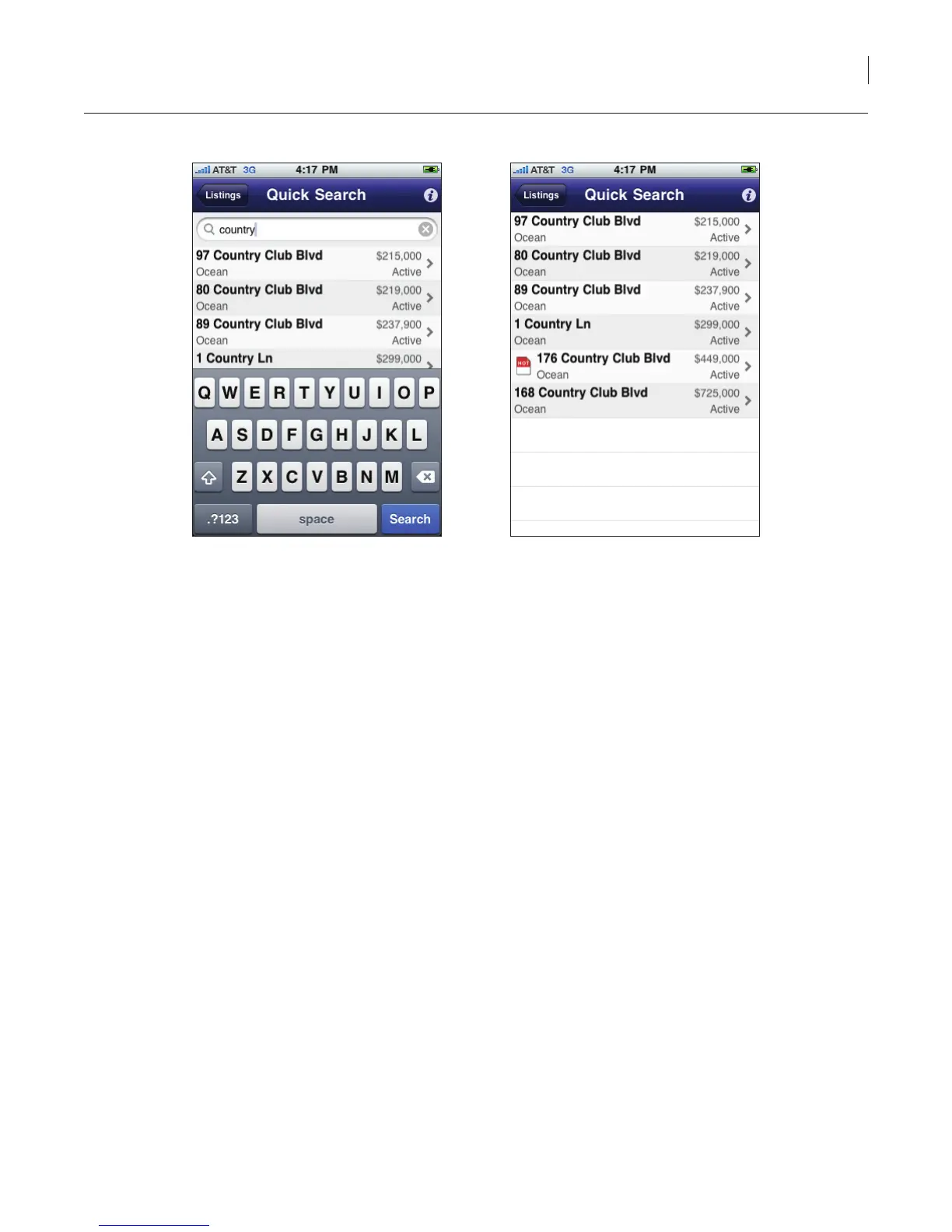
Figure 25. Quick Search
Hotsheet
The Hotsheet displays new listings or listings that have had a chance to their price or status in the last
three days.
To display listings in your market area that are on the Hotsheet:
1. Select the eKEY icon to open the eKEY application.
2. Select the Hotsheets icon. The Hotsheet listings within your market area are displayed.
Note: You can also select the Listings icon and then select Hotsheets.
3. Select a listing to view detailed information.



 To Next Page