32Chapter 4
MLS Data
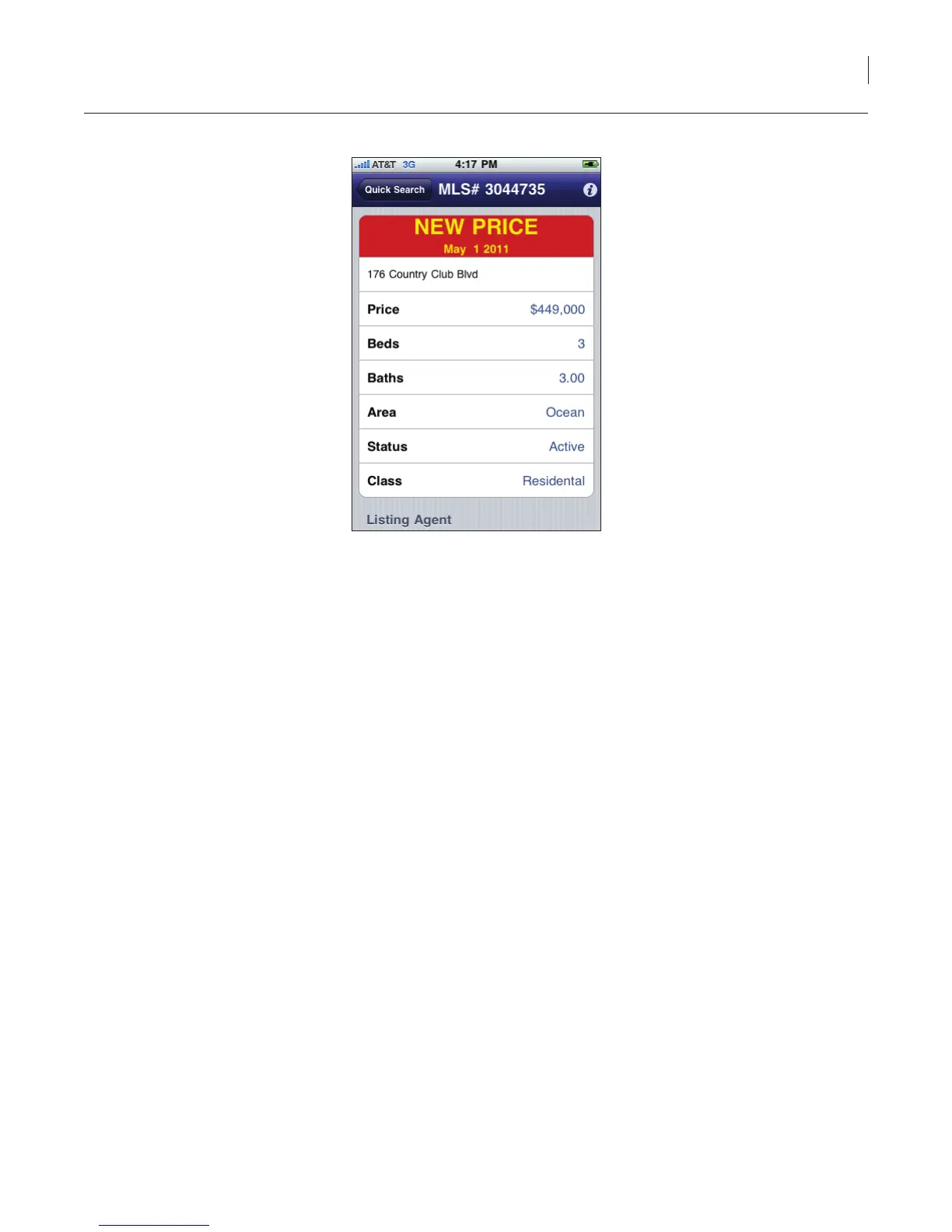
Figure 26. Hotsheet — New Price
Personal Listings
Personal listings displays all of your personal listings within the market area you have selected.
To display your personal listings:
1. Select the eKEY icon to open the eKEY application.
2. Select the Listings icon.
3. Select My Listings. All of your personal listings within the market area you have selected are
displayed.
4. Select a listing to view detailed information.
Custom Search
The Custom Search allows you to search for specic listings in your market area. Custom searches can
also be saved.
To perform a custom search:
1. Select the eKEY icon to open the eKEY application.
2. Select the Listings icon.
3. Select Custom Search.
4. Select the criteria for your search. Some elds allow you to choose specic criteria from a list
while others allow you to select a range or input specic text. The more search criteria you
select, the more specic your results will be.



 To Next Page