33Chapter 4
MLS Data
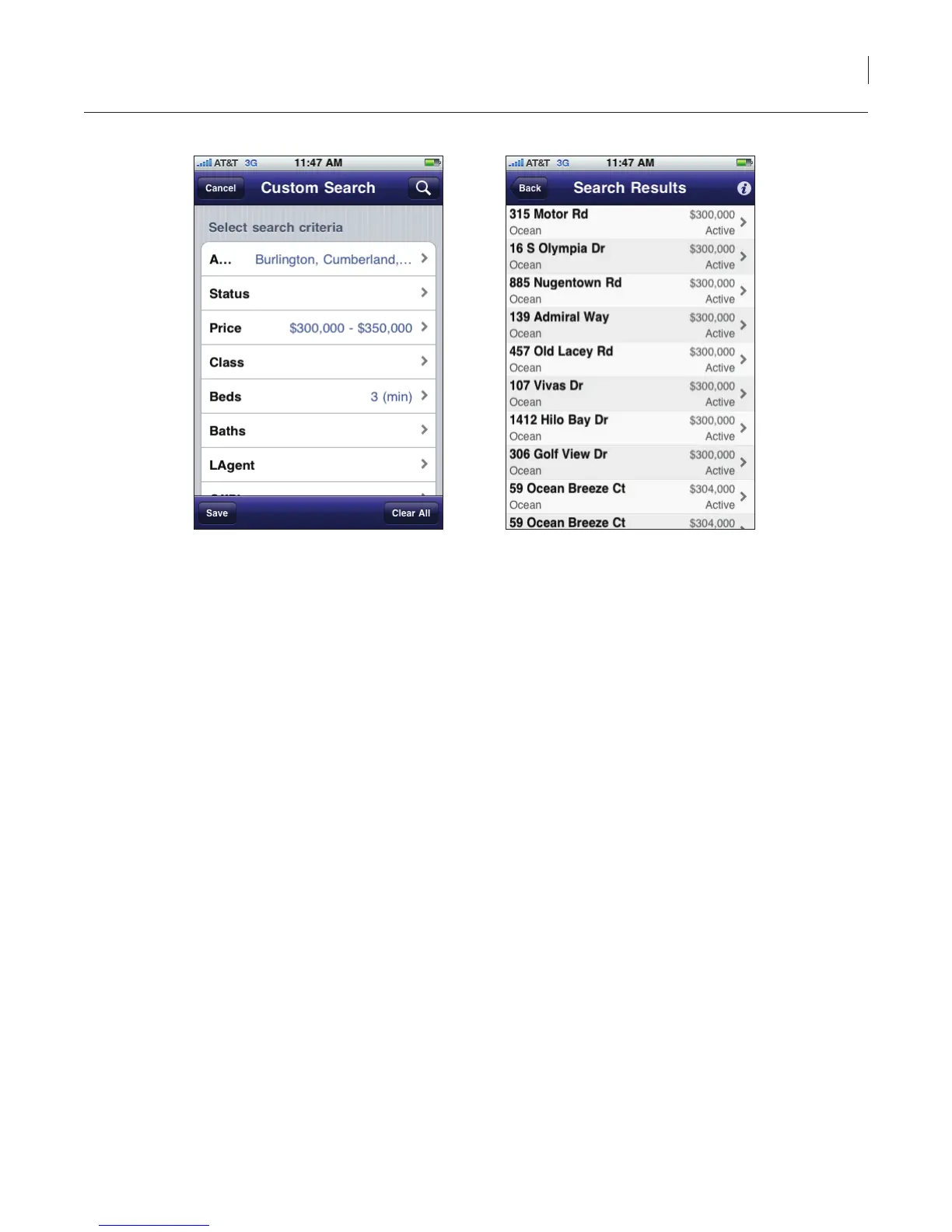
Figure 27. Custom Search
5. Select the search button in the upper right corner of the screen. All of the listings within the
market area you have selected are displayed.
6. Select a listing to view detailed information.
Tip: If your search returns more than 25 records, tap the Load 25 More button at the bottom of the
screen.
Listing Details
Listings that match the search criteria are displayed in a list view. The listings are sorted by price in
ascending order. Hotsheet listings are designated with a hotsheet icon.



 To Next Page