37Chapter 4
MLS Data
Roster
The eKEY software provides a roster of the members in your Association/Board/MLS. The roster data is
updated during the rst eKEY software update of any given day.
View Roster
To view the roster:
1. On your iPhone, select the eKEY icon to open the eKEY application.
2. Select the Roster icon.
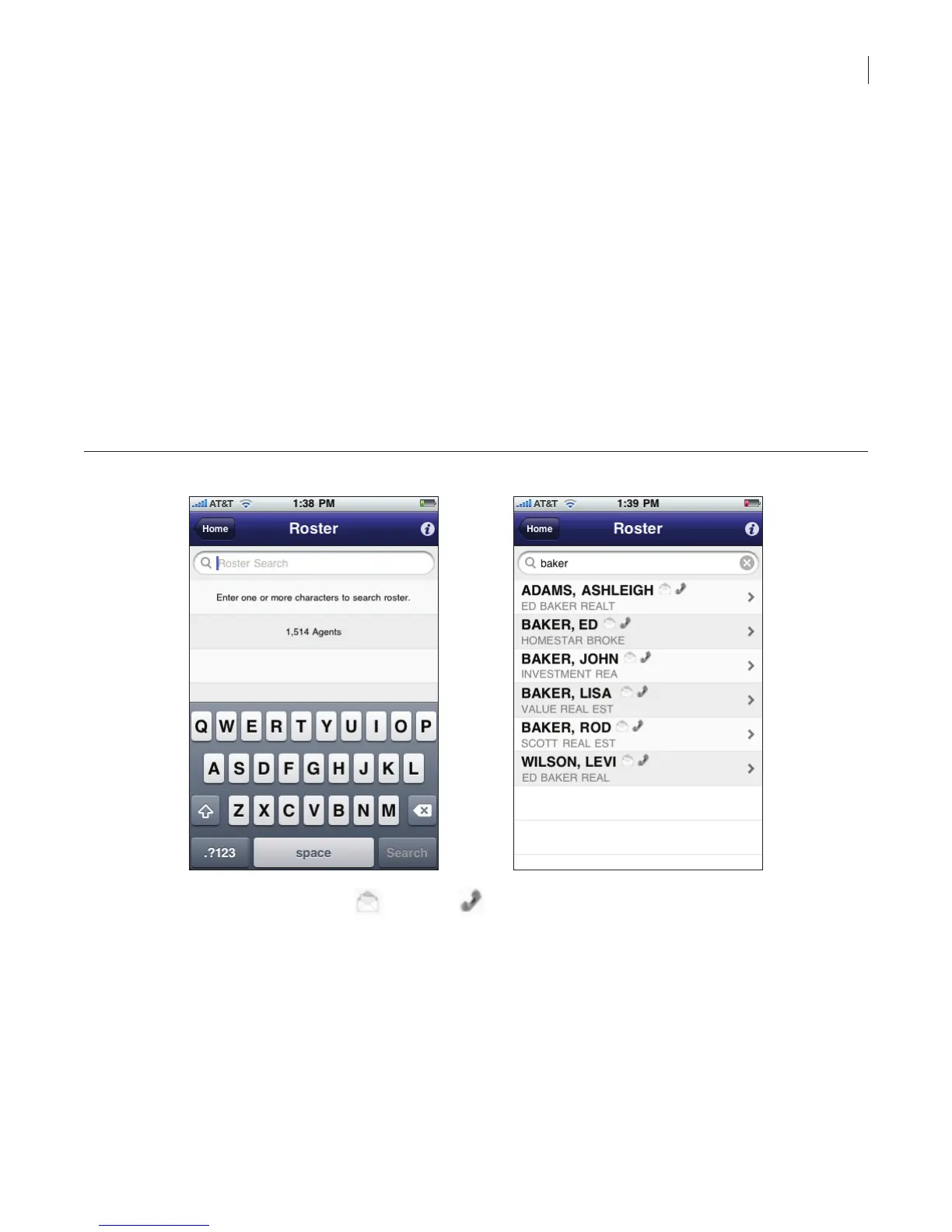
3. To search for an agent, enter part or all of the agent’s name.
The eKEY software automatically lters and displays the search results as you enter the criteria.
All agents that have the search criteria you enter in their rst name, last name, or ofce name are
displayed.
Figure 32. Roster search and view
4. Roster entries with an email or phone icon next to their name indicate email or phone
information is available.
5. To view the detailed contact information, select the agent.



 To Next Page