43Chapter 5
Showing Activity
DisableeKEYShowingNotications
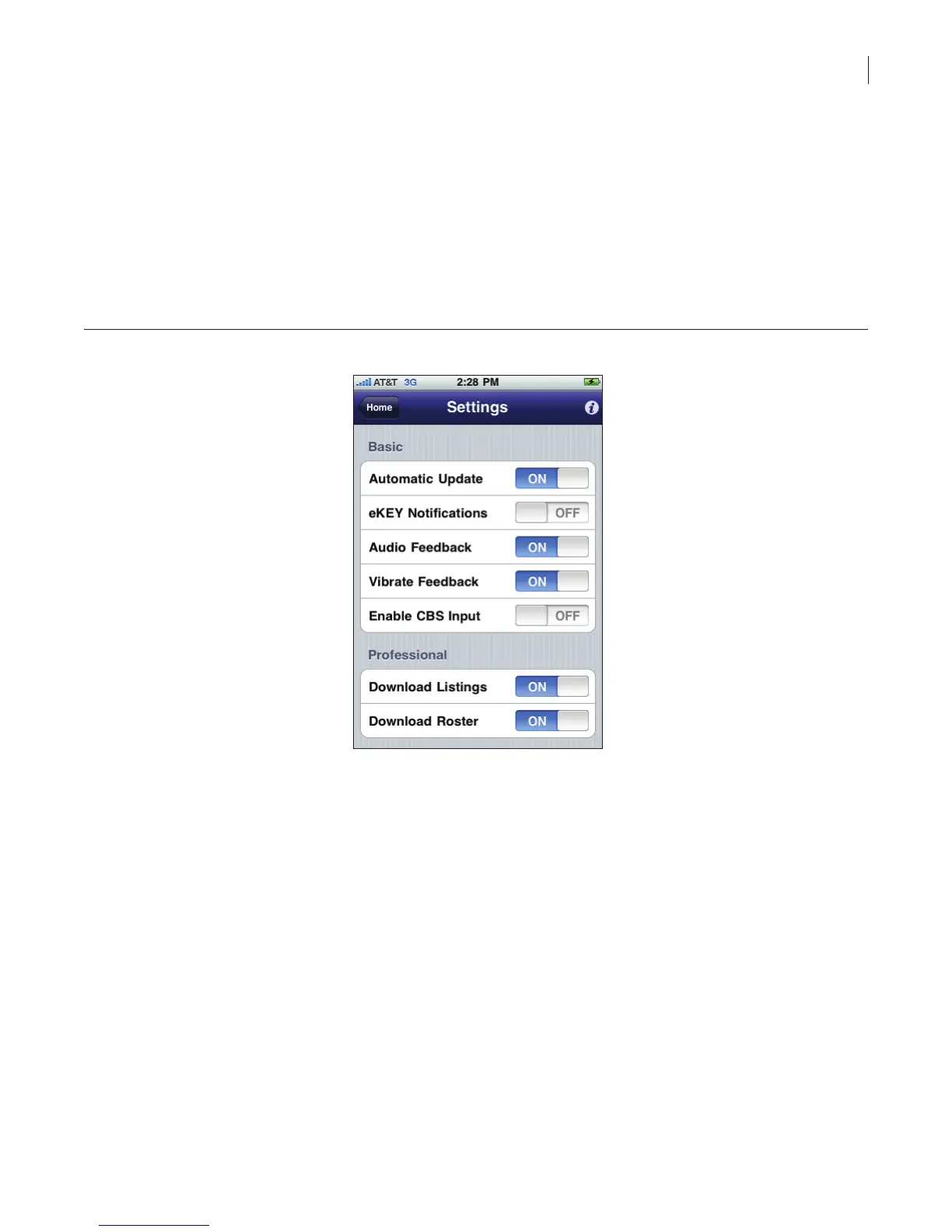
You can disable the automatic showing notications. To disable the automatic showing notication:
1. Select the eKEY icon to open the eKEY application.
2. Select Settings.
Note: If you have eKEY Professional, the Settings icon is on the second page of icons.
3. Turn the eKEYNotications option off.
4. Select Home to return to the eKEY menu.
Figure 37. Disable eKEY Notications
Update Listing ID
Update the listing ID whenever a keybox is placed on a listing or removed from a listing to keep your
keybox showing reports accurate.
To update the listing ID when placing a keybox on a listing, see Change Keybox Settings on page 22
for more information. You can also enter the listing ID at SupraWEB by selecting the keybox from the
Assign Listing link and entering the information.



 To Next Page